Quick Power Checklist:
- Try a different MFi-certified cable and adapter
- Clean the iPhone charging port carefully
- Restart your iPhone to fix temporary software bugs
- Make sure your iPhone is not overheating
How to Fix iPhone Not Charging (Step-by-Step)
1 Clean the Charging Port Properly
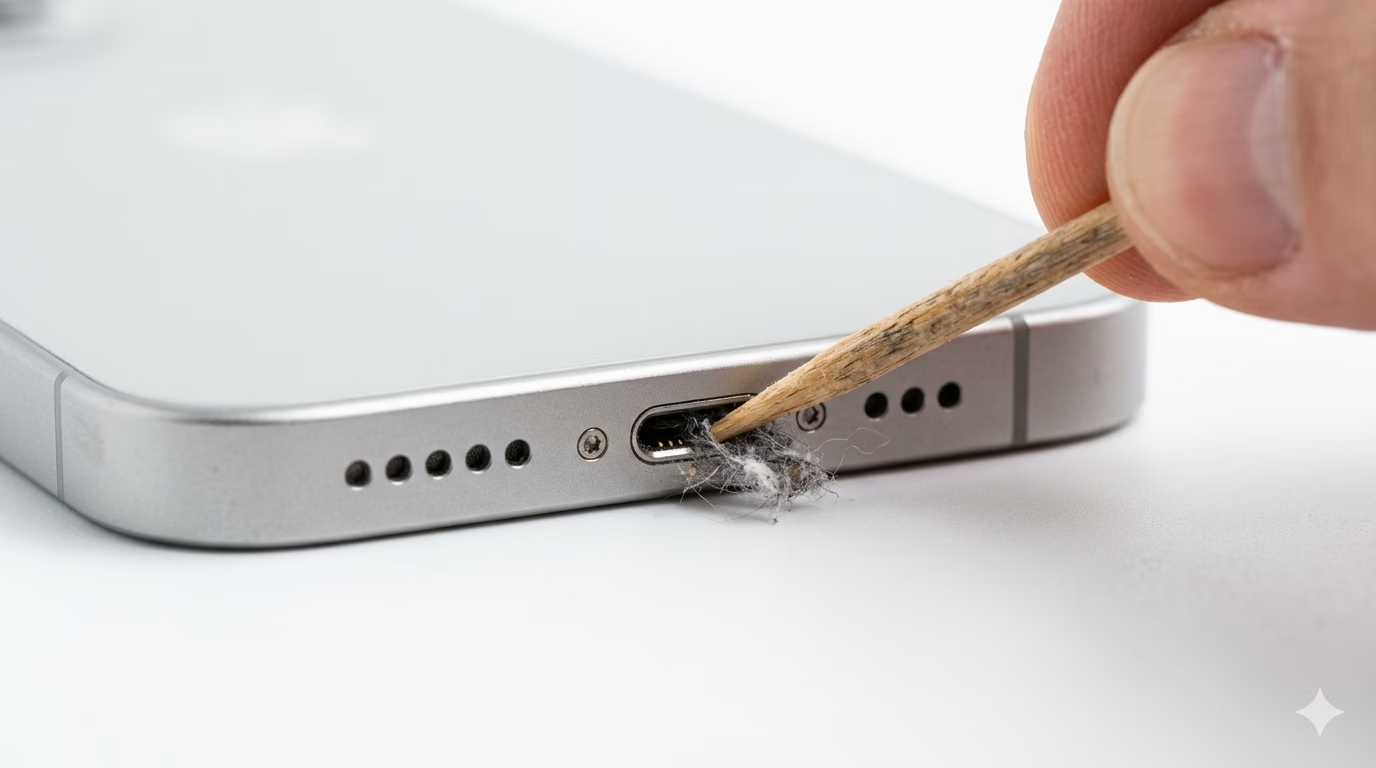
The most common reason an iPhone is not charging is a dirty charging port. Pocket lint, dust, and debris can block the connector and stop proper contact. Use a wooden toothpick or a soft brush to gently clean inside the port. Avoid using metal tools as they can damage internal pins.
After cleaning, plug your cable again and check if the connection feels tight. If your iPhone starts charging normally, the issue was simply dirt buildup.
2 Check Your Cable and Adapter
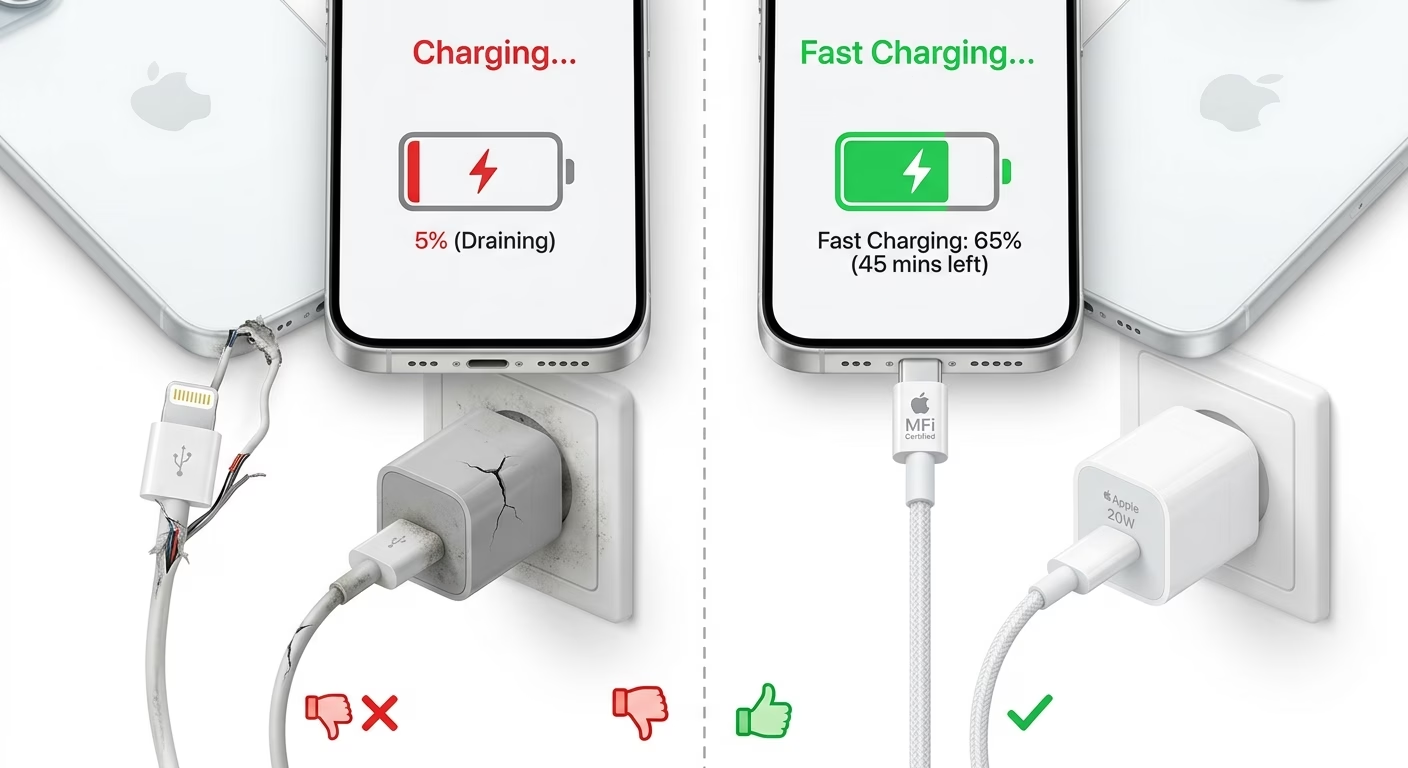
Using a damaged or low-quality cable is another major reason why your iPhone won’t charge. Always use an Apple-certified (MFi) cable and a good-quality adapter. Cheap cables often fail to deliver proper power.
Try another cable and adapter. If your iPhone starts charging, your previous accessory was faulty.
3 Force Restart Your iPhone
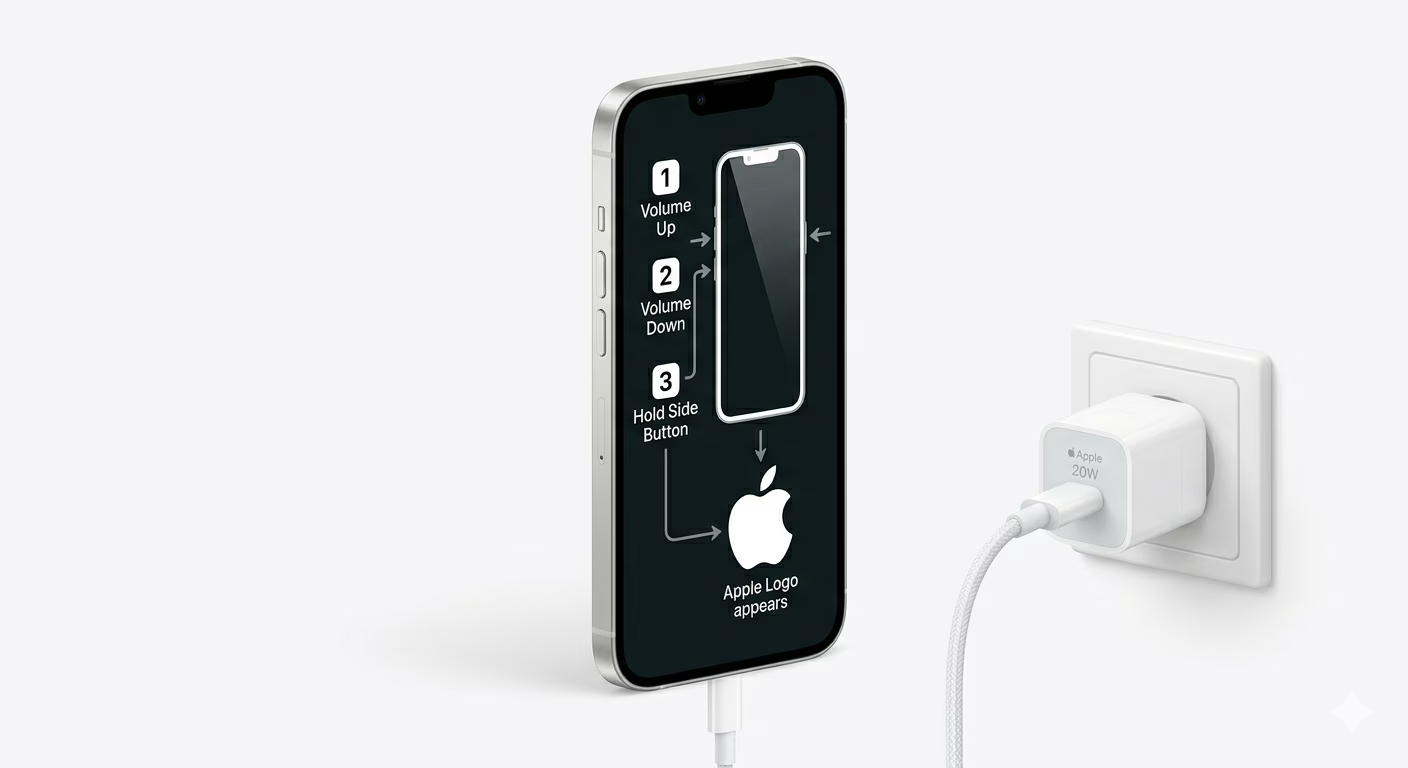
Sometimes a software bug can stop your iPhone from detecting power. A force restart refreshes the system and fixes minor glitches.
Quickly press Volume Up, then Volume Down, and hold the Side Button until the Apple logo appears. This method works for most modern iPhones.
4 Disable Optimized Charging Settings
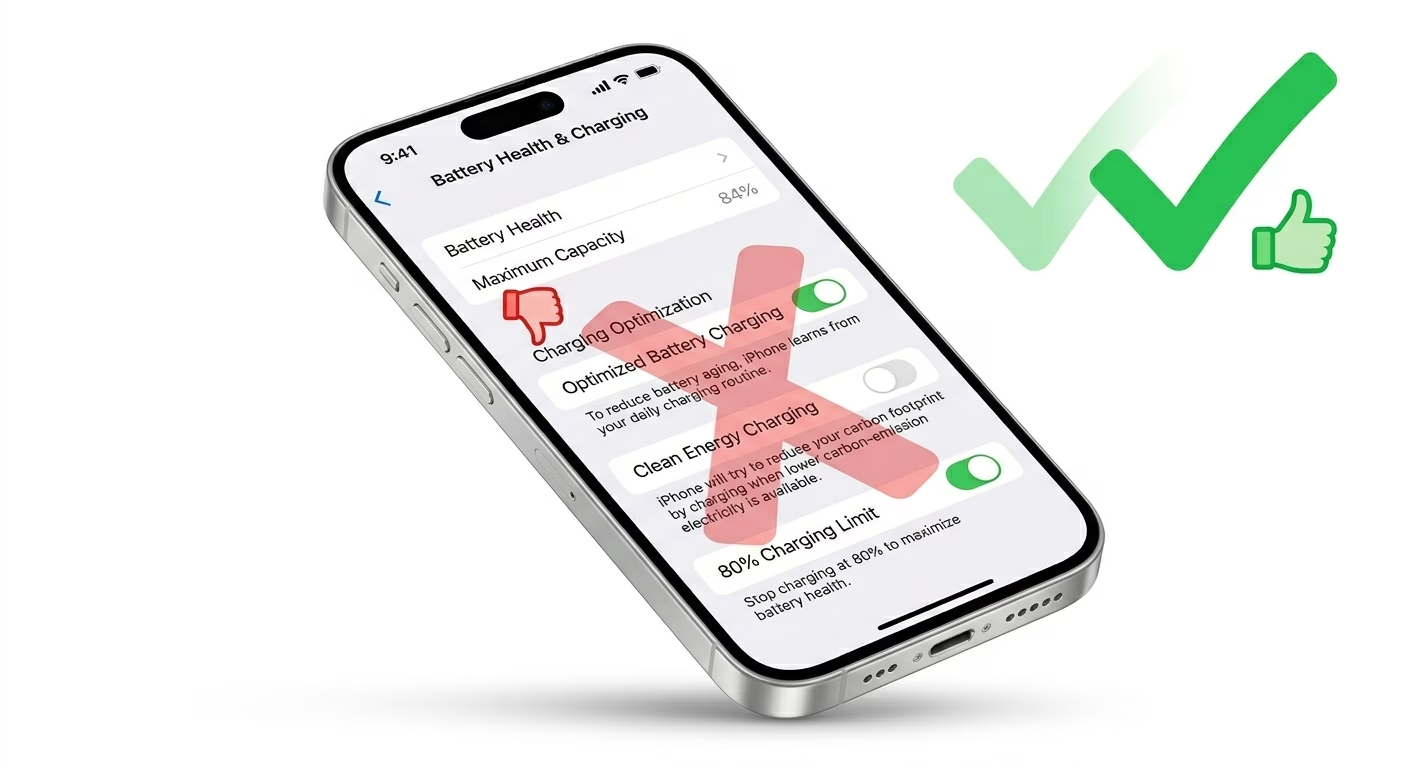
If your iPhone stops charging at 80%, it’s not a fault. It’s a feature called Optimized Battery Charging or Clean Energy Charging in iOS 18.
Go to Settings → Battery → Battery Health & Charging and turn it off temporarily to allow full charging.
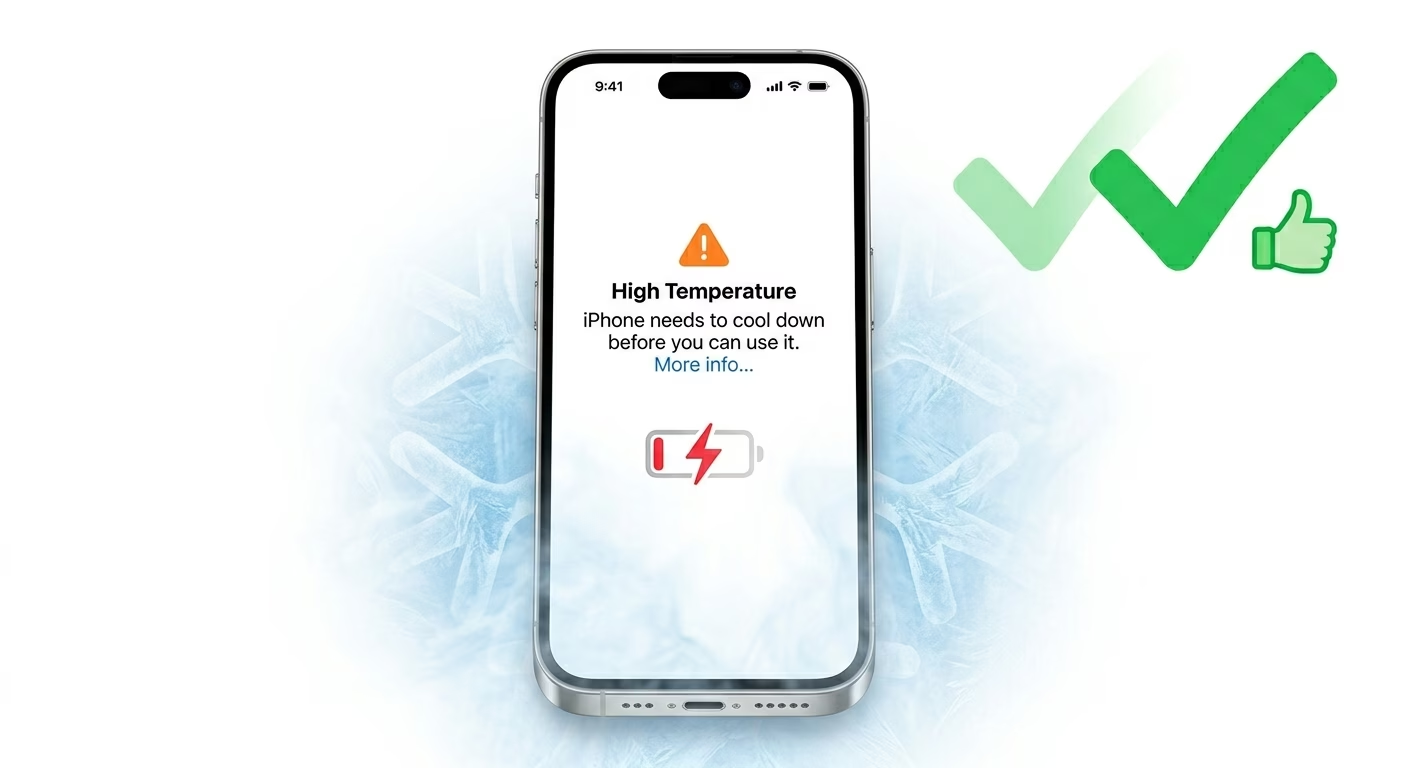
5 Check for Overheating Issues
Your iPhone will stop charging if it gets too hot. Remove the case and let it cool down. Charging will resume automatically once the temperature returns to normal.
If your phone frequently heats up, check our detailed guide on iPhone overheating fixes.
Why Your iPhone Is Not Charging
- Dirty charging port: Most common cause
- Broken cable or adapter: Cheap accessories fail easily
- iOS 18 bugs: Software issues can interrupt charging
- Overheating: Charging pauses at high temperatures
- Battery health issues: Older batteries charge slowly
Pro Tips to Fix Charging Faster
- Use a 20W fast charger for better performance
- Avoid using your phone while charging
- Enable Airplane mode to speed up charging
- Keep your iPhone updated to the latest iOS version
Frequently Asked Questions
Why is my iPhone charging but very slowly?
This usually happens when you are using a low-power adapter. Switch to a fast charger (20W or higher) for better results.
Why does my iPhone stop charging at 80%?
This is due to Optimized Battery Charging in iOS 18. It helps extend battery life and is not a problem.
What if my iPhone still won’t charge?
If none of the fixes work, the issue may be hardware-related. In that case, visit an Apple service center for diagnosis.