Quick Cooling Checklist:
- Remove the phone case immediately
- Stop charging your iPhone temporarily
- Turn ON Airplane Mode
- Move your device away from heat or sunlight
How to Fix iPhone Overheating (Step-by-Step)
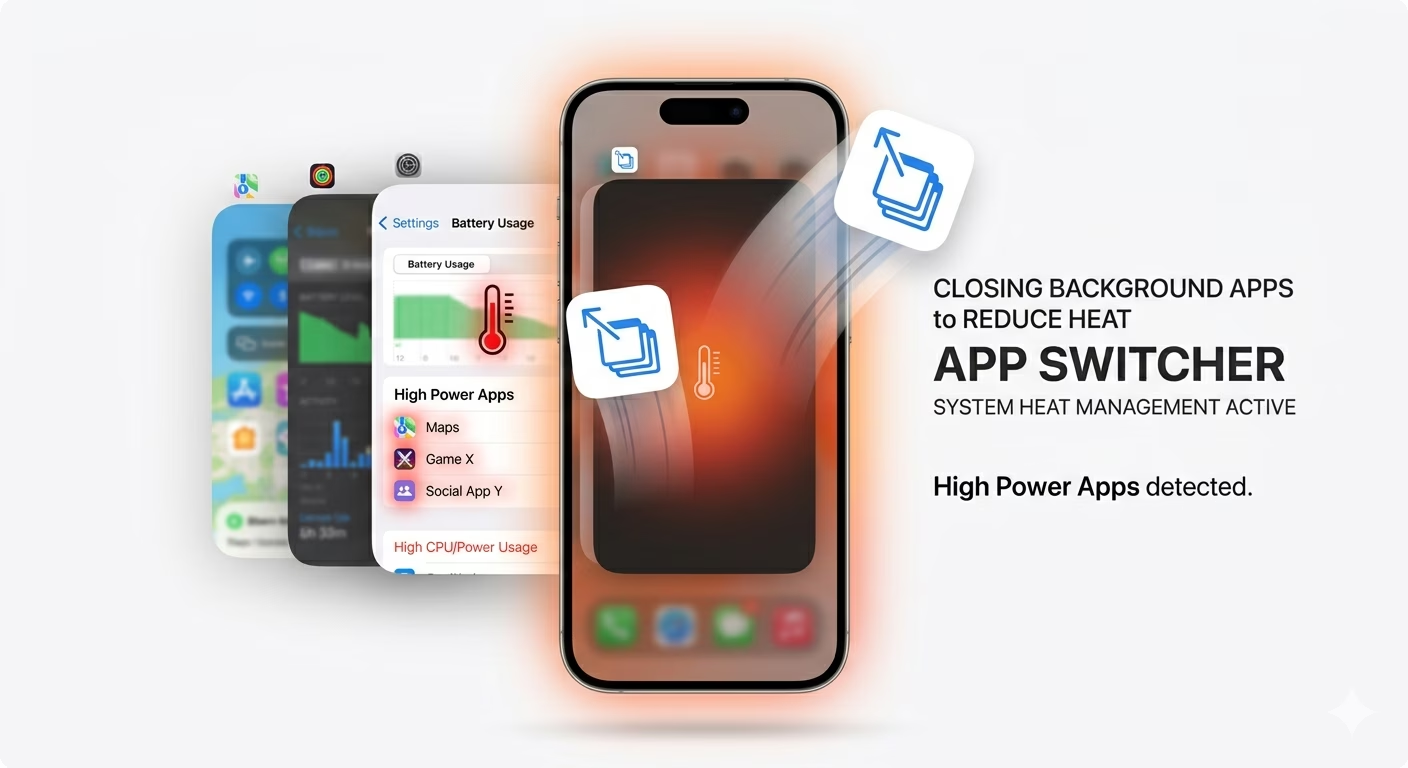
1 Close Background Apps
Running too many apps at once can overload your iPhone’s processor, causing it to heat up. Apps like games, video editors, or GPS-based apps use a lot of power.
Close all unnecessary apps from the background. You can also check battery usage in Settings → Battery to see which apps are consuming the most power.
2 Reduce Screen Brightness
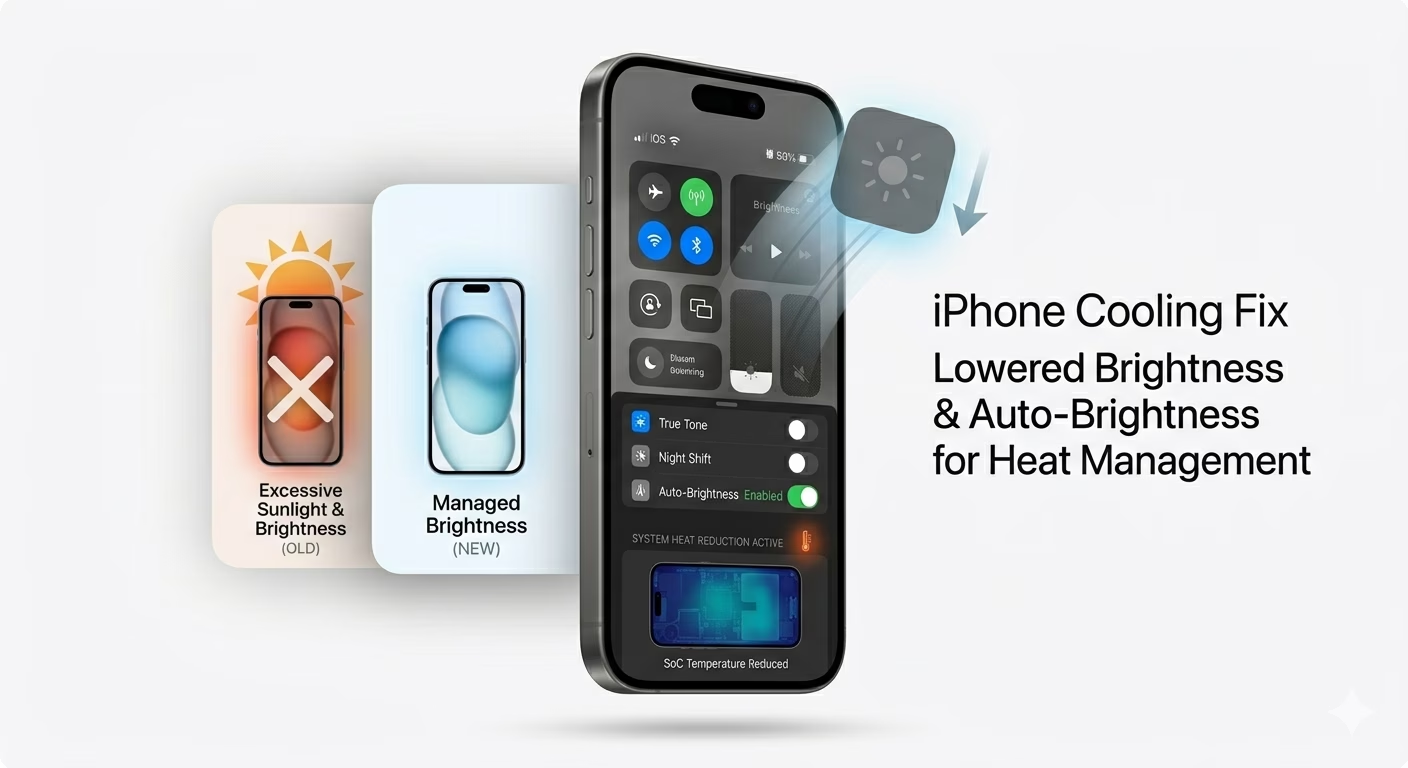
A high screen brightness level increases heat generation. Lower your brightness from Control Center and enable Auto-Brightness.
This simple step can significantly reduce overheating, especially during long usage.
3 Restart Your iPhone
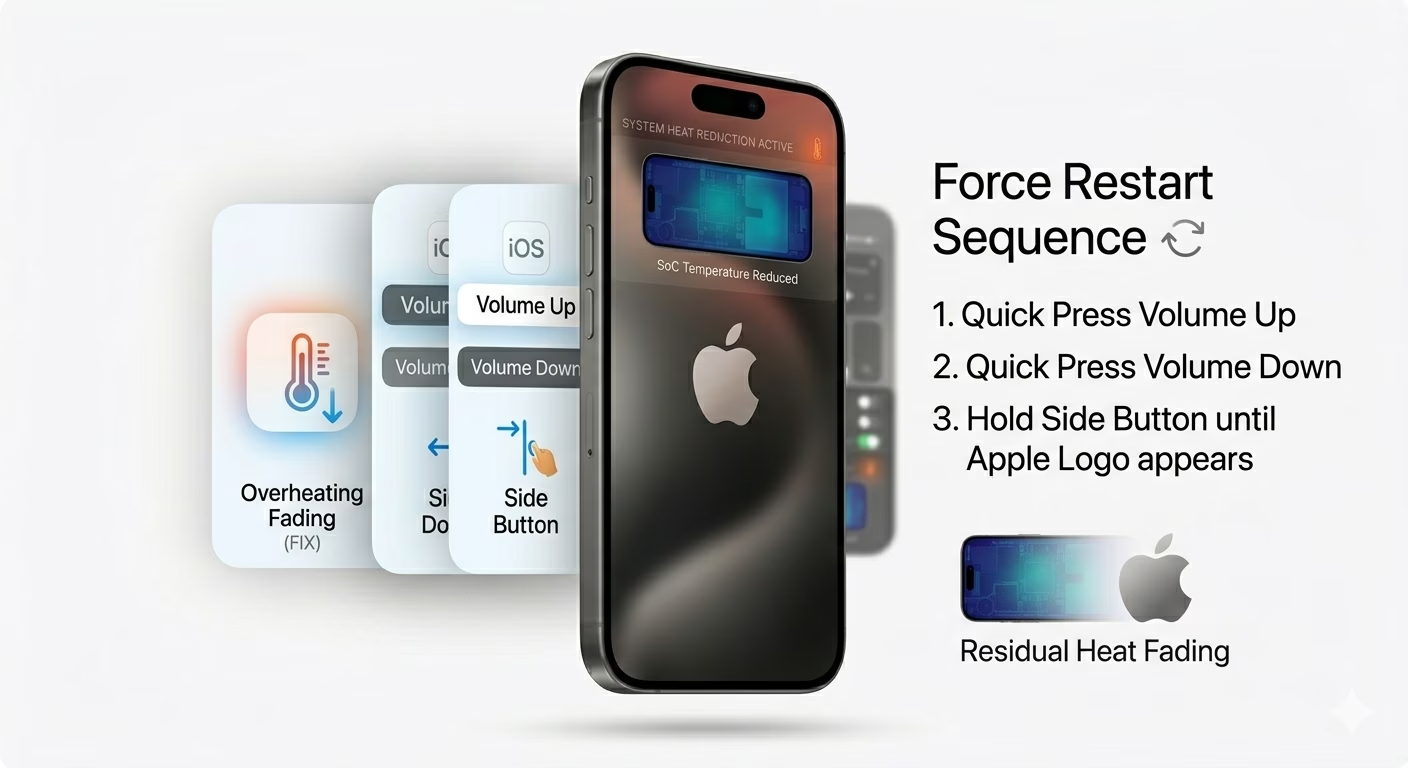
Sometimes a software glitch causes high CPU usage, which leads to overheating. Restarting your iPhone clears temporary processes and helps the system reset.
For best results, perform a force restart to fix hidden bugs.
4 Avoid Charging While Using
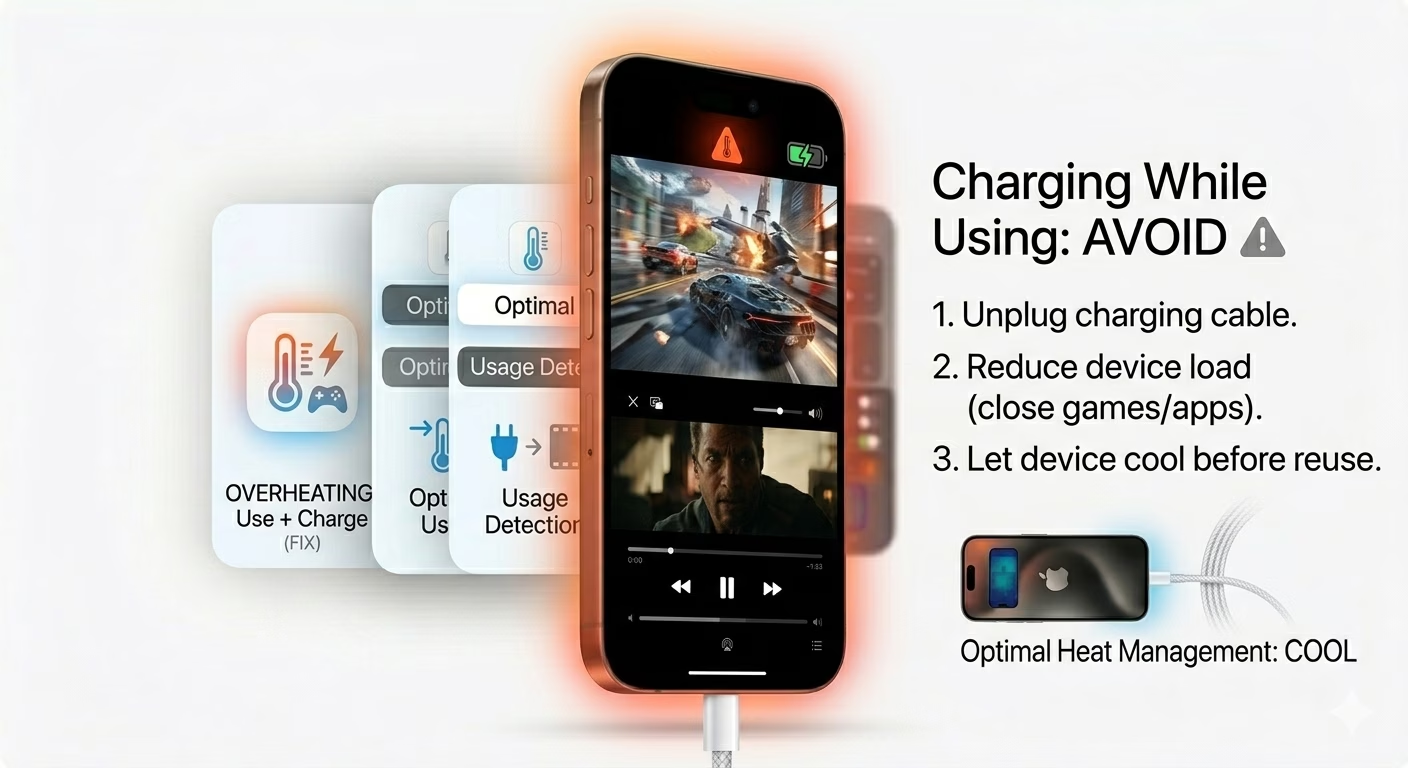
Using your iPhone while charging, especially for gaming or video streaming, generates a lot of heat.
Let your iPhone charge without using it to prevent overheating and protect battery health.
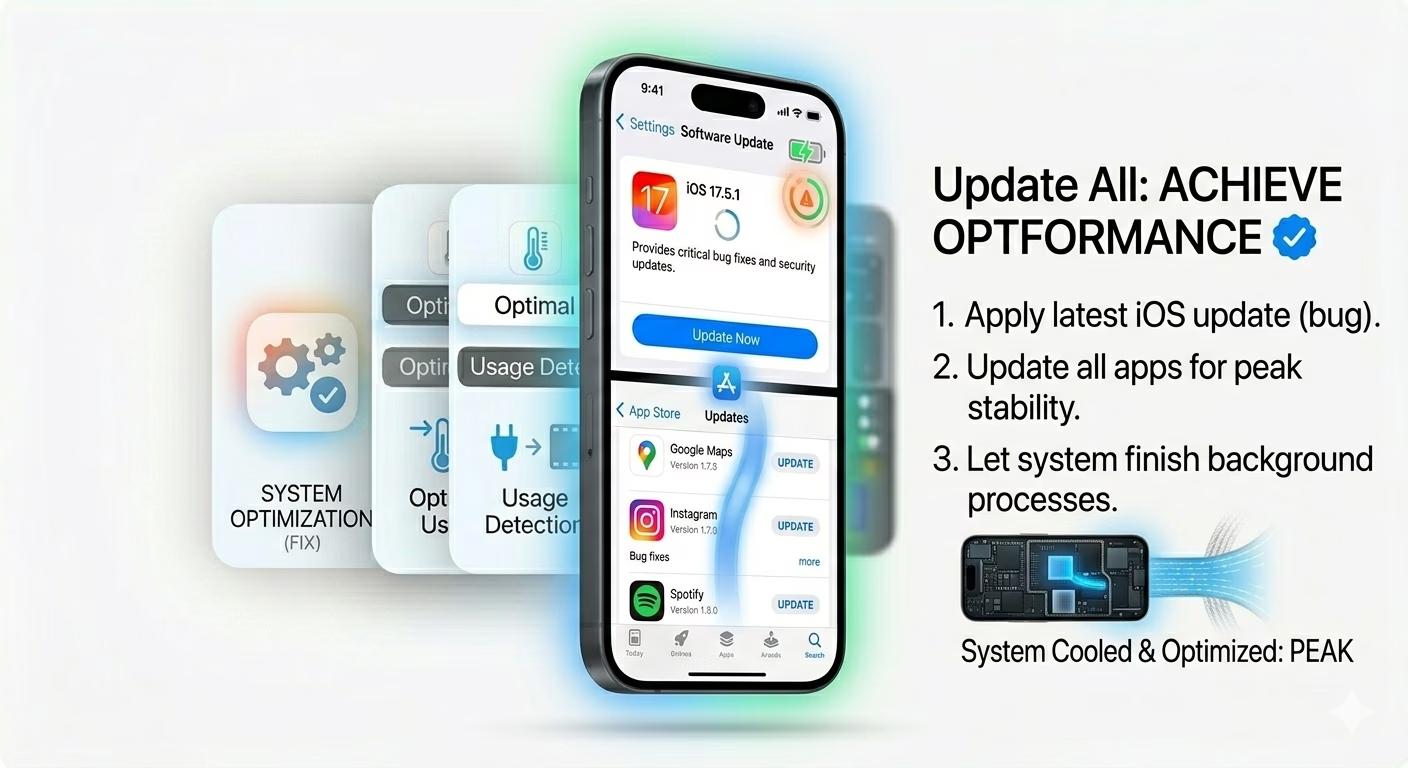
5 Update iOS and Apps
Outdated software can cause performance issues and overheating. Always keep your iPhone updated to the latest iOS version.
Also update all apps from the App Store to fix bugs and improve efficiency.
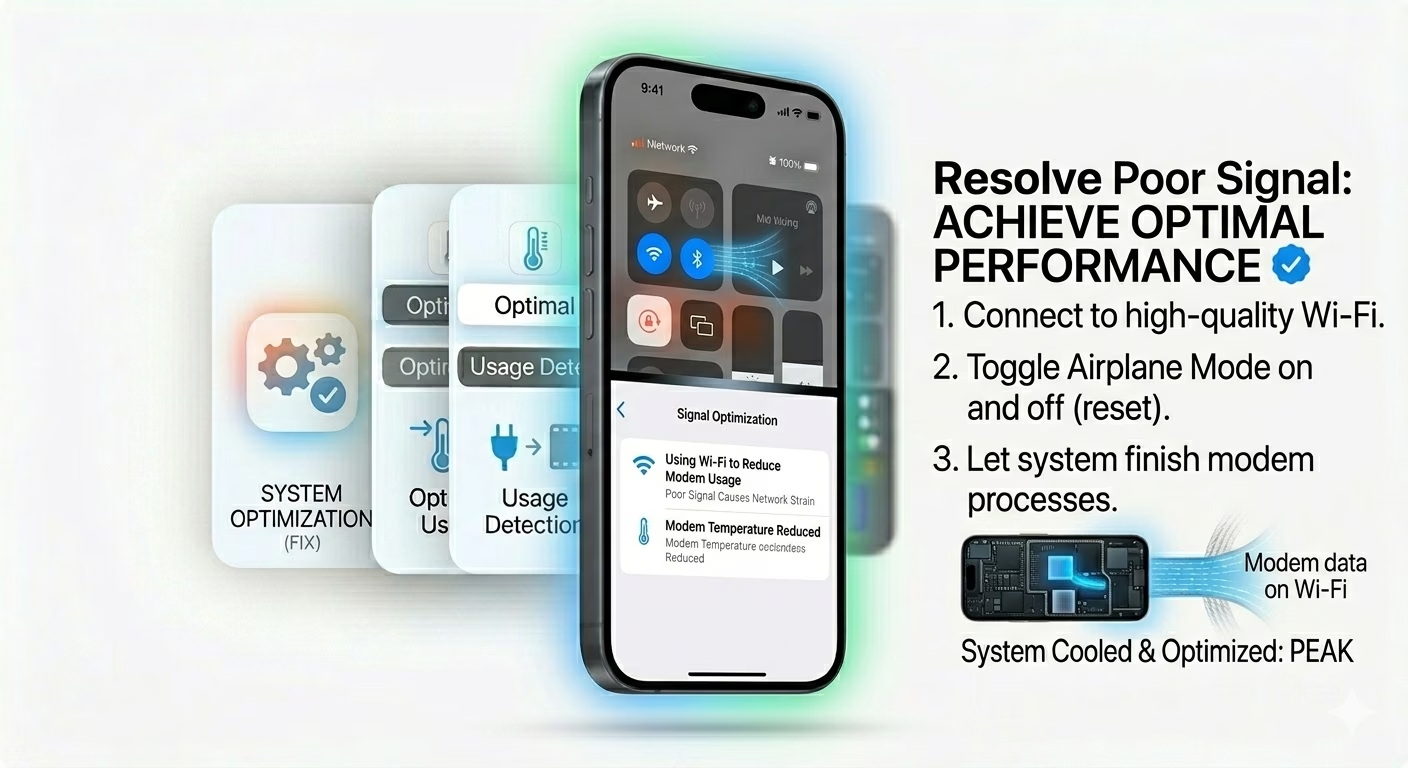
6 Check Network Signal
Poor network signal forces your iPhone to work harder, which increases heat. If you’re in a weak signal area, switch to WiFi or enable Airplane Mode temporarily.
This reduces stress on the device and helps it cool down.
Why Your iPhone Is Overheating
- Heavy apps and gaming
- Charging while using phone
- Poor network signal
- Software bugs or outdated iOS
- Hot environment or sunlight
Pro Tips to Keep iPhone Cool
- Enable Low Power Mode
- Avoid using your phone in direct sunlight
- Remove thick phone cases during heavy use
- Use original Apple chargers only
Frequently Asked Questions
Is it normal for iPhone to get hot?
Yes, slight warmth is normal during charging or heavy usage. But if your iPhone becomes too hot to touch, it needs attention.
Can overheating damage my iPhone?
Yes, continuous overheating can reduce battery life and affect performance. It’s important to fix the issue quickly.
How do I cool down my iPhone fast?
Turn off the phone, remove the case, and keep it in a cool place. Avoid putting it in the fridge.