Quick Fix:
- Turn OFF Focus Mode / Do Not Disturb
- Enable Allow Notifications for WhatsApp
- Restart your iPhone
- Update WhatsApp from App Store
How to Fix WhatsApp Notifications Not Working on iPhone
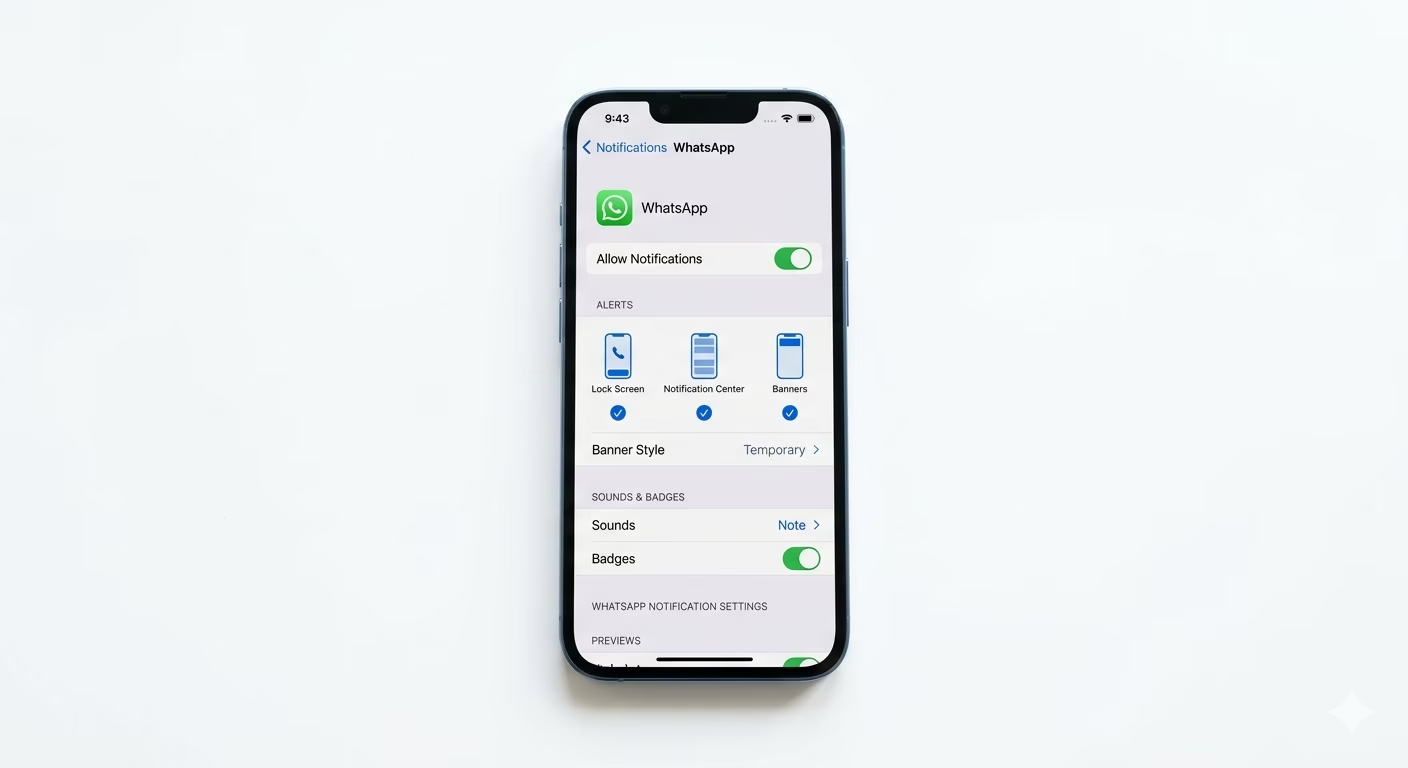
1 Check Notification Settings
Go to Settings → Notifications → WhatsApp and make sure Allow Notifications is turned ON.
Also enable Lock Screen, Banner, and Sounds so you don’t miss any alerts.
2 Disable Focus Mode
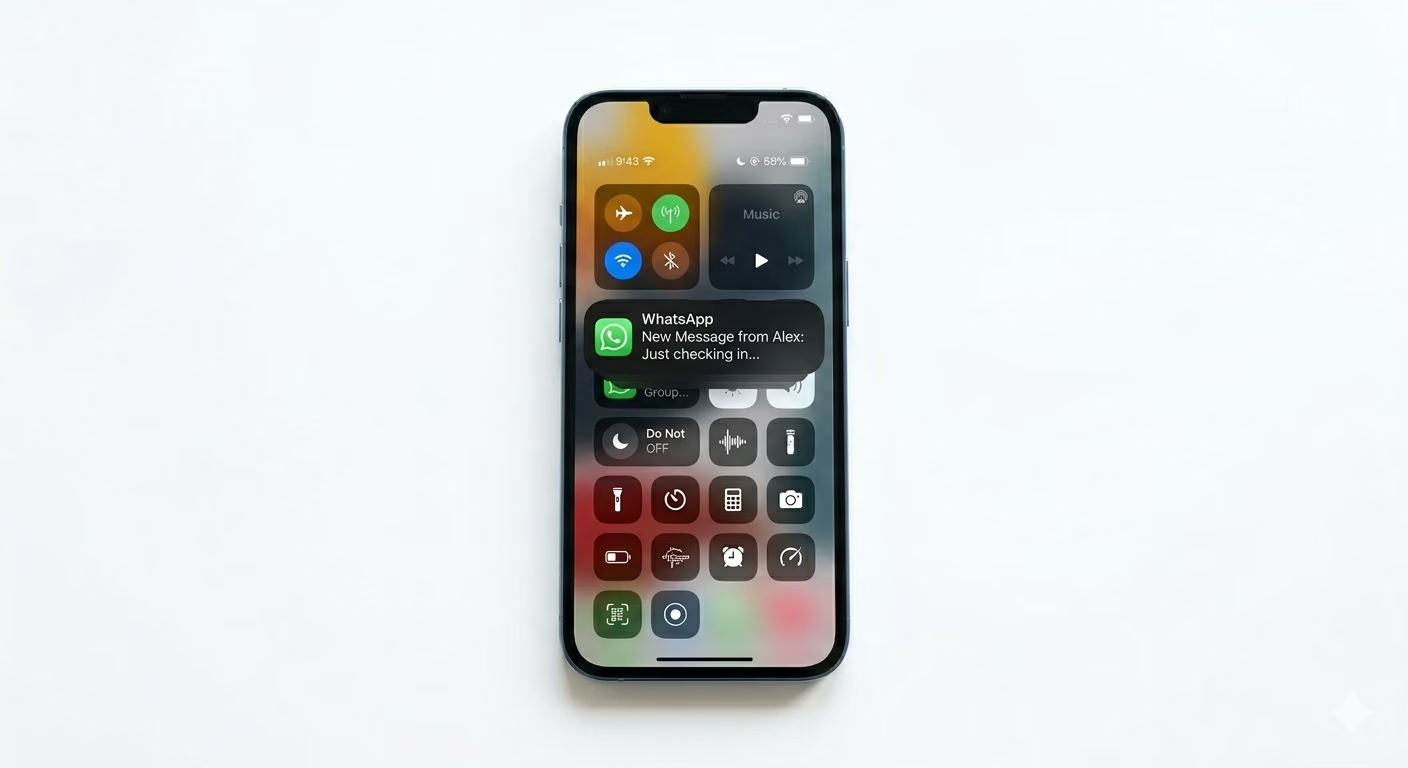
Focus Mode or Do Not Disturb can block notifications silently.
Go to Settings → Focus and turn it OFF, or allow WhatsApp in the allowed apps list.
3 Enable Background App Refresh
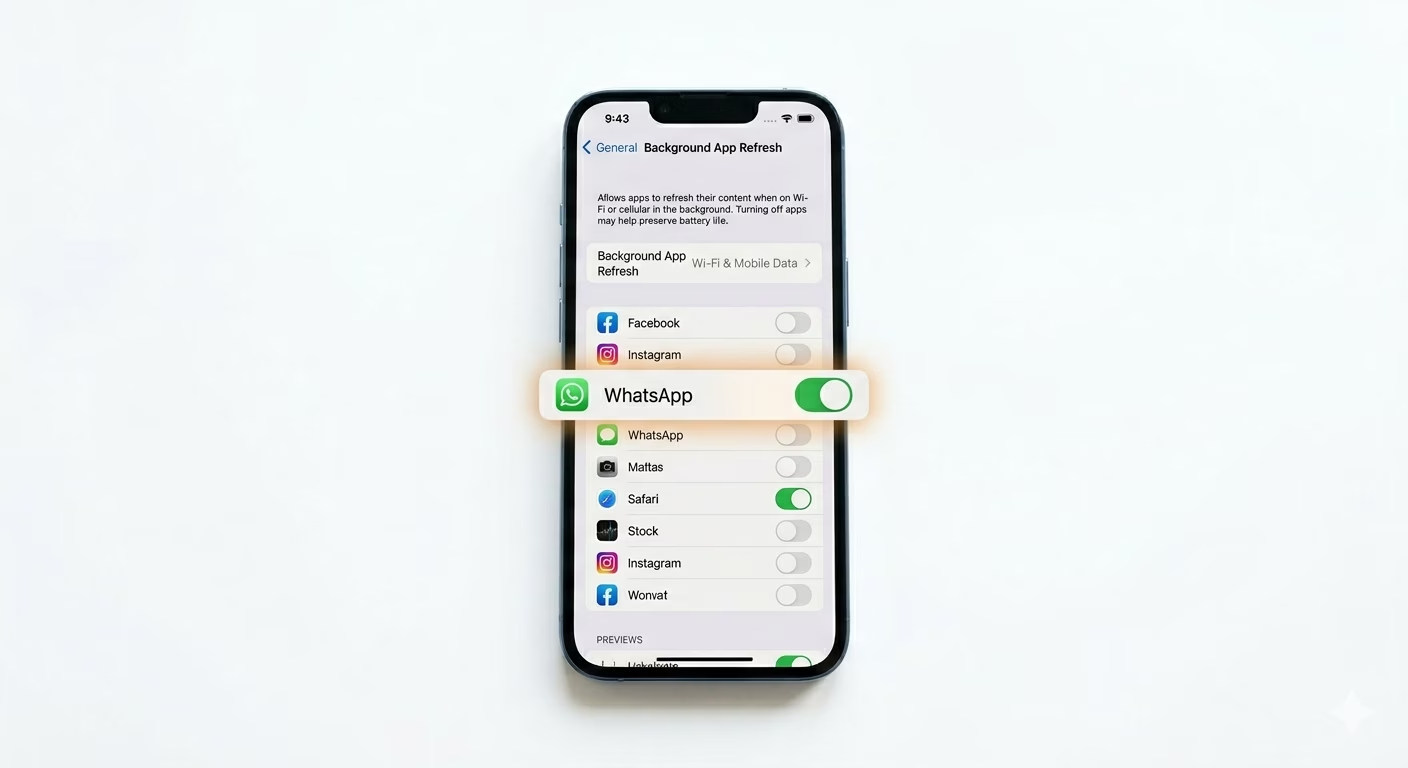
If WhatsApp cannot run in the background, notifications may be delayed.
Go to Settings → General → Background App Refresh and enable it for WhatsApp.
4 Check Notification Summary
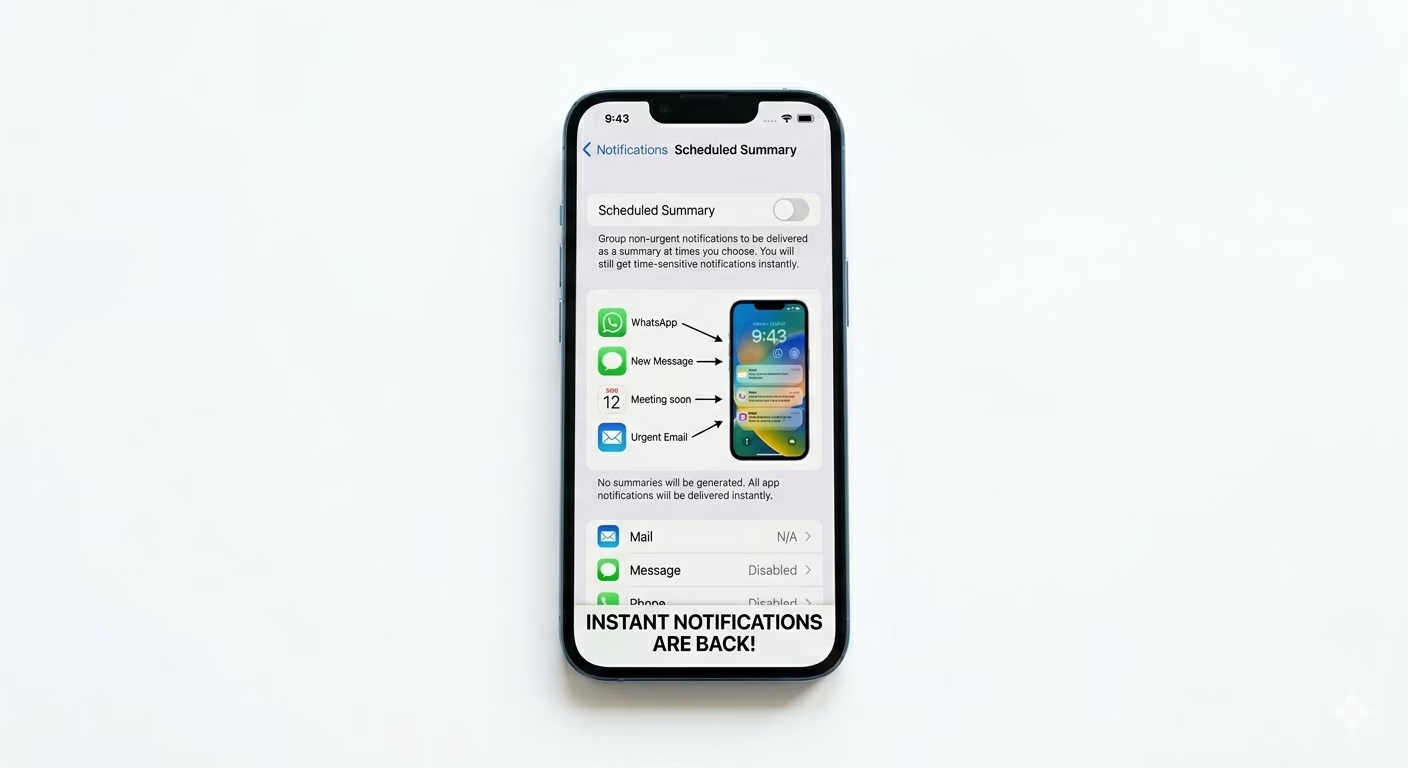
iOS has a feature called Scheduled Summary which delays notifications.
Go to Settings → Notifications → Scheduled Summary and turn it OFF to receive instant alerts.
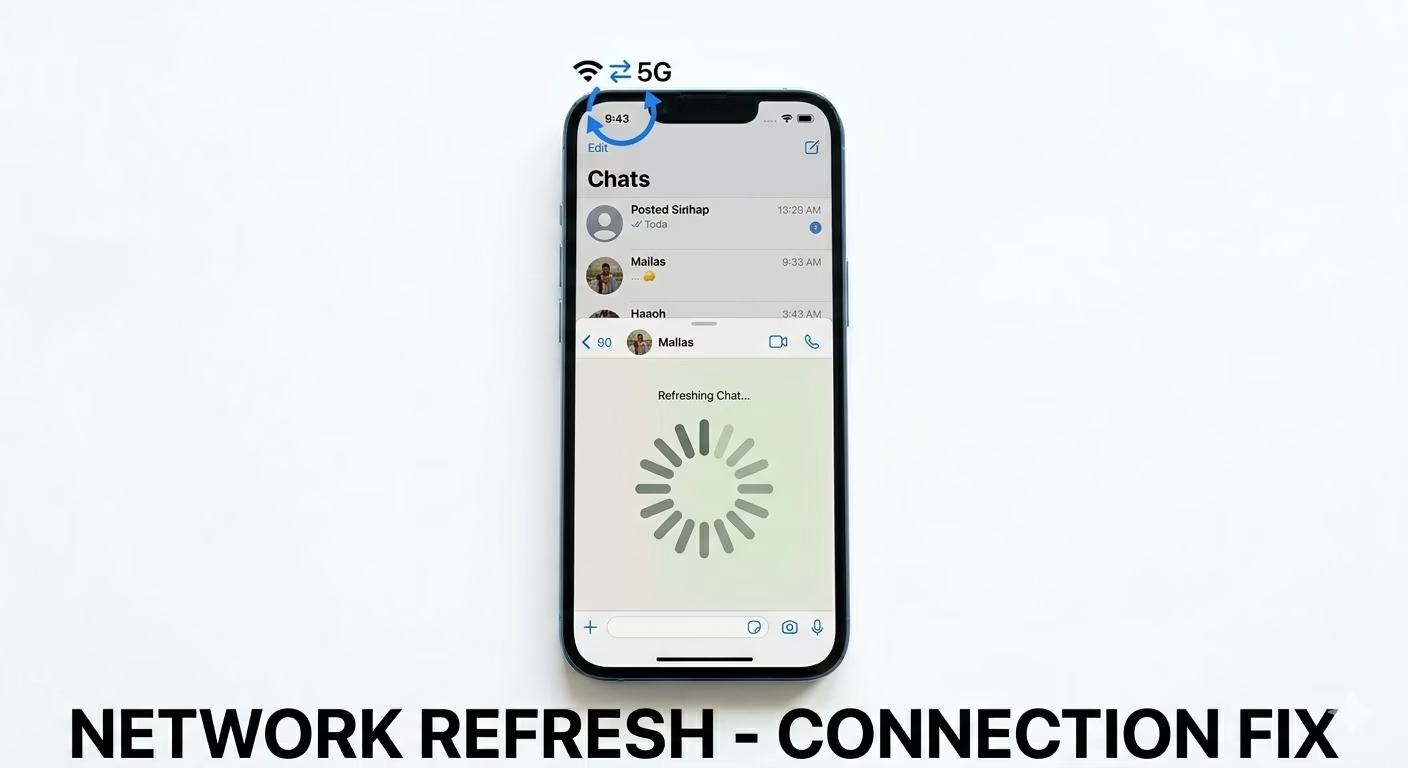
5 Check Internet Connection
WhatsApp needs a stable internet connection to receive messages in real-time.
Switch between WiFi and mobile data or restart your router to fix connection issues.
6 Update or Reinstall WhatsApp
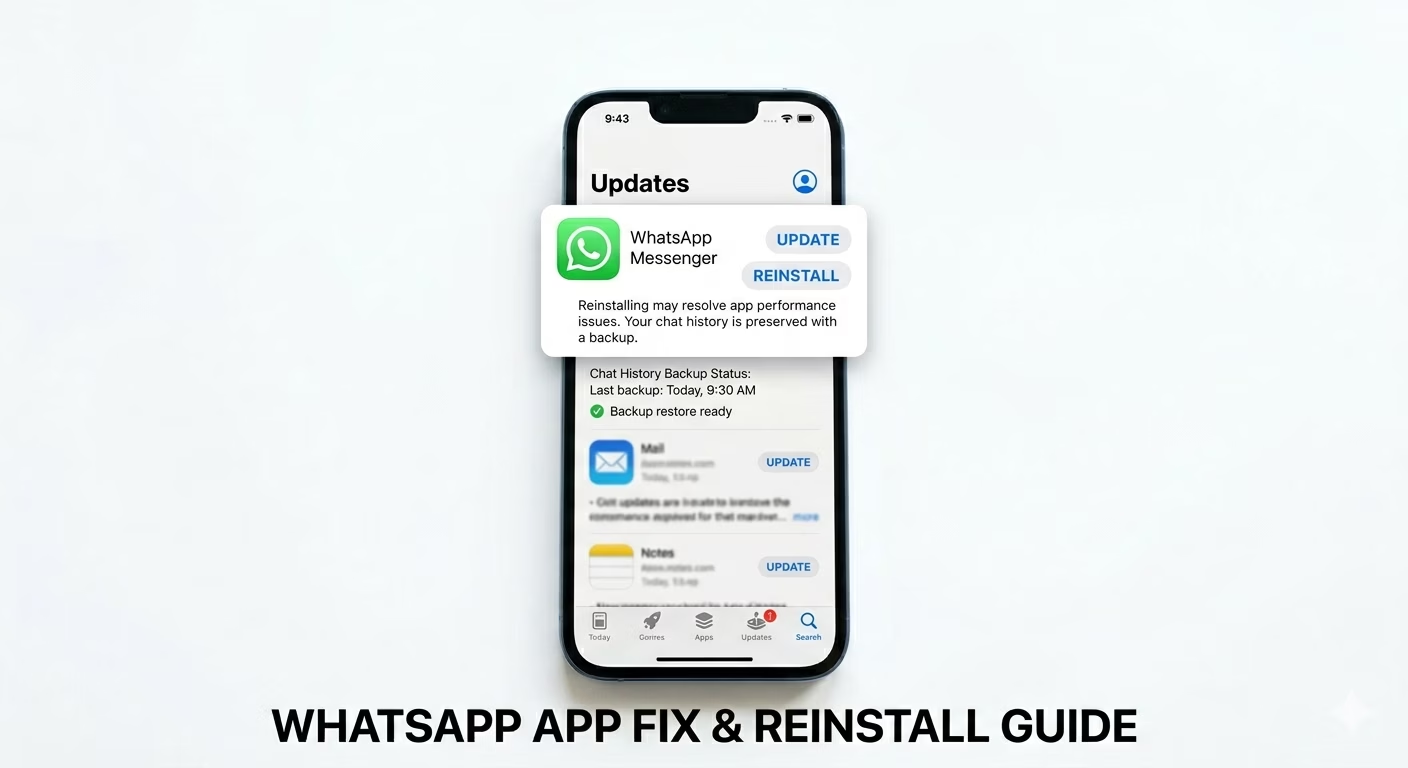
Outdated apps can cause notification bugs. Update WhatsApp from the App Store.
If the issue continues, backup your chats and reinstall the app.
Why WhatsApp Notifications Are Not Working
- Focus Mode enabled
- Notifications disabled
- Background refresh turned off
- Poor internet connection
- App bugs or outdated version
Pro Tips
- Turn OFF Low Power Mode if notifications are delayed
- Avoid using VPN while using WhatsApp
- Keep your iPhone updated to latest iOS 18 version
- Restart your device regularly
Frequently Asked Questions
Why do I only get WhatsApp messages when I open the app?
This happens when Background App Refresh is off or notifications are restricted by iOS.
How do I fix delayed WhatsApp notifications?
Turn off Scheduled Summary and ensure stable internet connection.
Can Low Power Mode affect notifications?
Yes, Low Power Mode limits background activity, which can delay notifications.