Quick Loading Checklist:
- Switch between WiFi and Mobile Data
- Restart your iPhone
- Check TikTok server status
- Make sure you have enough storage space
How to Fix TikTok Videos Not Loading (Step-by-Step)
1 Check Your Internet Connection
The most common reason TikTok videos are not loading is a slow or unstable internet connection. Try switching between WiFi and mobile data to see if the issue gets fixed.
If your internet is slow, videos may keep buffering or fail to load completely. Restart your router or enable Airplane Mode for a few seconds to refresh your connection.
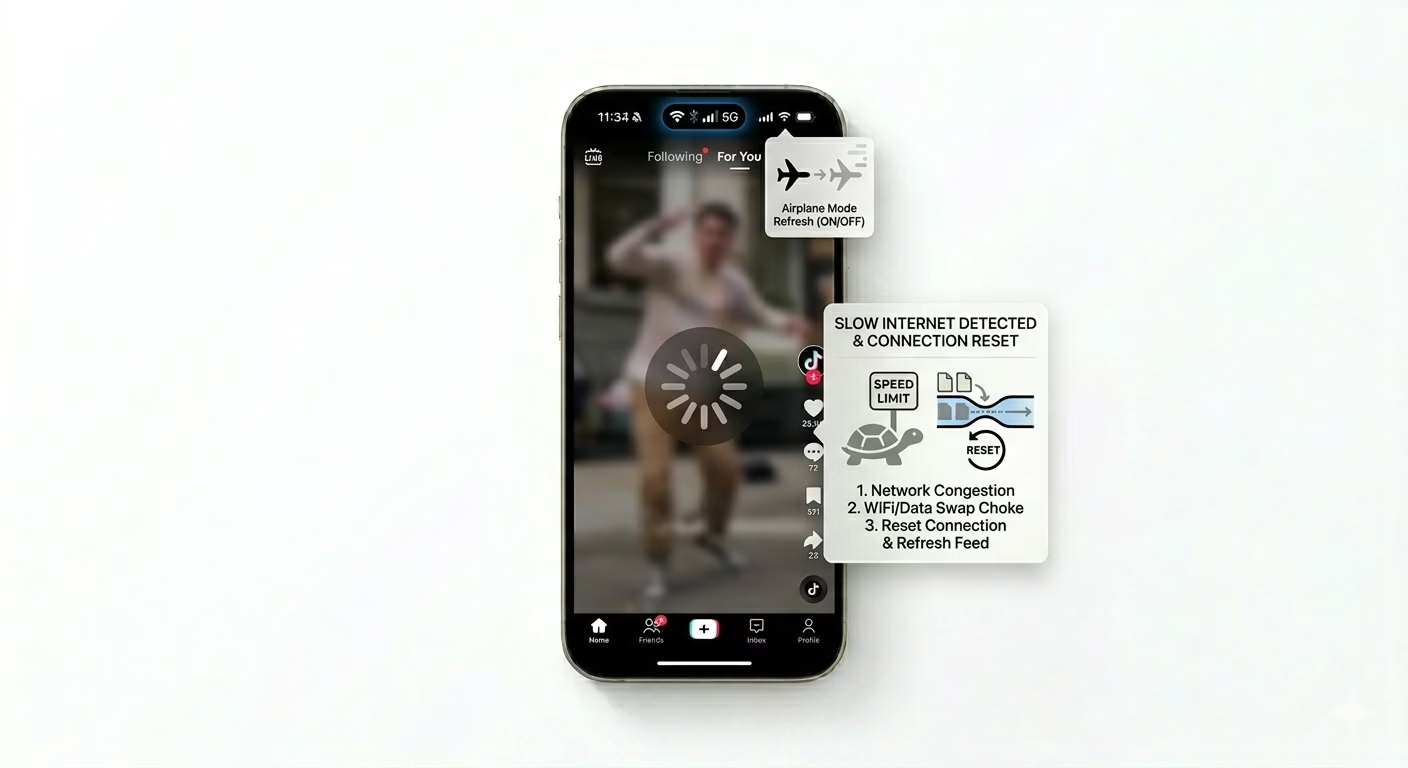
2 Clear TikTok Cache
TikTok stores temporary data to load videos faster, but over time this cache can become corrupted. Clearing the cache can fix loading and freezing issues.
Open TikTok → Profile → Settings and Privacy → Free up space → Clear Cache.
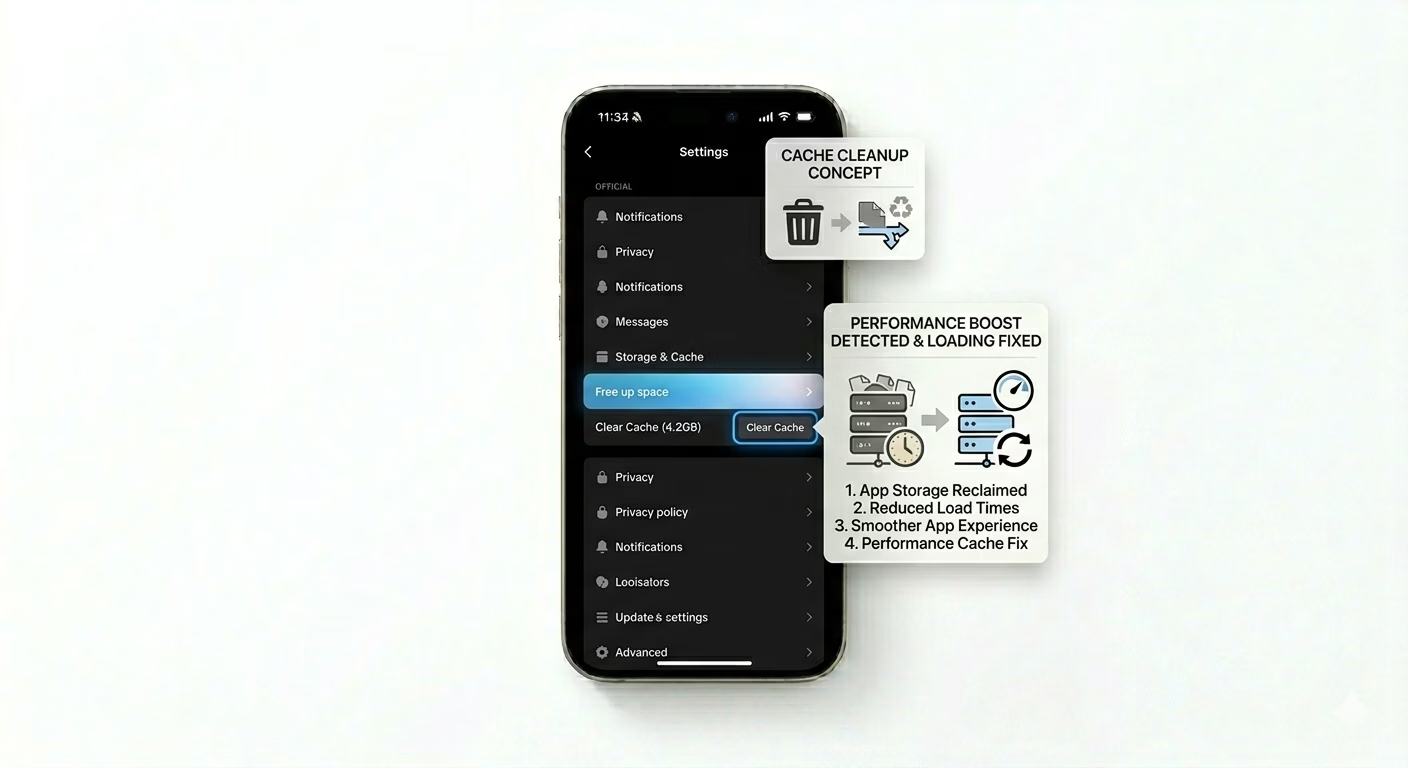
3 Restart or Reinstall TikTok
If clearing cache doesn’t work, close the app completely and reopen it. If the issue continues, delete TikTok and reinstall it from the App Store.
This removes corrupted files and installs a fresh version of the app, which often fixes playback issues.

4 Disable Data Saver Mode
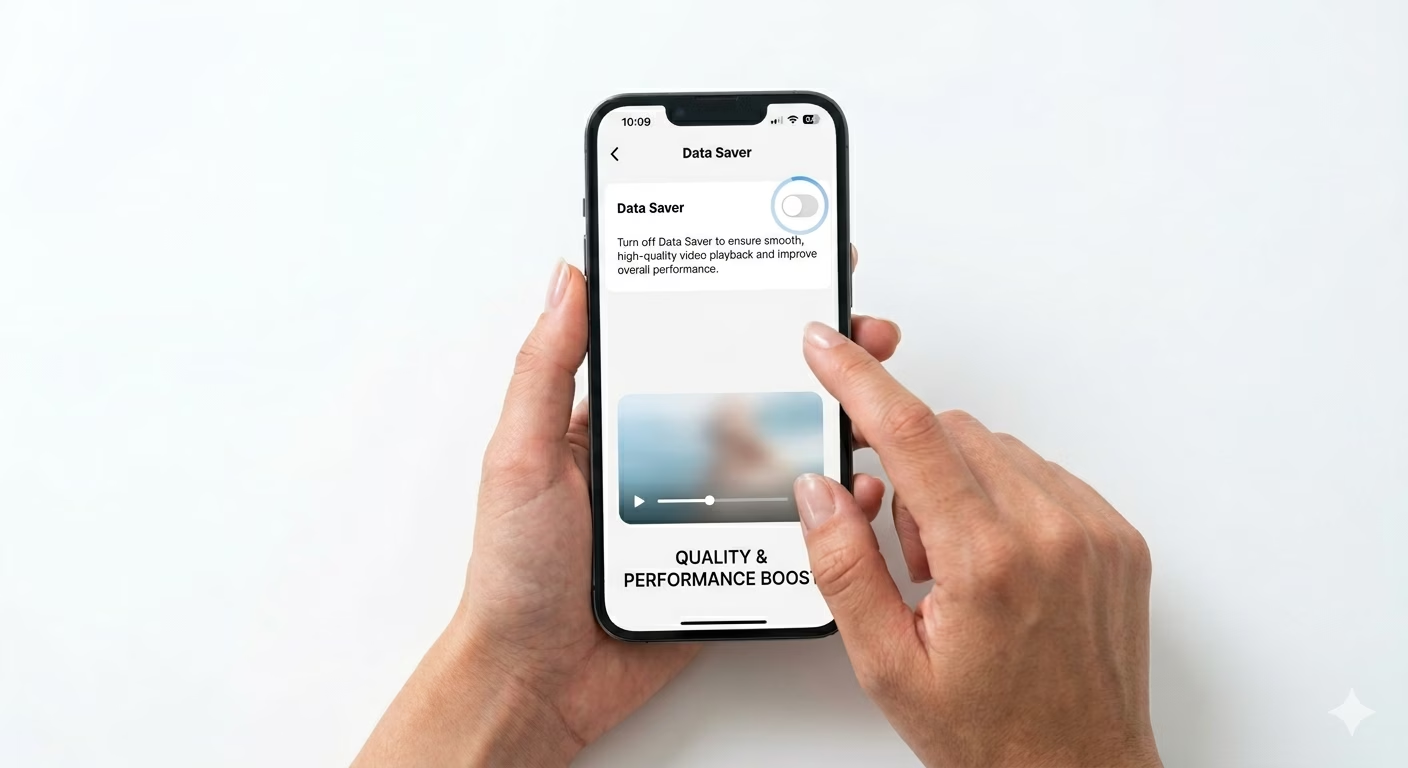
If Data Saver mode is enabled, TikTok may reduce video quality or stop loading videos properly.
Go to Settings → Data Saver and turn it OFF for better performance.
5 Check TikTok Server Status
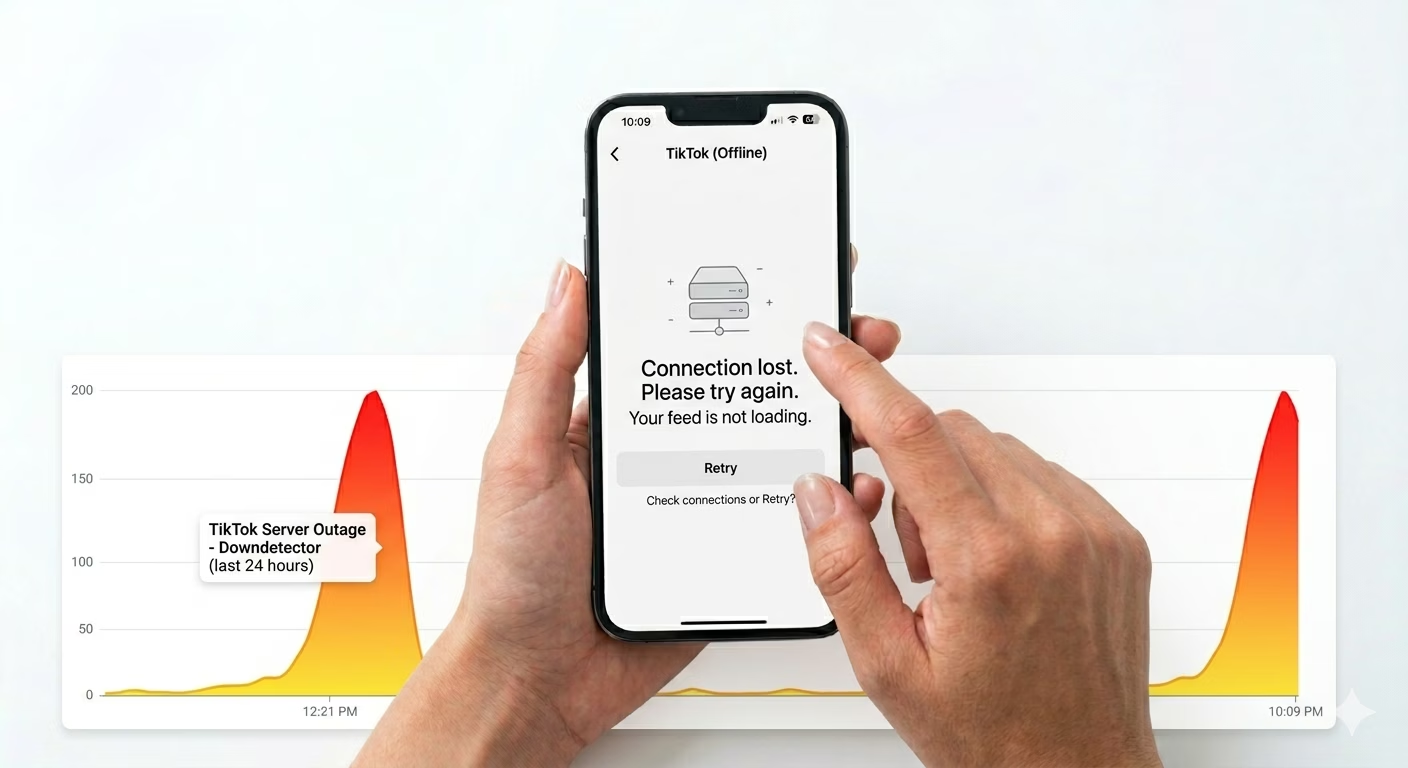
Sometimes TikTok servers go down, which causes videos not to load. In this case, the problem is not on your side.
Check websites like Downdetector to confirm if TikTok is down globally.
Why TikTok Videos Are Not Loading
- Slow internet connection
- Corrupted app cache
- Outdated TikTok app
- Low storage space
- Server issues
Pro Tips to Fix TikTok Faster
- Keep your TikTok app updated
- Restart your phone regularly
- Use a stable internet connection
- Avoid using VPN while watching videos
Frequently Asked Questions
Why is TikTok showing a black screen?
This usually happens due to internet issues or app bugs. Restart the app and check your connection.
Does clearing cache delete my videos?
No, clearing cache only removes temporary data. Your videos and drafts remain safe.
Why is TikTok slow on WiFi?
This can be due to weak signal or router issues. Try switching to mobile data.