Quick Recovery Checklist:
- Wait at least 24–48 hours before trying again
- Turn OFF any VPN or proxy connection
- Remove all third-party Snapchat apps
- Restart your iPhone before logging in again
How to Fix Snapchat Login Error SS06 (Step-by-Step)
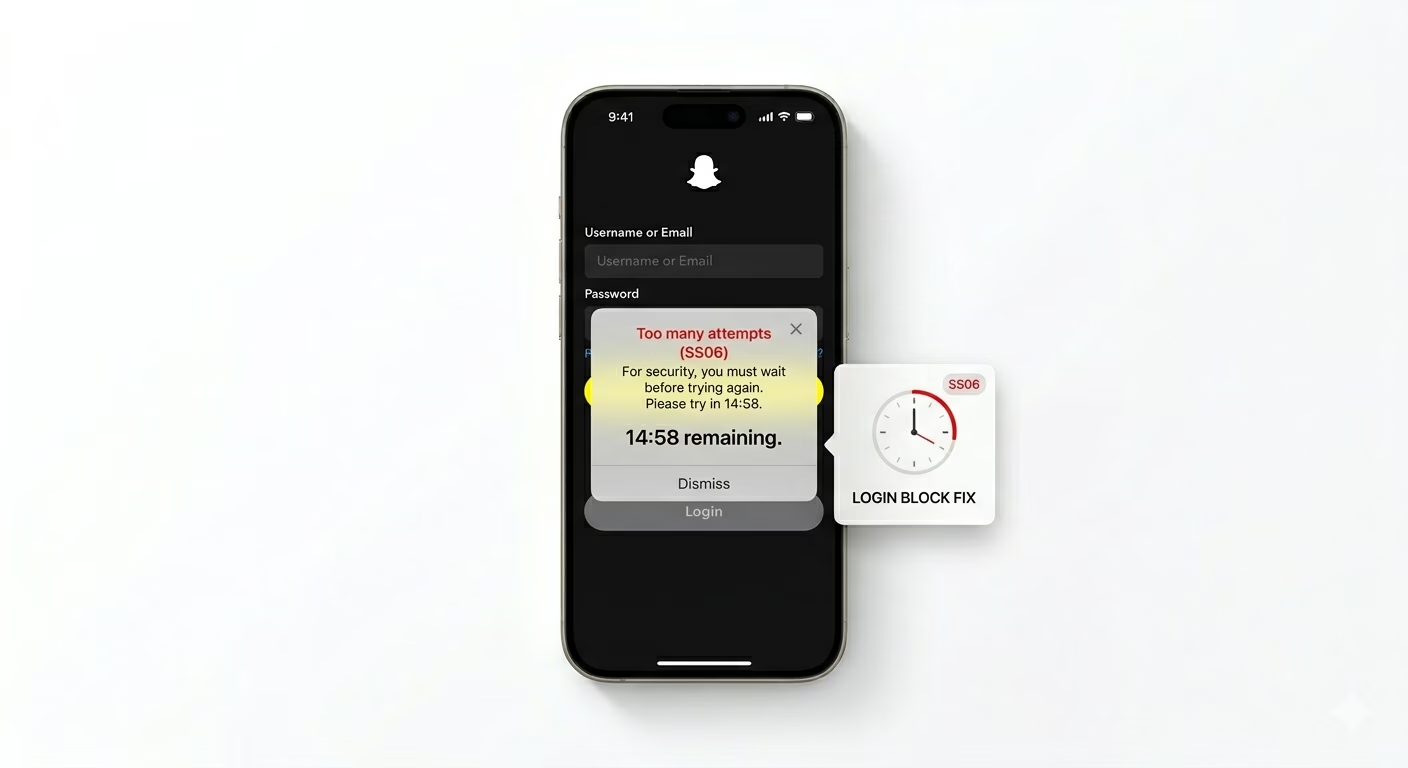
1 Stop Login Attempts (Most Important)
The biggest mistake users make is trying to log in again and again. Every failed attempt resets Snapchat’s security timer and makes the block last longer.
Close the app and wait at least 24 hours without any login attempt. This allows Snapchat’s system to automatically remove the temporary restriction.
2 Disable VPN and Suspicious Connections
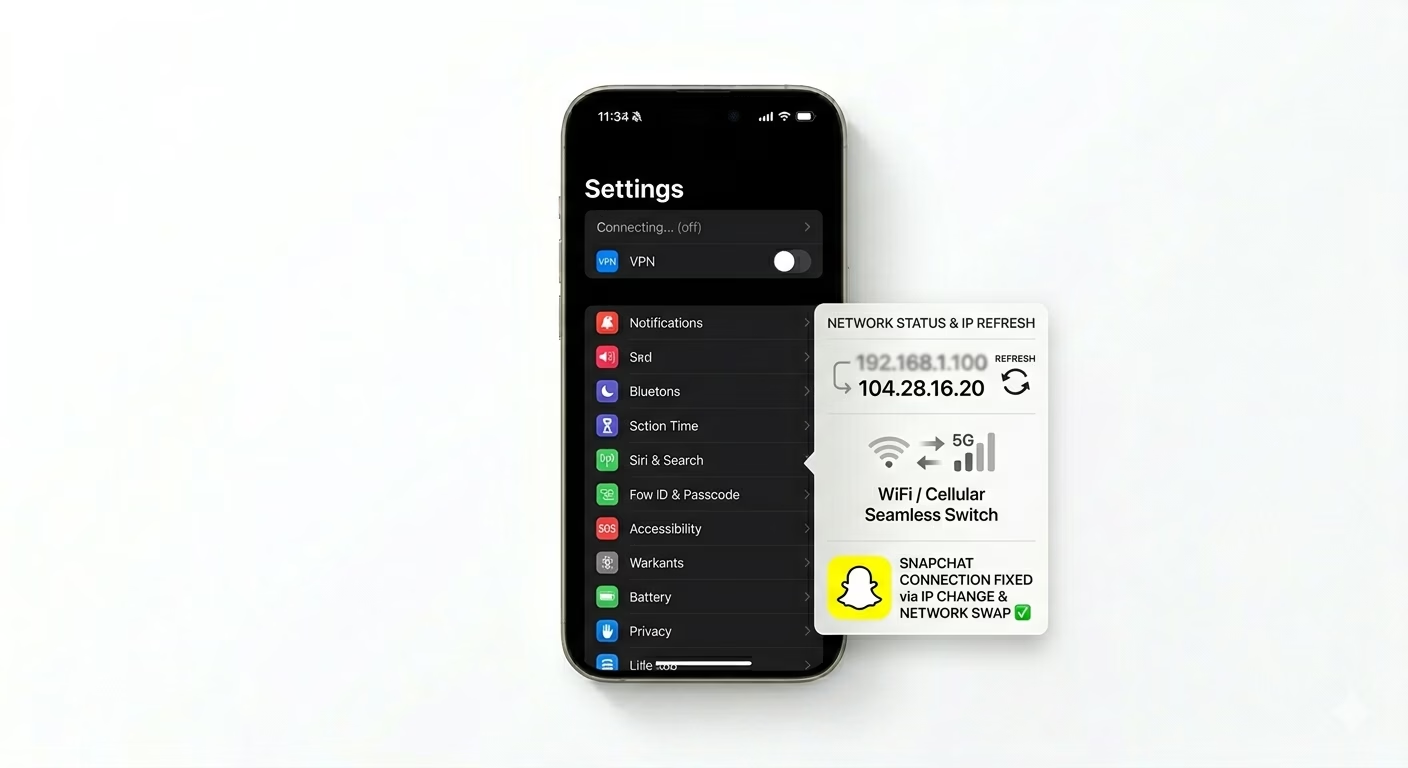
Snapchat often blocks accounts when it detects login attempts from unusual locations or VPNs. If you are using a VPN, turn it off immediately.
Switch between WiFi and mobile data to use a normal IP address. This helps Snapchat verify that you are a real user and not a bot.
3 Use Snapchat Unlock Page
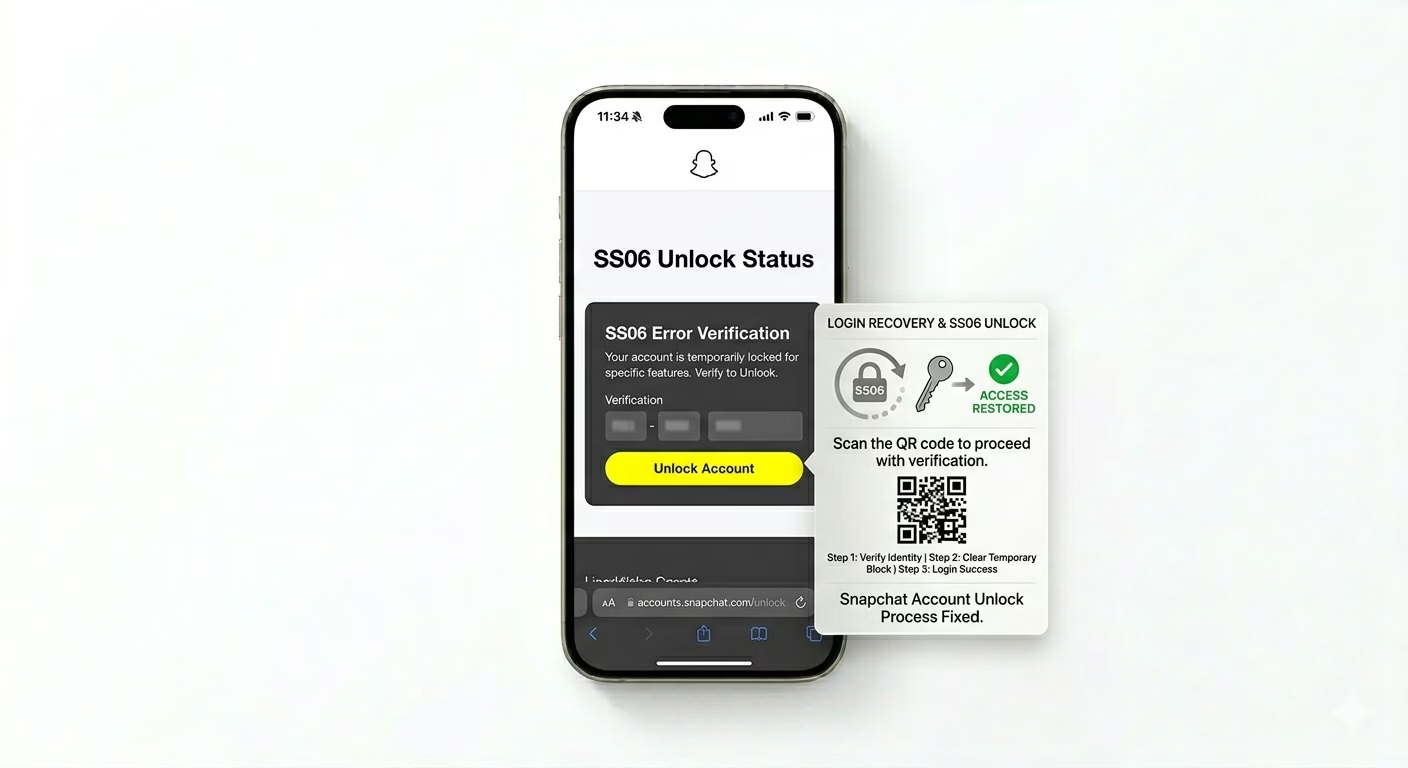
Go to the official Snapchat website (accounts.snapchat.com) and log into your account using a browser. If your account is locked, you may see an “Unlock” option.
Click on “Unlock” and follow the instructions. This method works in many cases where the app itself does not allow login.
4 Reinstall Snapchat App
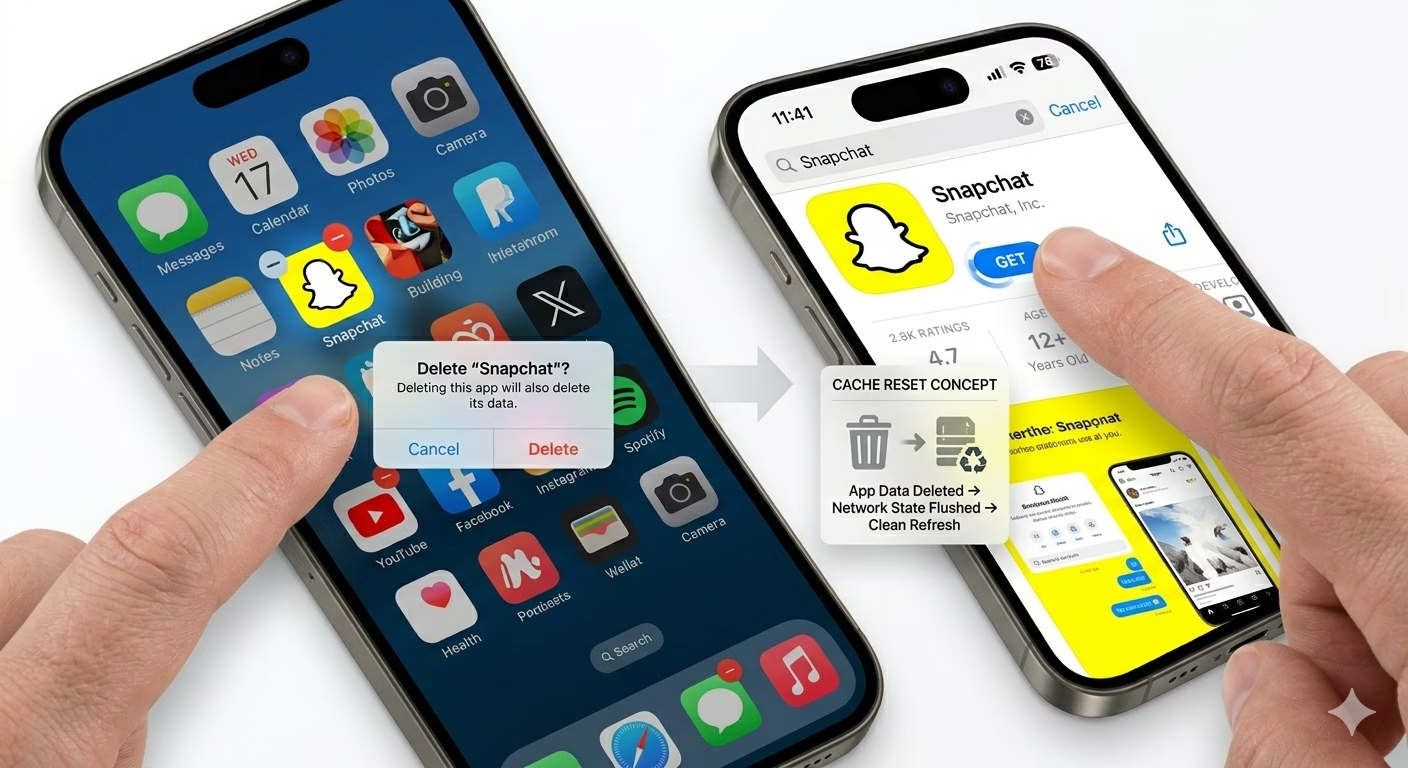
Corrupted app data can also cause login errors. Delete Snapchat from your iPhone and reinstall it from the App Store.
This clears cache files and refreshes app data, which can fix persistent SS06 errors.
5 Check Account Security
If Snapchat detects suspicious behavior like adding too many friends or sending spam snaps, it may temporarily block your account.
Log in via browser and check for any warnings or security alerts. Complete verification steps if required.
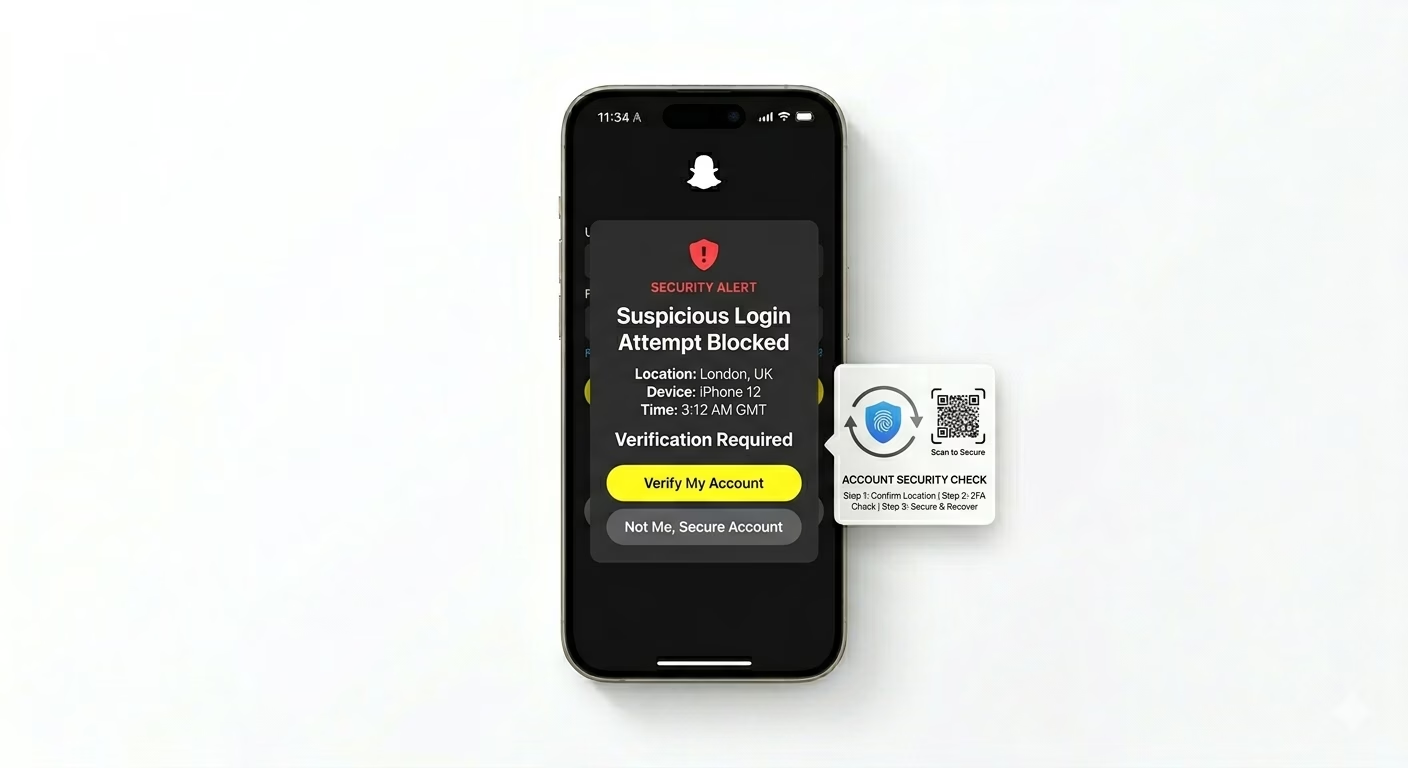
Why Snapchat Shows SS06 Error
- Too many login attempts
- Using VPN or proxy
- Third-party apps like Snap++
- Suspicious account activity
- Temporary server or security issues
Pro Tips to Avoid SS06 in Future
- Always use the official Snapchat app
- Avoid logging in from multiple locations
- Do not spam friend requests or messages
- Keep your app and iOS updated
Frequently Asked Questions
Is Snapchat SS06 error permanent?
No, in most cases it is temporary and gets fixed within 24–48 hours if you stop login attempts.
Can I fix SS06 instantly?
There is no instant fix. Waiting and following security steps is the best solution.
Why is Snapchat blocking my account?
Snapchat blocks accounts when it detects unusual activity, VPN usage, or repeated login failures.