Quick Fix Checklist:
- Force close the app from App Switcher
- Restart your iPhone
- Check App Store for updates
- Ensure Airplane Mode is OFF
Steps to Fix Apps Not Opening on iPhone
1 Force Close the App
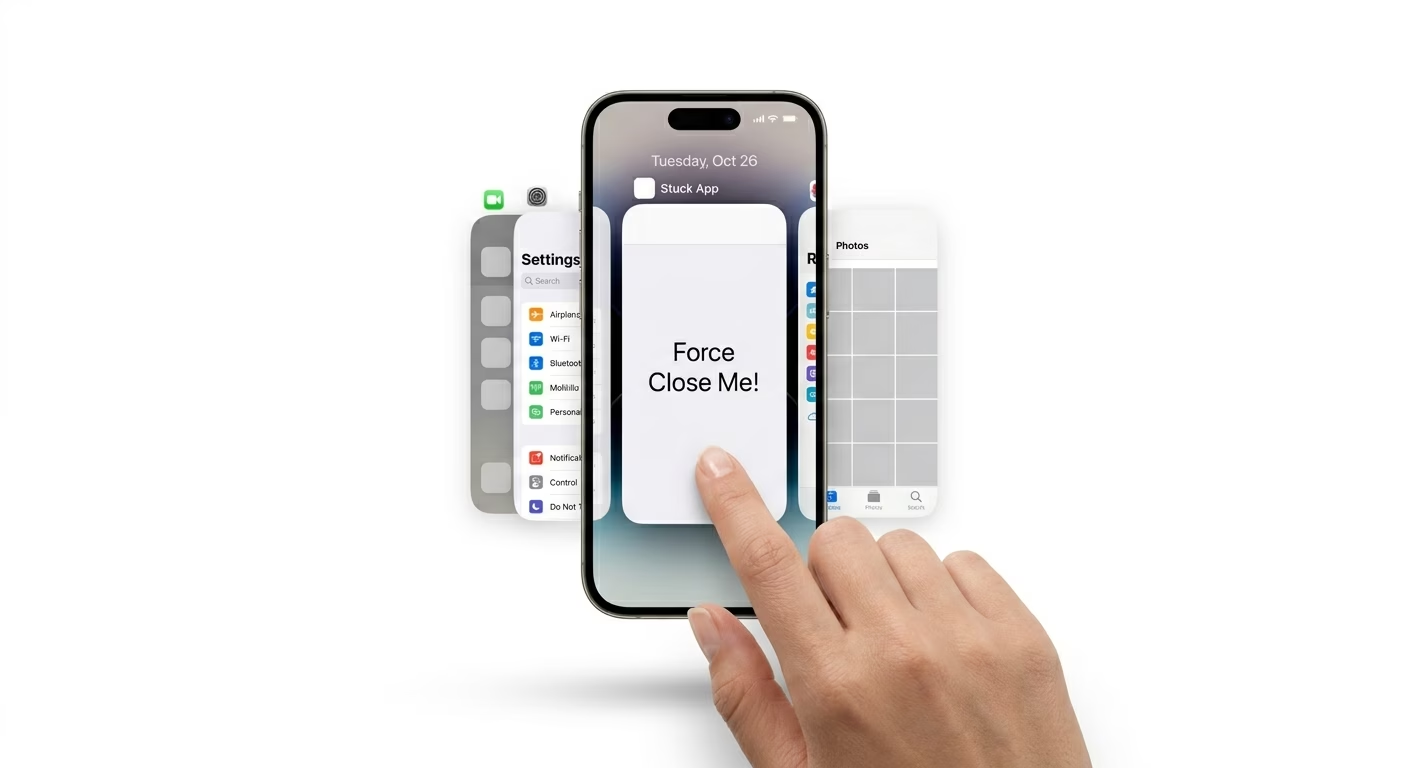
If an app is frozen or stuck, it may have crashed in the background. Open the App Switcher and swipe up on the app to close it completely. Wait a few seconds, then reopen it from your Home screen.
Related fix: iPhone apps crashing solution
2 Offload App to Fix Corrupted Data
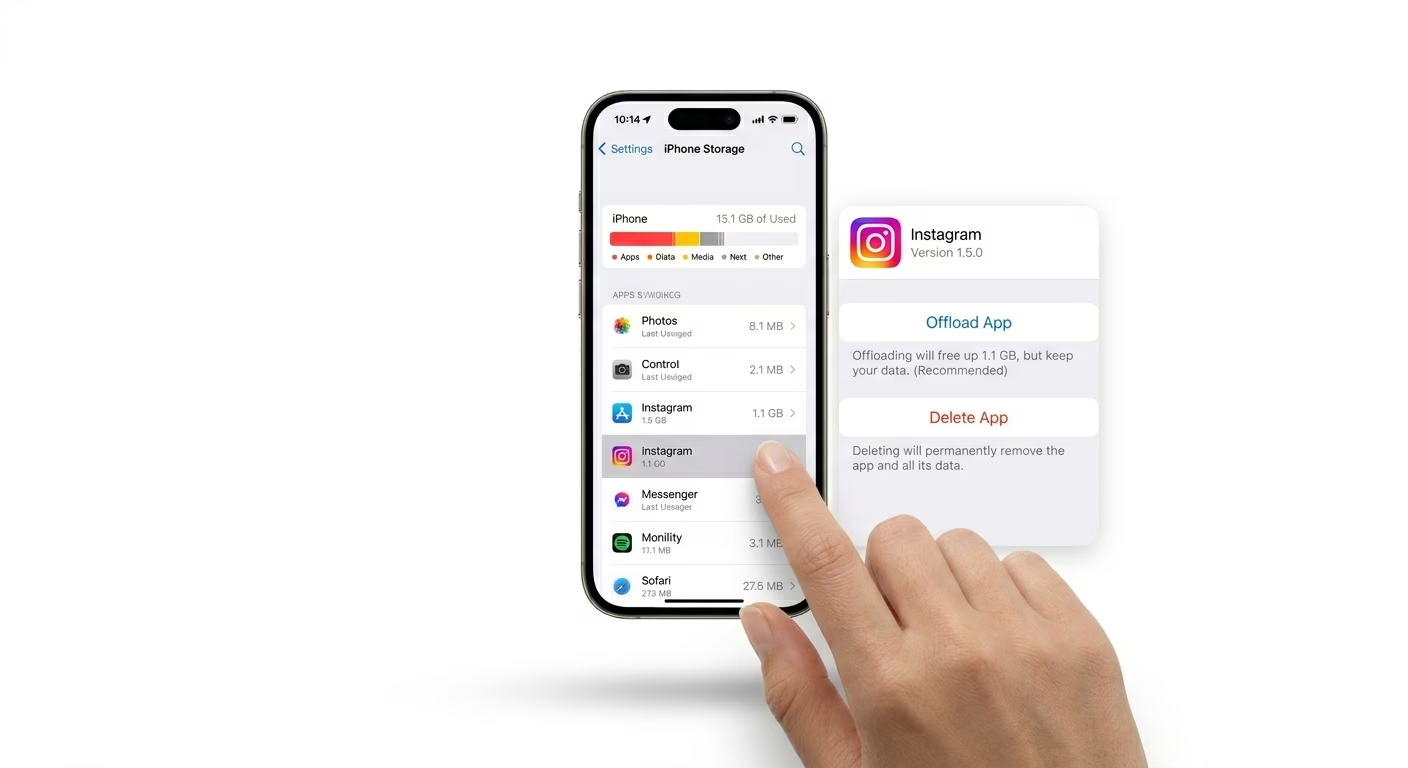
Sometimes the app’s internal cache becomes corrupted. Go to Settings > General > iPhone Storage, select the app, and tap Offload App. This removes the app but keeps your data safe. Then reinstall it for a fresh start.
If storage is also an issue, check: iPhone storage full fix
3 Update the App
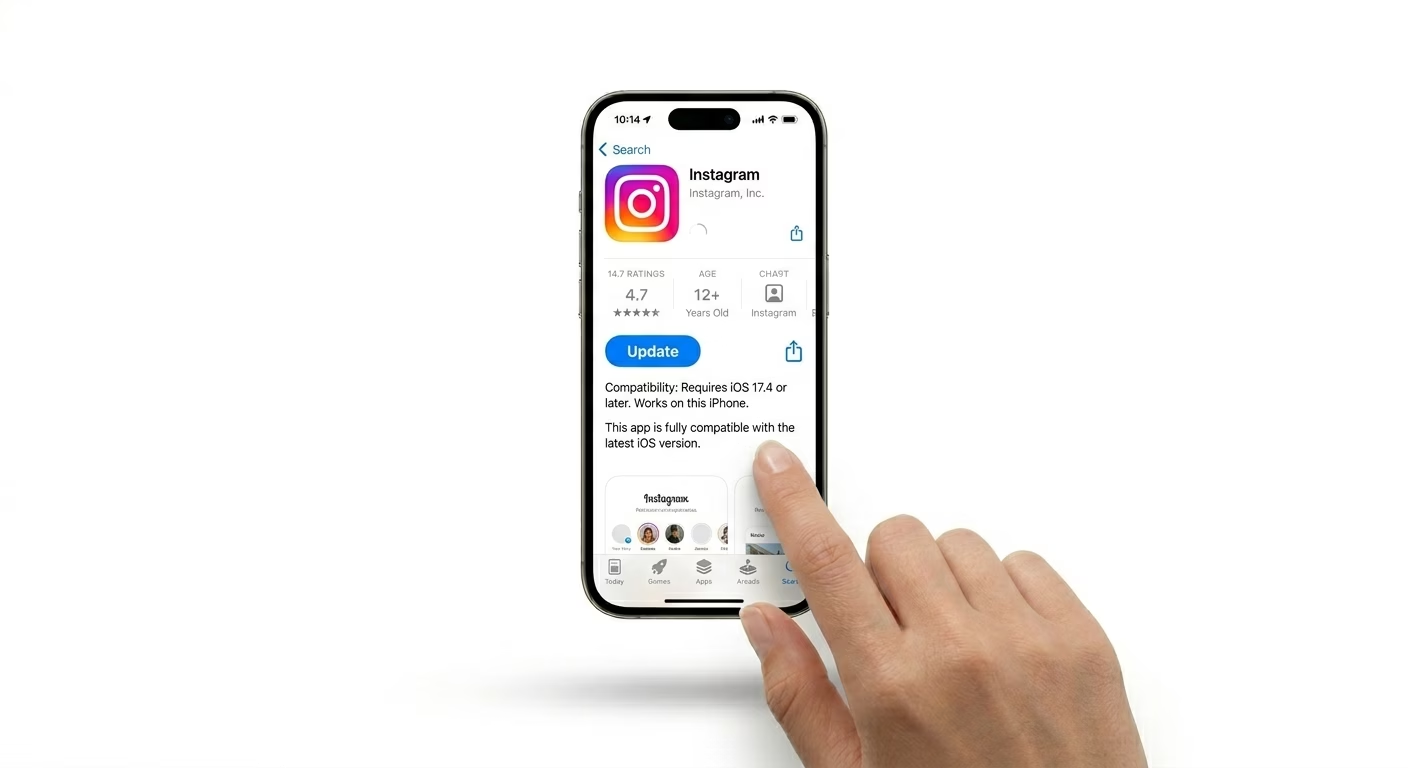
Apps may stop opening if they are outdated. Open the App Store, go to your profile, and check for updates. Install the latest version to fix bugs and compatibility issues with iOS.
You may also like: iOS update failed fix
Why Apps Won’t Open
- Corrupted cache files inside the app
- Outdated app version incompatible with iOS
- Low memory (RAM) due to background apps
- Server downtime for online apps
Pro Tips
- Check Screen Time restrictions if app is blocked
- Switch between Wi-Fi and Mobile Data for testing
- Keep at least 2GB free storage on iPhone
- Restart iPhone weekly to avoid app crashes
Frequently Asked Questions
Will offloading an app delete my data?
No. Offloading only removes the app itself. Your data, login details, and settings remain safe.
Why can’t I delete a stuck app?
Restart your iPhone or delete the app from Settings > iPhone Storage.