Quick Fix:
- Force close all running apps
- Update the crashing app via App Store
- Restart your iPhone
- Check if the app requires a stable internet connection
Steps to Stop App Crashes
1 Force Quit and Reopen
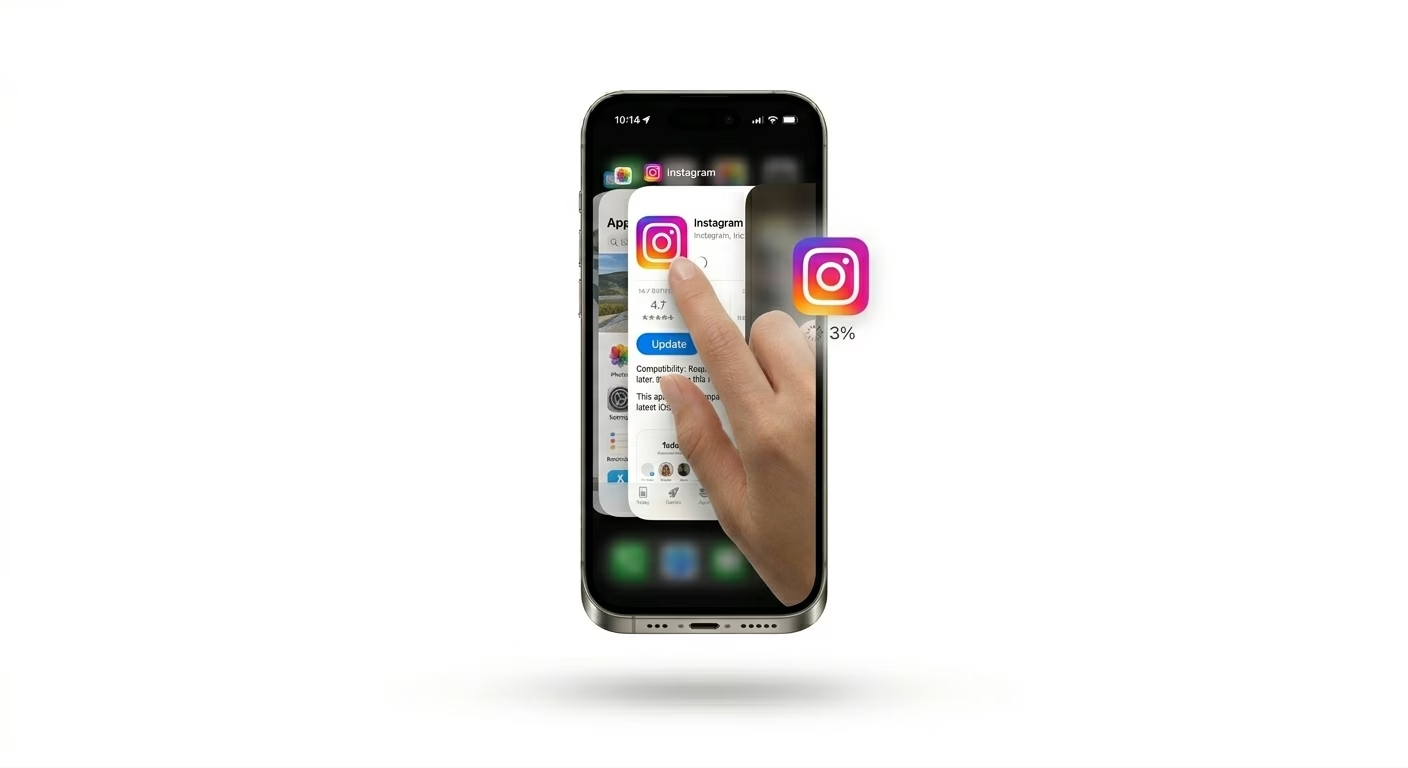
If an app starts crashing, it might have a corrupted temporary session. To fix this, swipe up from the bottom of your screen to open the App Switcher, then swipe up on the crashing app to close it completely. This clears the app’s memory (RAM) and lets it start fresh the next time you open it.
2 Offload and Reinstall the App
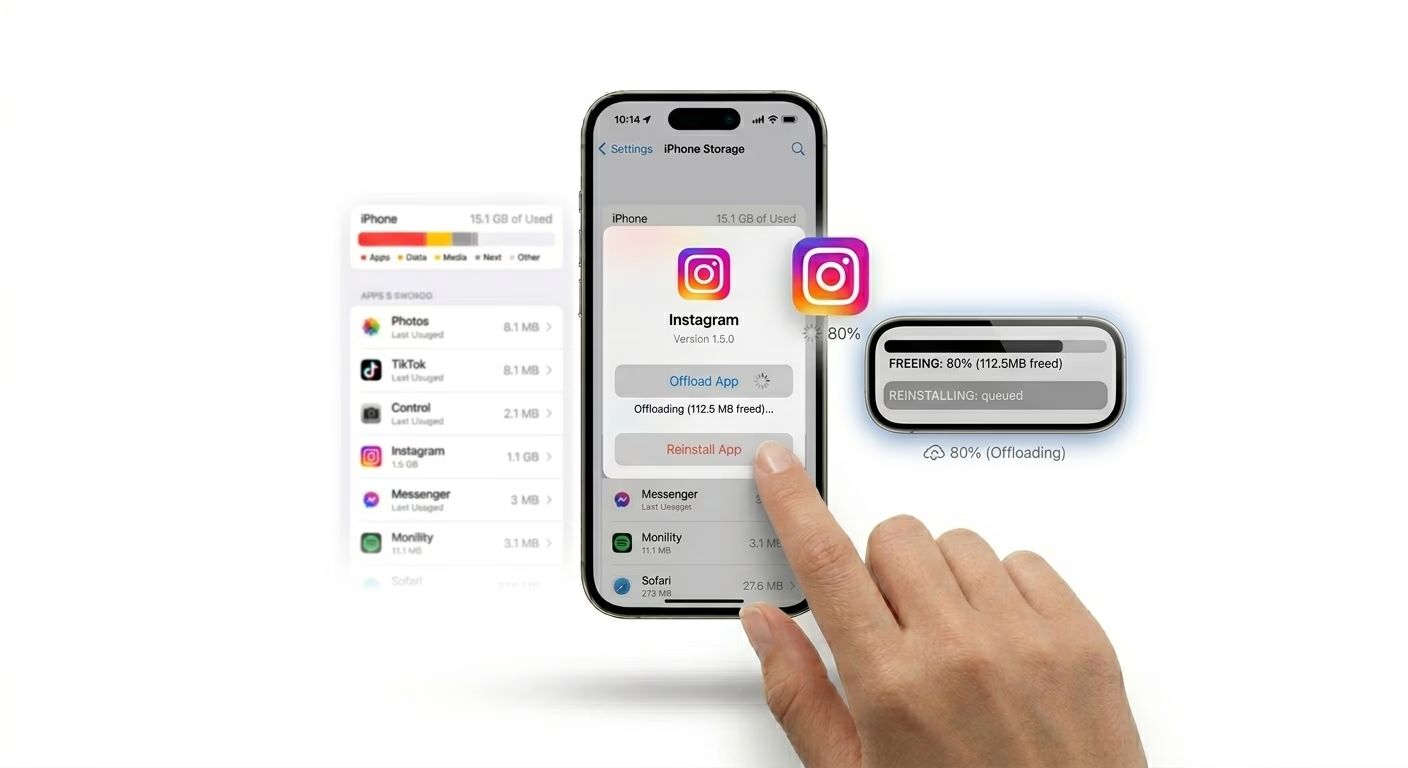
If an app keeps crashing, its internal cache might be corrupted. Go to Settings > General > iPhone Storage, find the app, and tap Offload App. This will remove the app itself but keep your data safe. After that, tap Reinstall App to get a fresh, bug-free version from Apple’s servers.
3 Check System Storage Space
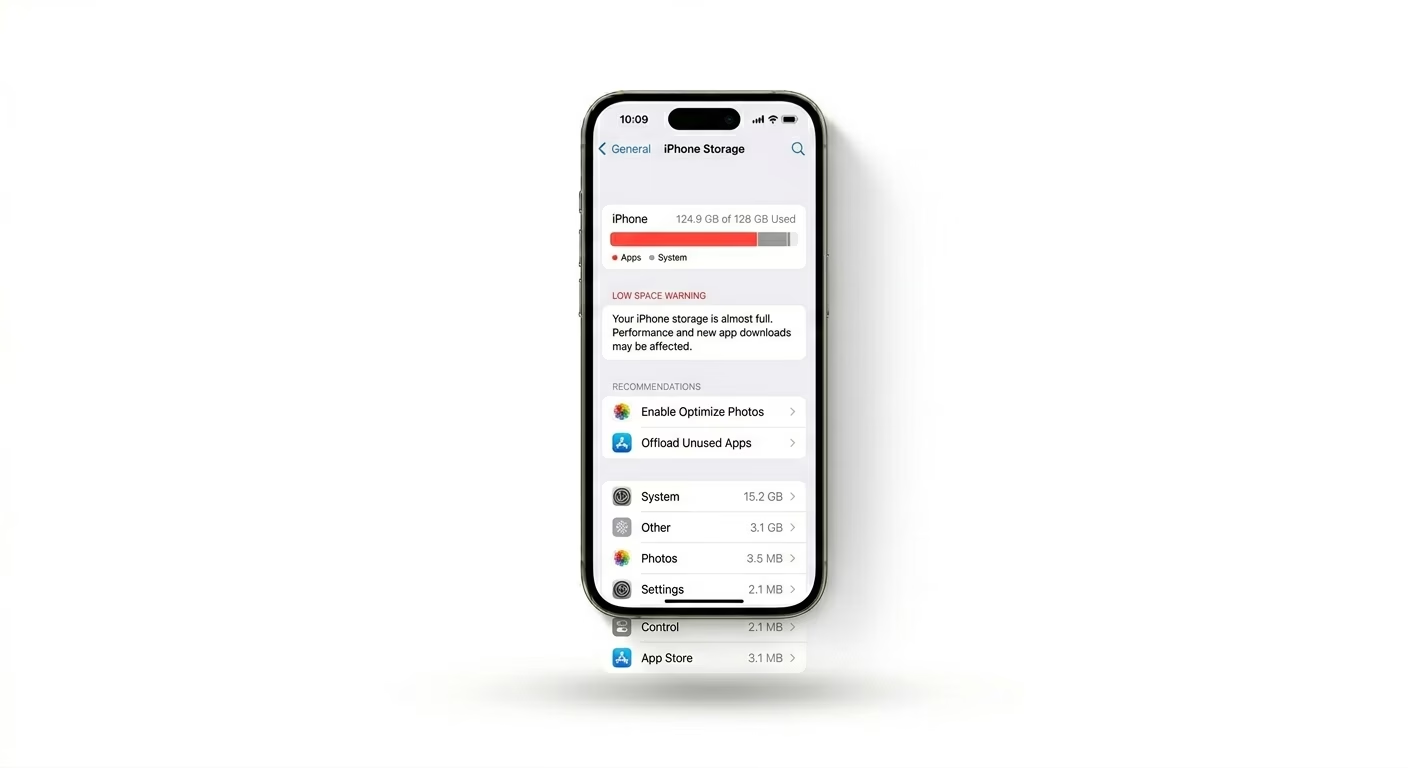
iPhones need at least 10% of their total storage free to handle temporary app data. If your storage is almost full, apps can crash because there’s no "Swap Space" left for them to work in. Go to Settings > General > iPhone Storage and make sure you have at least 2GB to 5GB of free space available.
Why This Happens?
- Incompatible app version after an iOS update
- Low RAM (too many background apps running)
- Corrupted app cache or temporary files
- The app's server is down (for apps like Instagram or WhatsApp)
Pro Tips:
- Go to Settings > Privacy > Analytics > Analytics Data. If you see many logs for a specific app, it's a developer bug that needs an update.
- Avoid using "Beta" versions of apps if you want stability.
- Reset All Settings if apps across the entire system are crashing simultaneously.
Frequently Asked Questions
Why do my apps crash only on Wi-Fi?
If an app keeps closing or can’t connect, it could be because of a DNS or firewall issue on your Wi-Fi router. This can block the app from reaching its server and make it time out or crash.
Is my phone's hardware failing if apps crash?
Usually, no. About 95% of app crashes are caused by software issues, not hardware problems. However, if your iPhone feels very hot when an app crashes, it could be "Thermal Throttling"—the phone’s way of protecting itself from overheating.