Quick Fix Checklist:
- Check Apple System Status for outages
- Force close and reopen the App Store
- Switch Airplane Mode ON/OFF
- Verify correct Date & Time settings
Steps to Fix App Store Loading Issues
1 Refresh App Store Cache
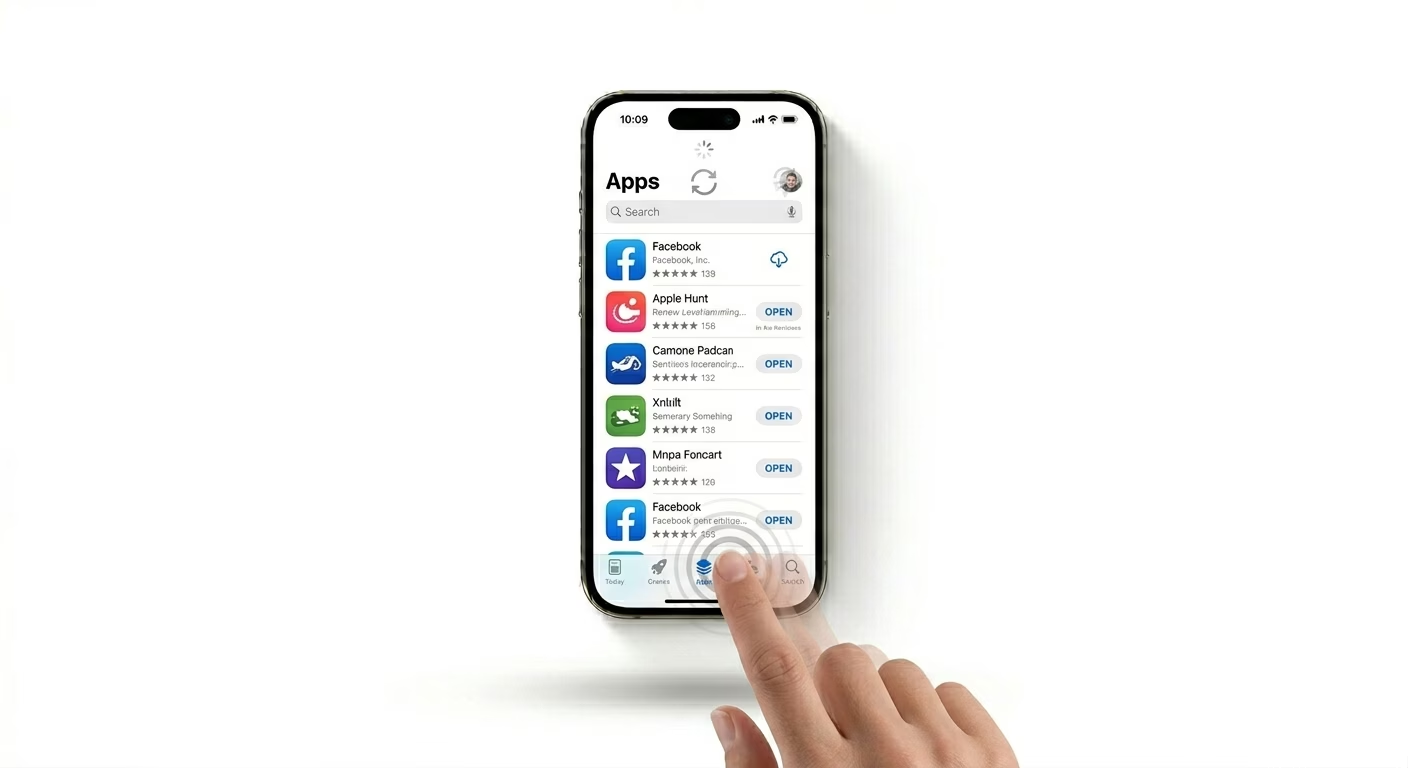
If the App Store is stuck, it may be a temporary cache glitch. Force close the app and reopen it. You can also tap any bottom tab (like Today or Apps) rapidly 10 times to trigger a hidden refresh. This forces the App Store to reload fresh data from Apple servers.
Related fix: iPhone apps crashing issue
2 Fix Internet & DNS Issues
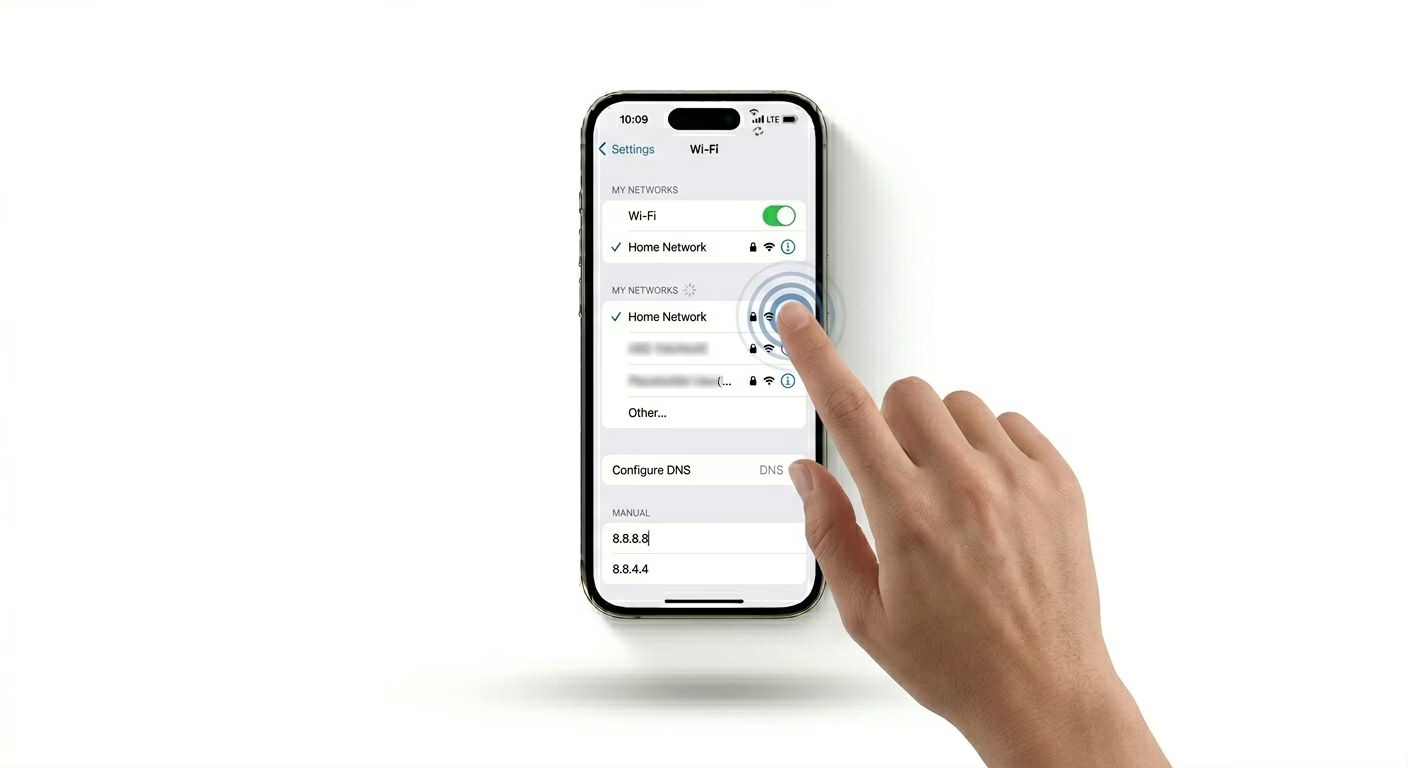
A weak or restricted internet connection is one of the most common causes. Try switching from Wi-Fi to mobile data. If it works, your Wi-Fi DNS may be blocking Apple services. Go to Settings > Wi-Fi, tap your network, and set DNS to 8.8.8.8 (Google DNS).
If Wi-Fi is also unstable, check: iPhone Wi-Fi not connecting fix
3 Sign Out & Re-login Apple ID
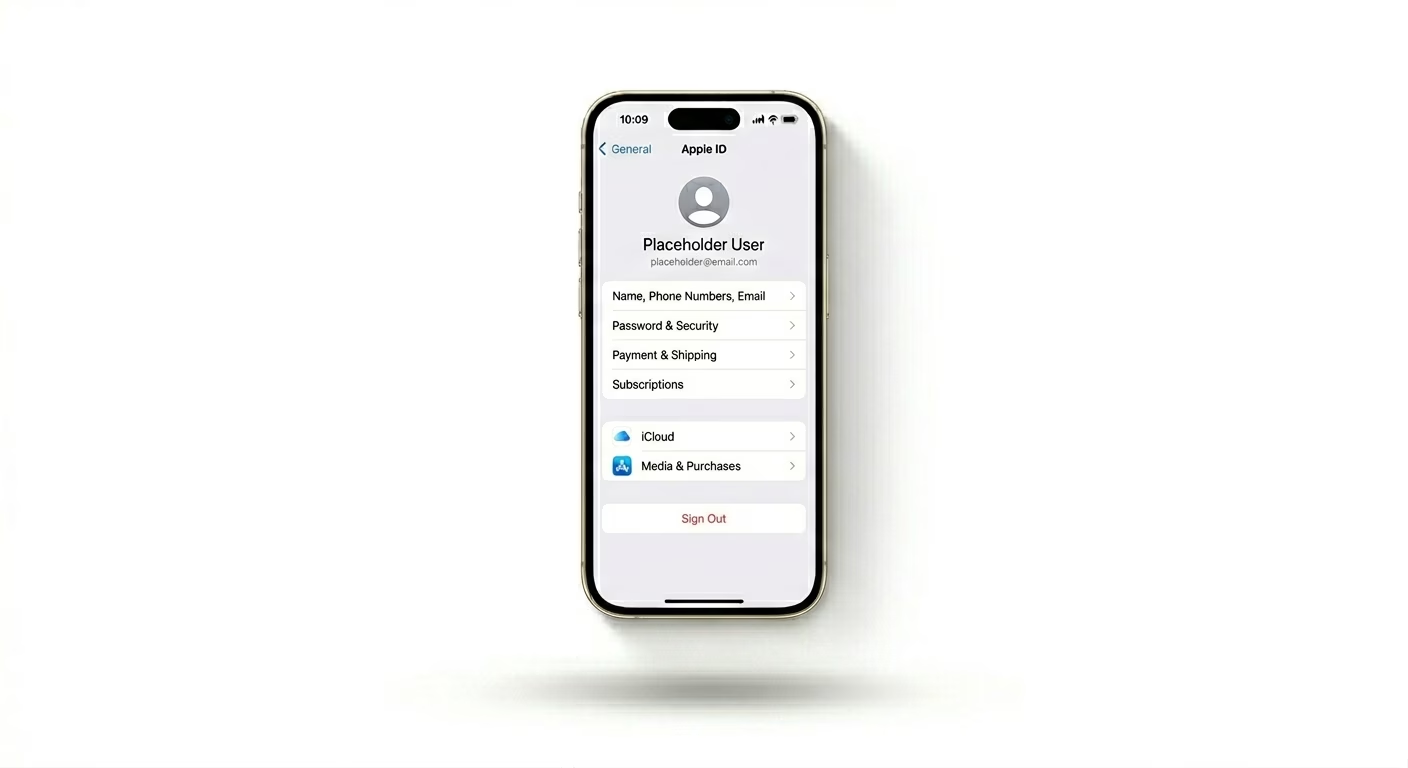
If the App Store opens but shows no content, your Apple ID session may be stuck. Go to Settings > Your Name > Media & Purchases, sign out, restart your device, and sign back in. This refreshes your Apple account authentication with the App Store servers.
You may also like: Apple ID locked fix guide
Why App Store Stops Loading
- Server downtime: Apple servers temporarily unavailable
- Network issues: Weak Wi-Fi or blocked DNS
- Date & Time mismatch: breaks secure connection
- VPN interference: blocks Apple CDN access
Pro Tips
- Turn OFF VPN before opening App Store
- Update iOS if your device is running older software
- Try searching apps directly via Spotlight instead of App Store
- Restart iPhone if loading issue persists for long time
Frequently Asked Questions
Why does App Store say “Cannot Connect”?
This usually happens due to network issues or Apple server downtime. Try switching networks or restarting your iPhone.
Does clearing cache delete apps?
No. Clearing cache only refreshes App Store data. Your apps and personal data remain safe.