Quick Fix:
- Check if your internet connection is active
- Restart your iPhone to refresh background processes
- Ensure WhatsApp is not Web/Desktop linked and active elsewhere
- Update WhatsApp to the latest version from the App Store
Steps to Fix WhatsApp Delivery Issues
1 Enable Background App Refresh
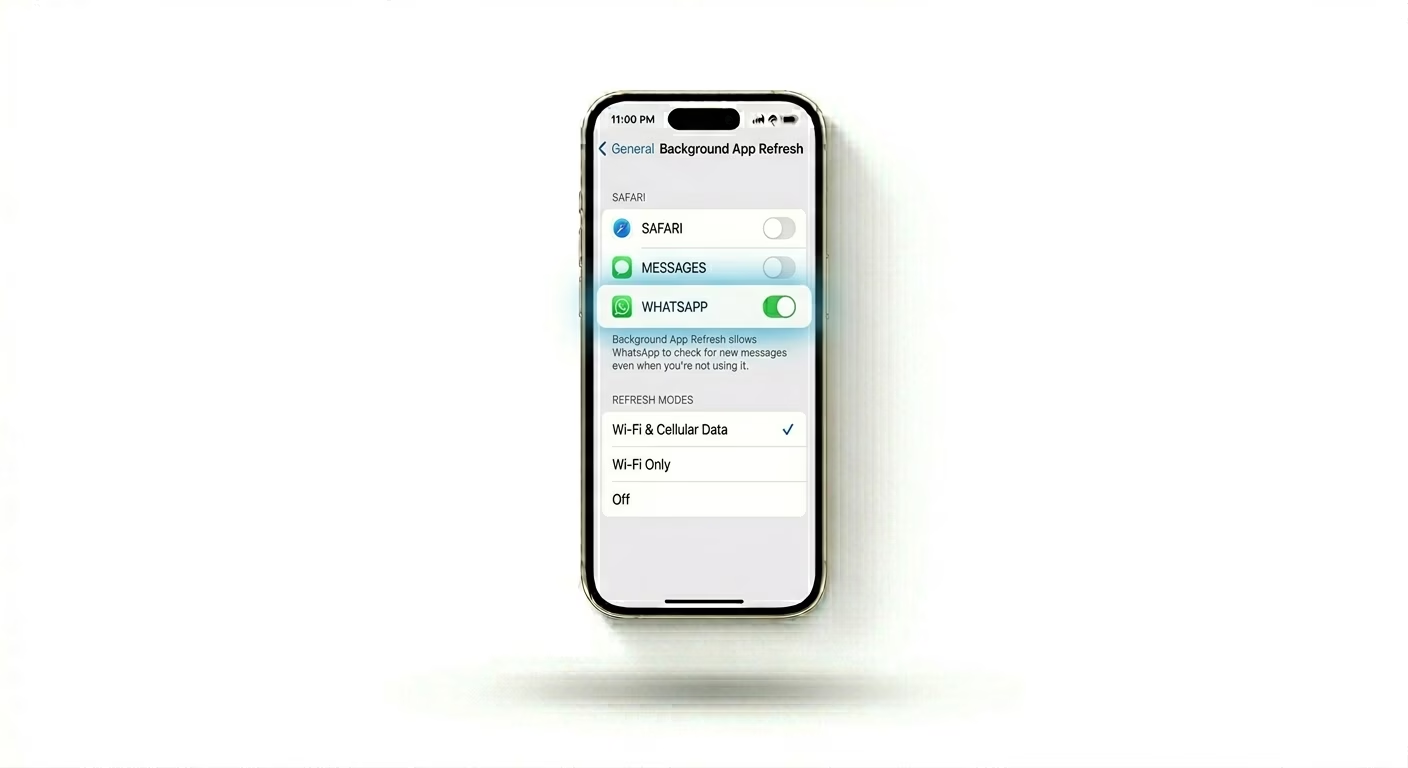
If you only get WhatsApp messages when you open the app, it means WhatsApp is being "frozen" in the background. Go to Settings > General > Background App Refresh and make sure it’s turned ON for WhatsApp. This lets the app check for new messages even when you’re not using your phone.
2 Disable Low Data Mode
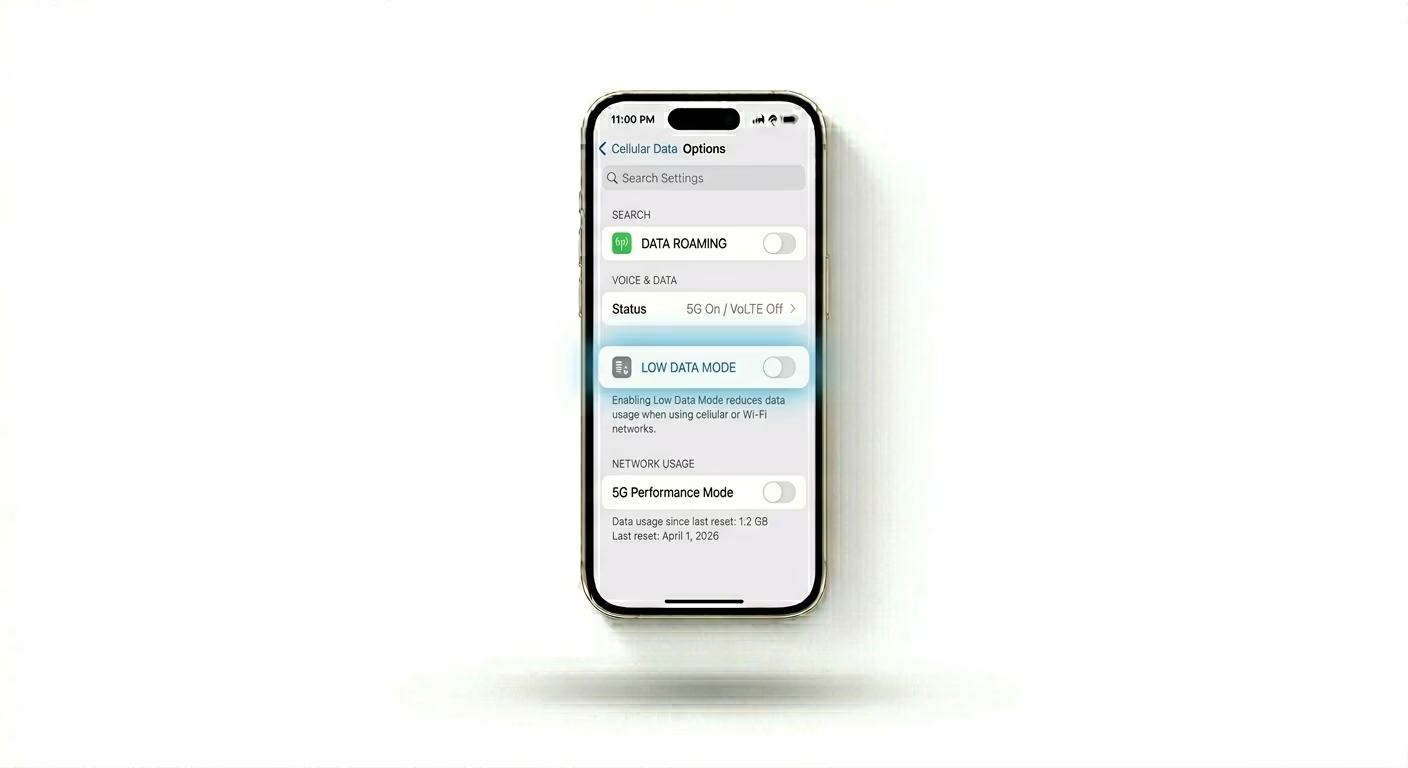
iOS has a feature called Low Data Mode that limits data use to save your balance, but it can stop WhatsApp from delivering messages on time. Go to Settings > Cellular > Cellular Data Options (or check your Wi-Fi settings) and make sure Low Data Mode is turned OFF. This lets WhatsApp use your network freely for instant message delivery.
3 Reset WhatsApp Notification Settings
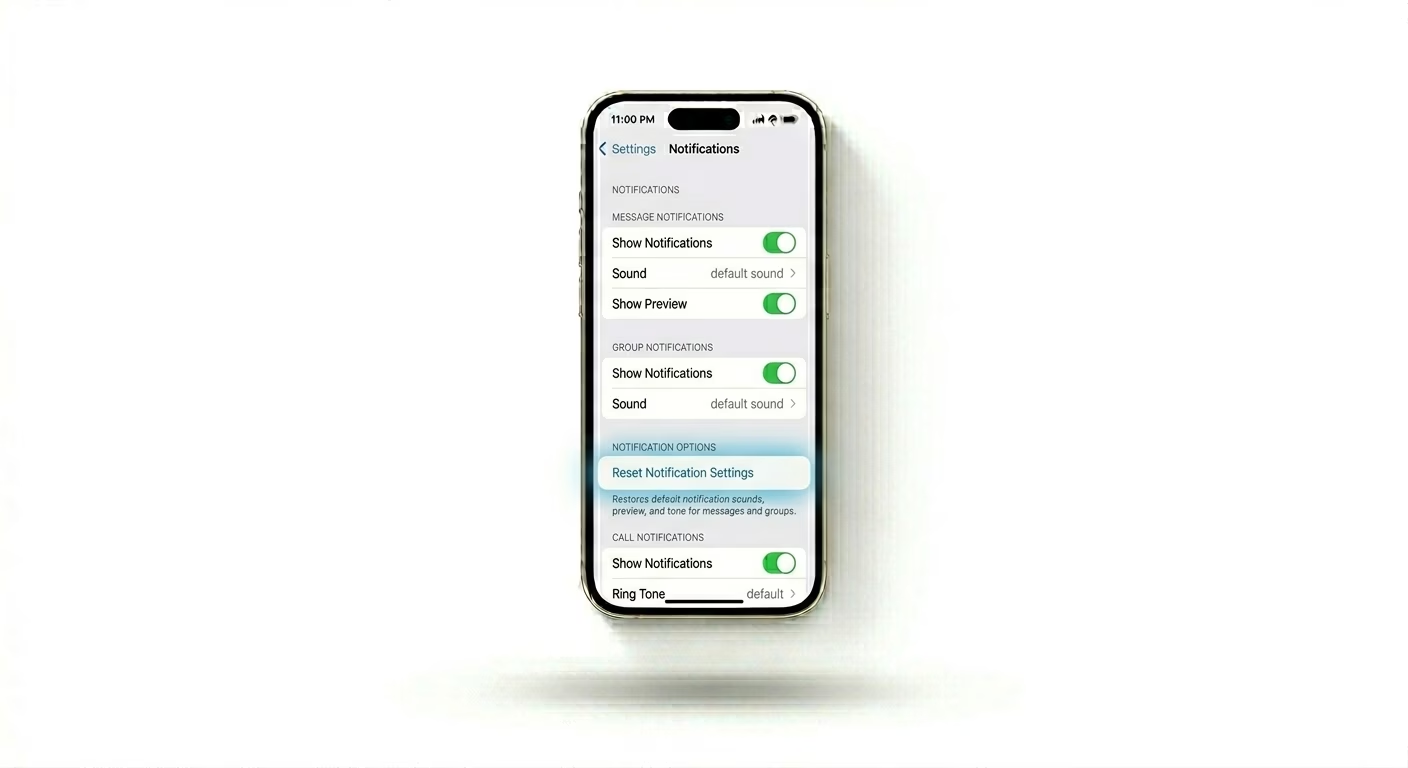
Sometimes, WhatsApp’s internal notification settings can get glitched. Open WhatsApp > Settings > Notifications, scroll down, and tap Reset Notification Settings. This clears any custom alerts that might be blocking message previews or notification sounds.
Why This Happens?
- Intermittent Wi-Fi or Cellular data connection
- "Low Power Mode" restricting background activity
- WhatsApp servers are experiencing temporary downtime
- Corrupted cache files after a recent iOS update
Pro Tips:
- Check Focus Mode: Ensure "Do Not Disturb" or a "Work" Focus mode isn't silencing your WhatsApp alerts.
- Linked Devices: If you use WhatsApp Web, log out of all linked devices to ensure messages are delivered directly to your phone first.
- Check Storage: WhatsApp requires space to download media. If your iPhone is full, incoming messages may fail to deliver.
Frequently Asked Questions
Why do I only get messages when I open WhatsApp?
This usually happens because Background App Refresh is turned off or your iPhone is in Low Power Mode. Low Power Mode stops background tasks to save battery, which can prevent WhatsApp from working properly in the background.
Does a single tick mean I'm blocked?
Not necessarily. A single tick just means your message was sent from your phone but hasn’t been delivered to the recipient’s phone yet. They might be out of signal, have their phone turned off, or be facing similar delivery issues.