Quick Fix:
- Check if your iPhone is compatible with the new iOS
- Ensure you have at least 5-10GB of free space
- Switch to a stable Wi-Fi connection
- Charge your phone to at least 50%
Steps to Fix iOS Update Errors
1 Clear Up Storage Space
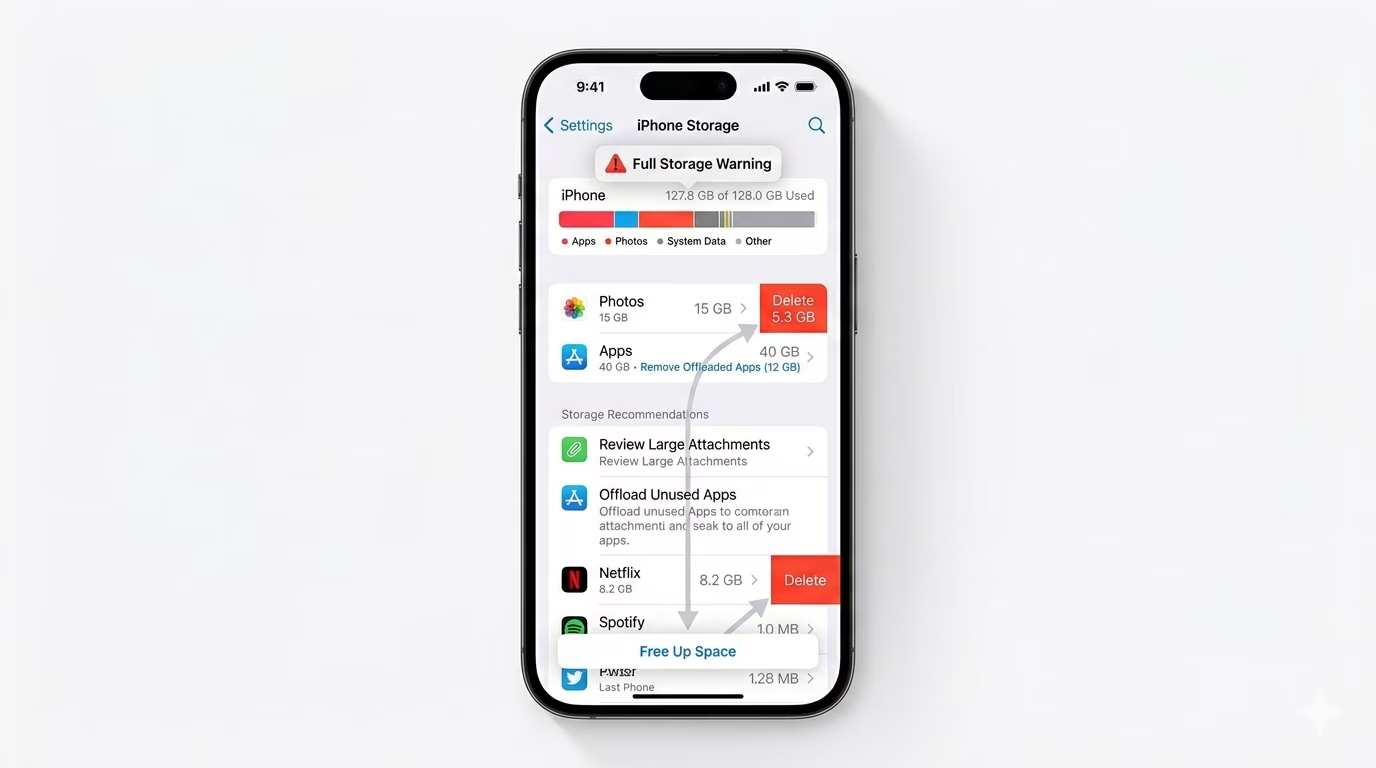
iOS updates need plenty of free space—not just to download, but also to install properly. Go to Settings > General > iPhone Storage and check your available space. If you’re running low, delete large videos or apps you don’t use. Try to free up at least 10GB to make sure the update goes smoothly.
2 Delete and Re-download the Update
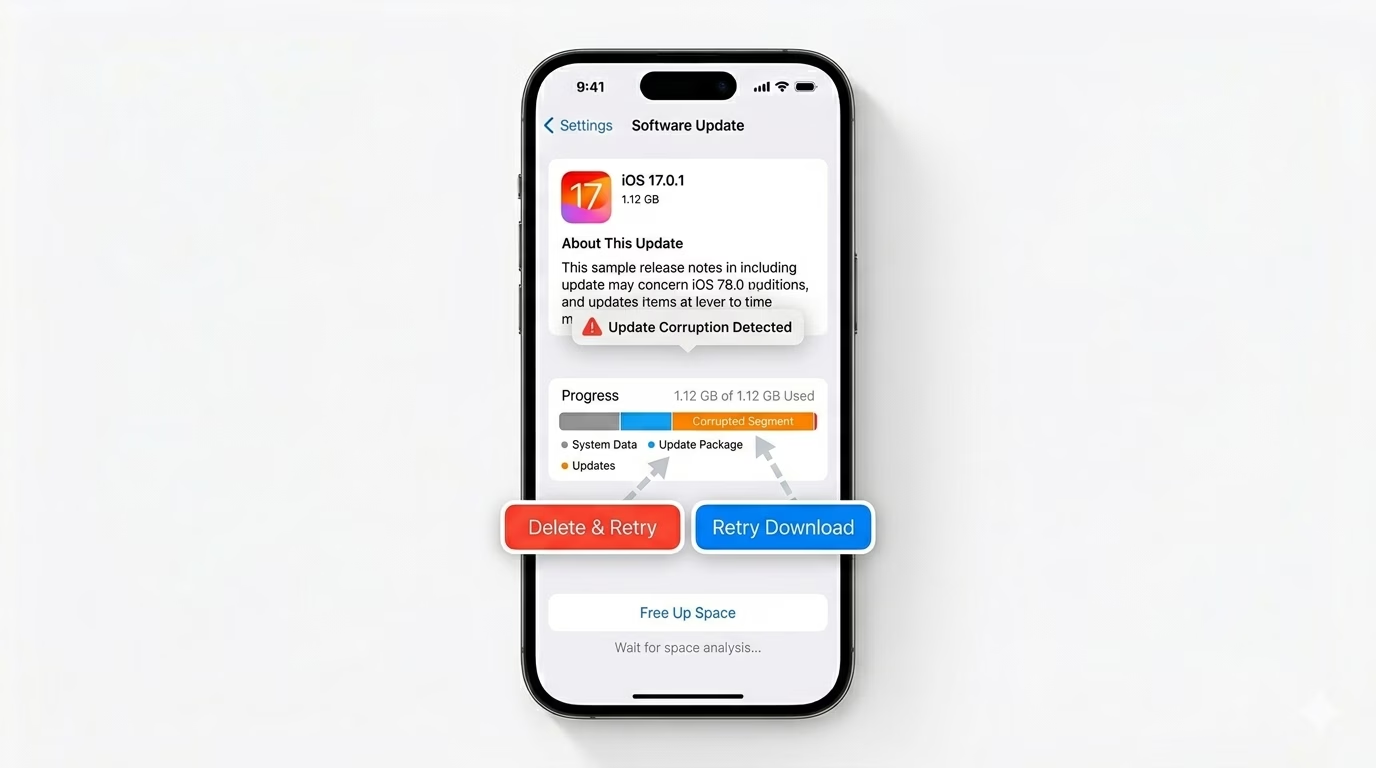
If the update is stuck or corrupted, you can delete it and try again. Go to Settings > General > iPhone Storage, find the iOS update in the list, tap on it, and choose Delete Update. Then go back to Software Update and download it again using a strong Wi-Fi connection.
3 Update via iTunes or Finder
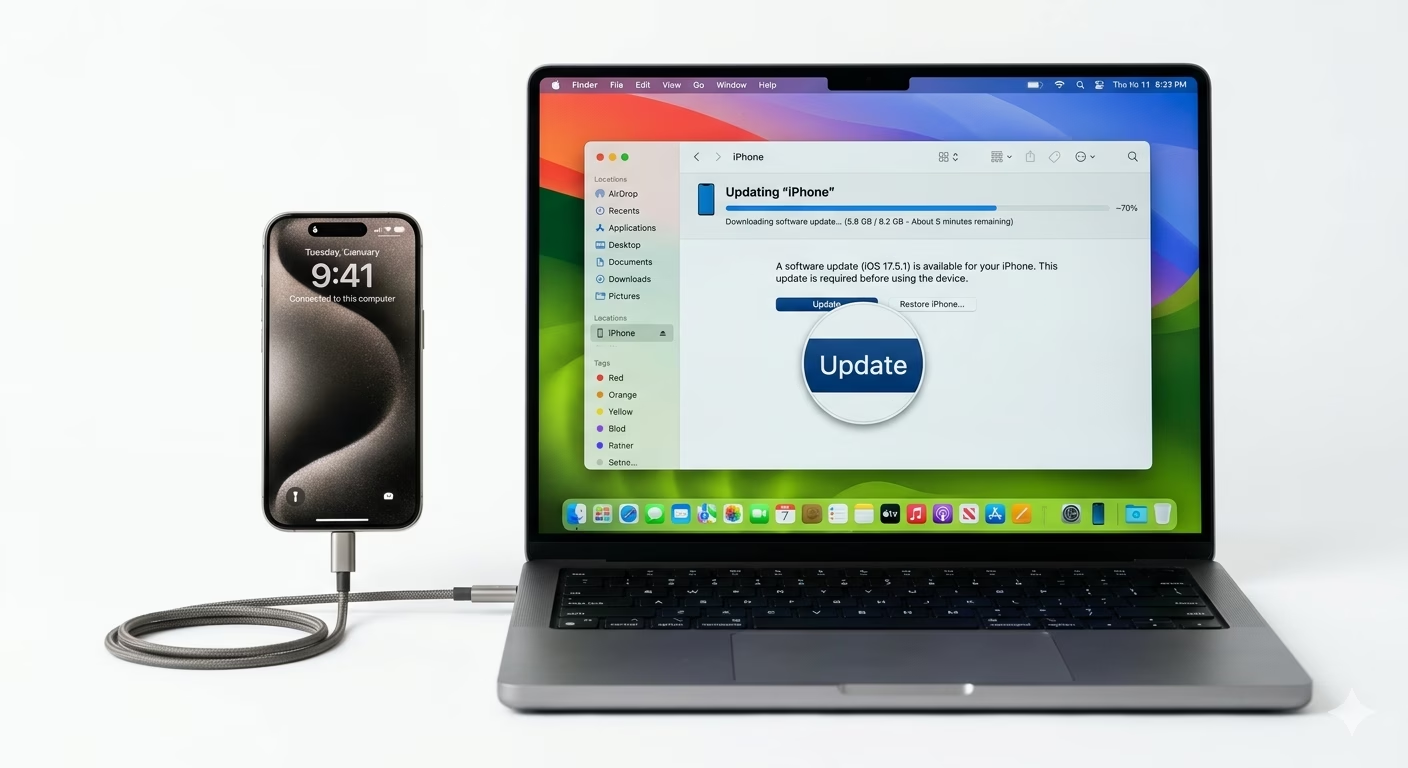
If the “Over-the-Air” update doesn’t work, try updating through your computer. Connect your iPhone to your PC or Mac, open iTunes or Finder, and click “Check for Update.” Your computer will download the entire firmware and install it, which is more reliable and doesn’t use up your iPhone’s internal storage.
Why This Happens?
- Insufficient storage space on the device
- Unstable or slow Wi-Fi connection
- Apple's servers are overloaded (usually during a new launch)
- Beta profiles interfering with official releases
Pro Tips:
- Disable VPN: Sometimes VPNs block Apple's update servers. Turn it off before checking for updates.
- Low Power Mode: Make sure Low Power Mode is OFF, as it can restrict background downloads.
- Check Battery: Always keep your iPhone plugged into a charger during the installation phase.
Frequently Asked Questions
Why is my iPhone not showing the latest update?
Check if your iPhone model is still supported by the latest iOS version. Older iPhones eventually stop getting major updates, but they might still receive important security patches.
Can I update using Cellular Data?
On iPhone 12 and newer, you can update iOS using 5G if it’s enabled in your settings. However, most people should use Wi-Fi, since it avoids extra data charges and provides a more stable connection for the update.