Quick Wireless Check:
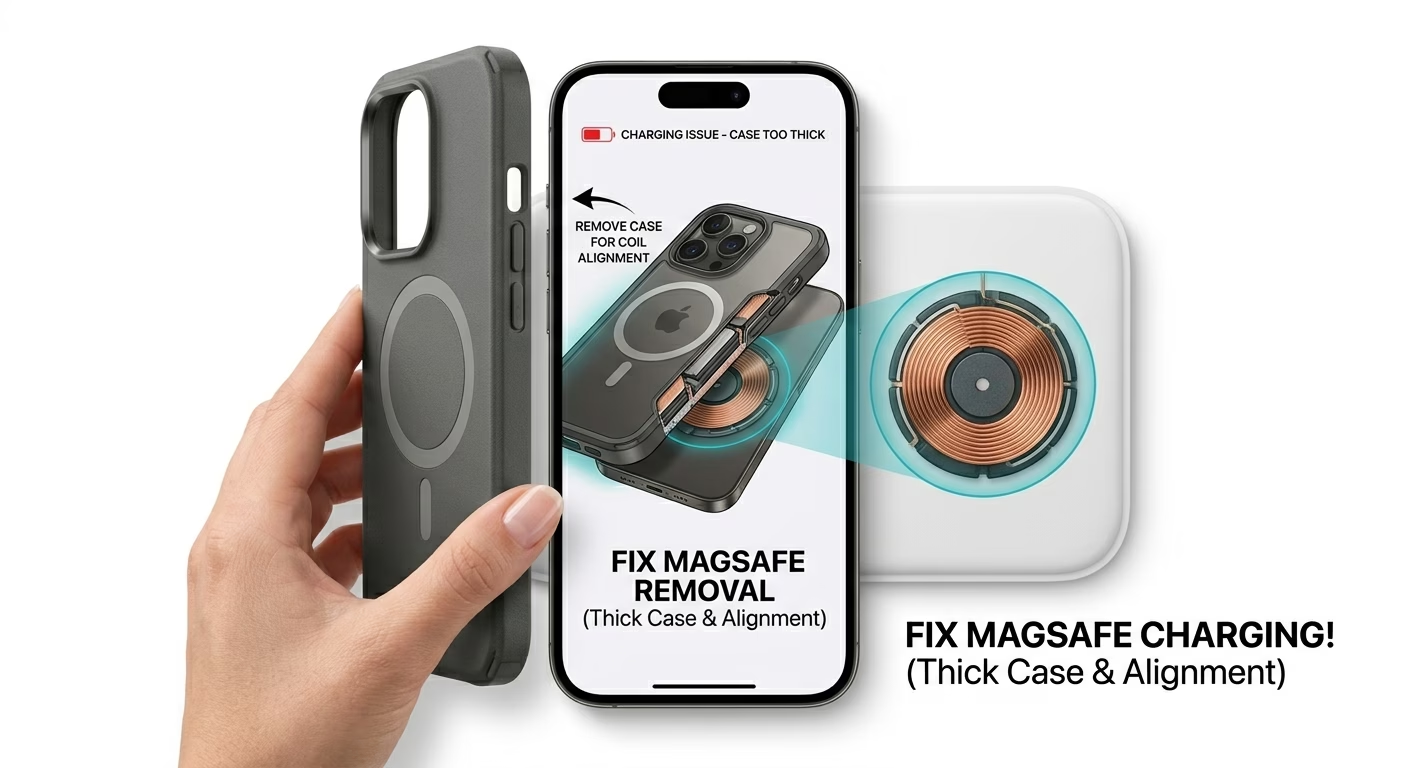
- Remove your Phone Case (Metal or thick cases block induction)
- Ensure the iPhone is Centered on the charging pad
- Check if your Wall Adapter has enough wattage (minimum 20W recommended)
- Perform a Force Restart to refresh the charging firmware
Steps to Restore Wireless Charging
1 Verify Case Thickness & Material
Wireless charging works through magnetic induction. If your case is thicker than 3mm or contains metal or aluminum, it can block or weaken the connection between the charger and the internal coils. Remove any credit cards, metal plates, or magnetic mounts from the back of your phone. If your iPhone charges normally without the case, you likely need a MagSafe-compatible or thinner TPU/silicone case.
2 Manage Battery Health Settings
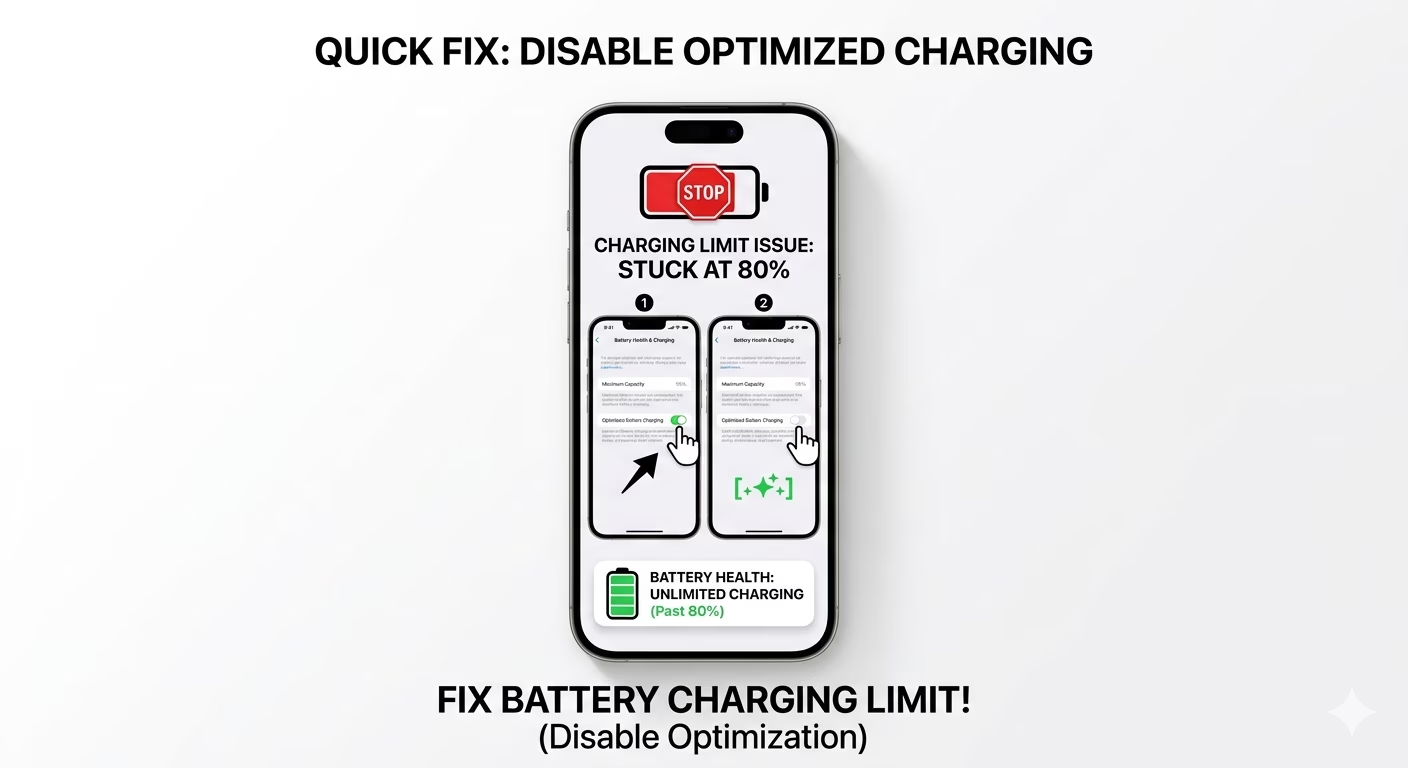
Sometimes iOS may pause charging around 80% to help preserve battery health. If your iPhone stops charging wirelessly at a certain point, go to Settings > Battery > Battery Health & Charging. Try temporarily turning OFF Optimized Battery Charging. This allows the device to continue charging normally from the wireless pad without scheduled pauses.
3 Inspect the Charging Pad & Cable
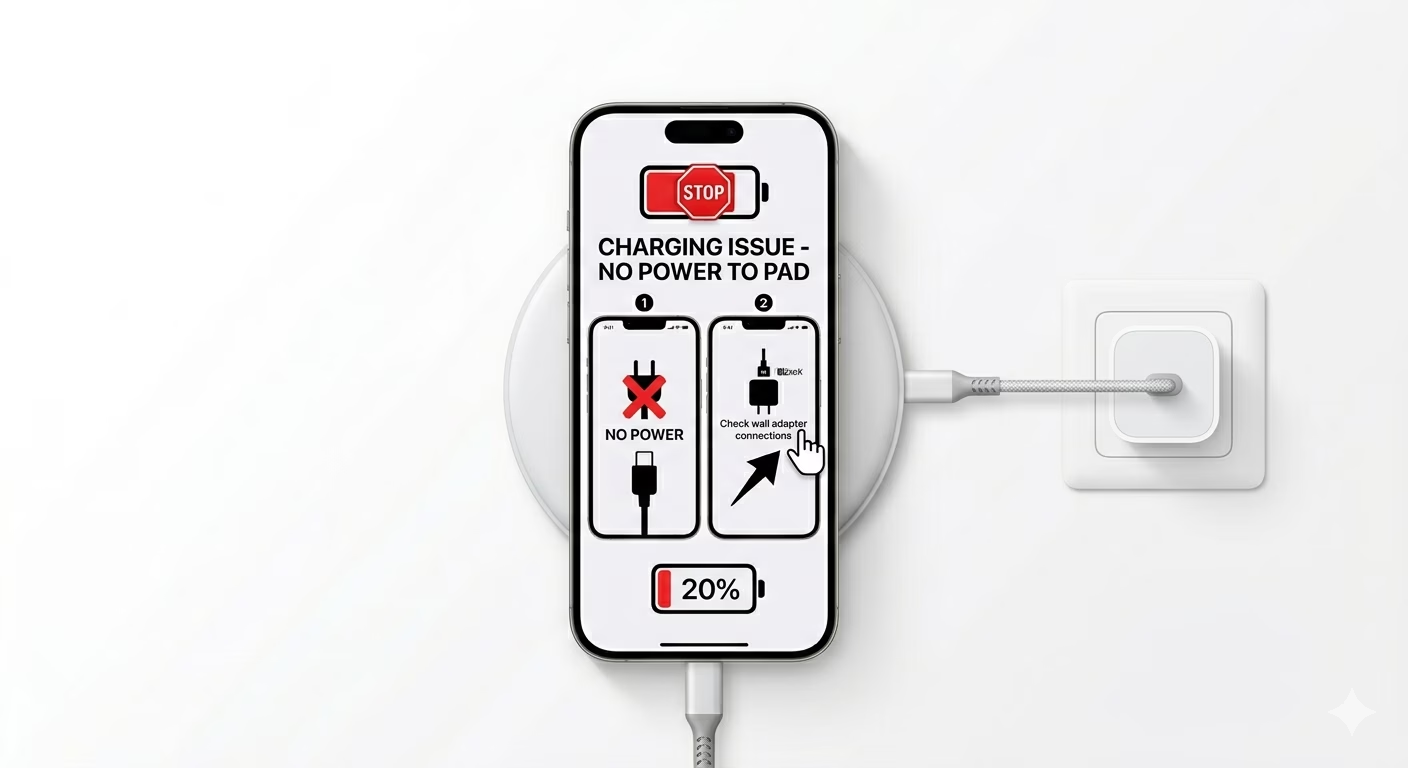
Wireless charging pads are sensitive to power fluctuations. Make sure your charging pad is connected to a proper PD (Power Delivery) wall adapter. If the LED on your charger is blinking, it may indicate FOD (Foreign Object Detection) or insufficient power delivery. Try using a different USB-C cable or plug the charger into another outlet to rule out a faulty power source.
Why is My iPhone Not Charging?
- Misalignment: Non-MagSafe chargers require the iPhone to be perfectly centered; even a 1cm shift can stop the flow.
- Thermal Protection: If the phone gets too hot during wireless charging, iOS will stop the power to protect the battery.
- USB Connection: If a lighting/USB-C cable is already plugged in, wireless charging is automatically disabled.
- Software Bug: The "Powerd" background process might have crashed and needs a system reboot.
Pro Tips:
- Cool it Down: Wireless charging generates more heat than cable charging. If it stops, take the phone off the pad and let it cool for 5 minutes.
- Update to latest iOS: Apple often releases patches for Qi2 and MagSafe compatibility in new updates.
- The Restart Hack: If the phone won't charge after a drop, a Force Restart can sometimes "wake up" the internal charging coil drivers.
Frequently Asked Questions
Is wireless charging slower than cable?
Yes. Standard Qi wireless charging is typically limited to around 7.5W, while MagSafe can deliver up to 15W on supported devices. In comparison, wired USB-C charging is significantly faster, often reaching 20W or more depending on the adapter.
Why does my phone get hot while charging wirelessly?
This is normal physics. Some energy is lost as heat during the induction process. However, if your device becomes too hot to comfortably touch, remove it immediately.