Quick Fix:
- Switch from Wi-Fi to Cellular Data (or vice versa)
- Restart your VPN app and your iPhone
- Check if your VPN subscription is still active
- Ensure you are not on a public Wi-Fi that blocks VPNs
Steps to Fix VPN Connection Errors
1 Switch VPN Protocols
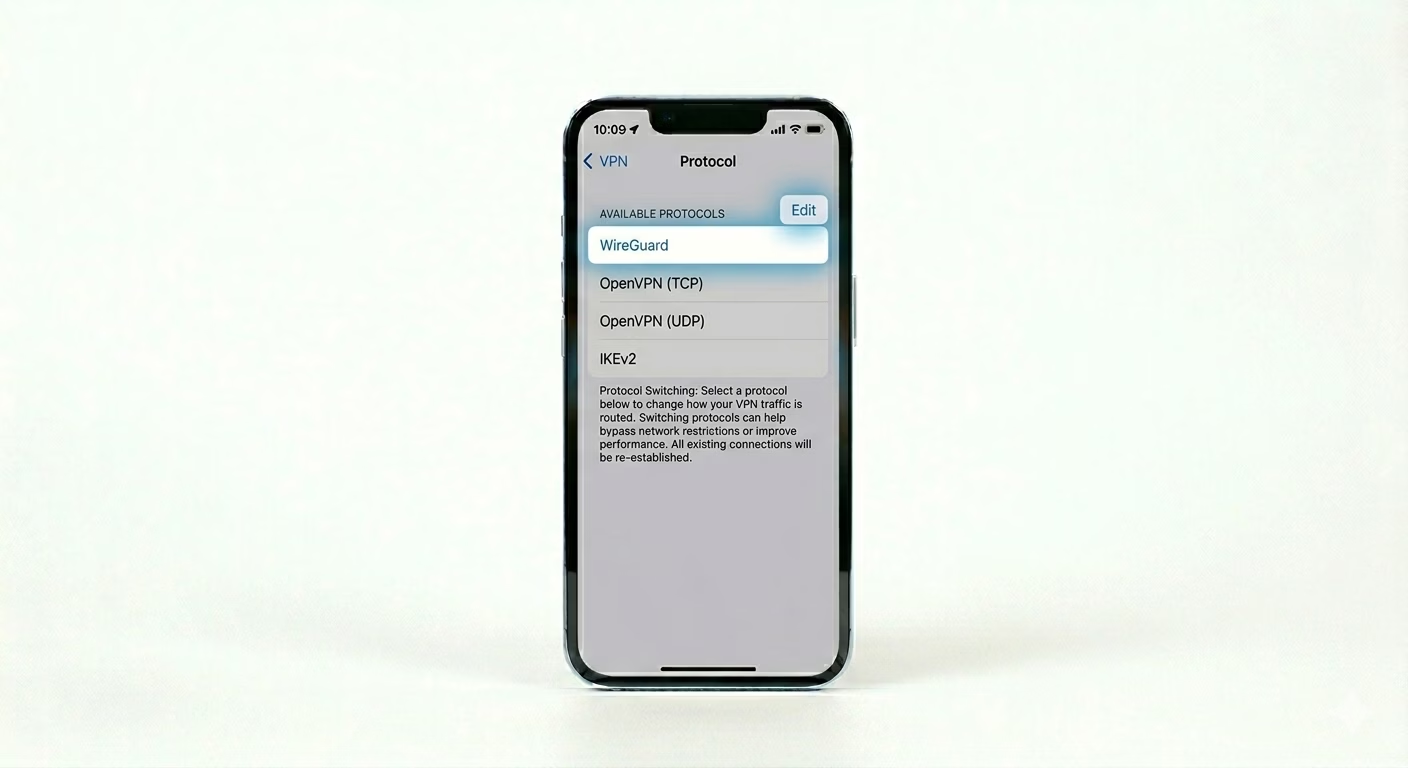
Sometimes a specific protocol (like IKEv2 or OpenVPN) is blocked by your ISP or firewall. Open your VPN App Settings and look for "Protocol." Switch from 'Automatic' to WireGuard or TCP/UDP. Changing the protocol can often bypass network filters that are preventing the VPN tunnel from forming.
2 Reset VPN Configuration Profile
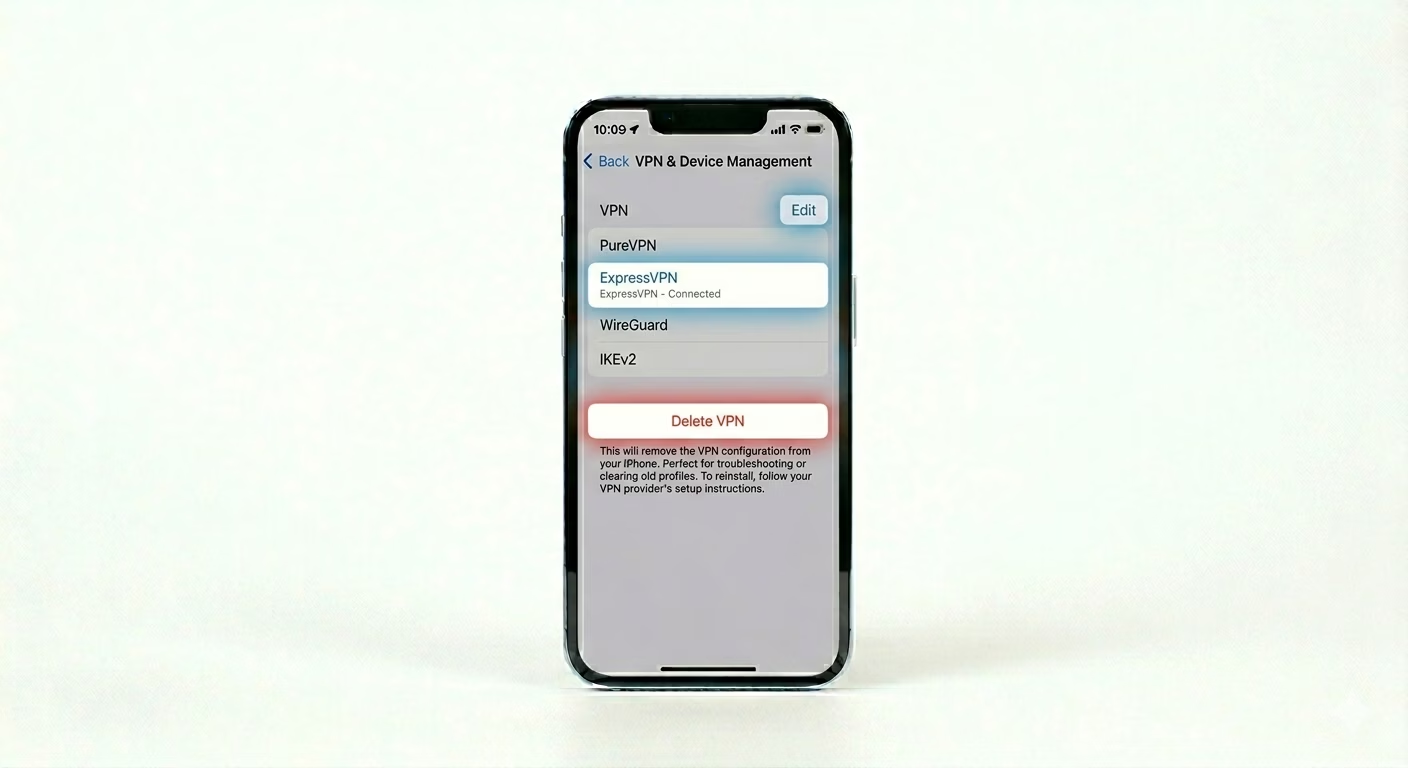
iOS keeps your VPN info in a “Profile,” which can sometimes get corrupted. Go to Settings > General > VPN & Device Management. Tap the ‘i’ next to your VPN and choose Delete VPN. Then, reopen your VPN app and let it “Re-install” the setup. This refreshes the security certificates your VPN needs to connect.
3 Turn Off iCloud Private Relay
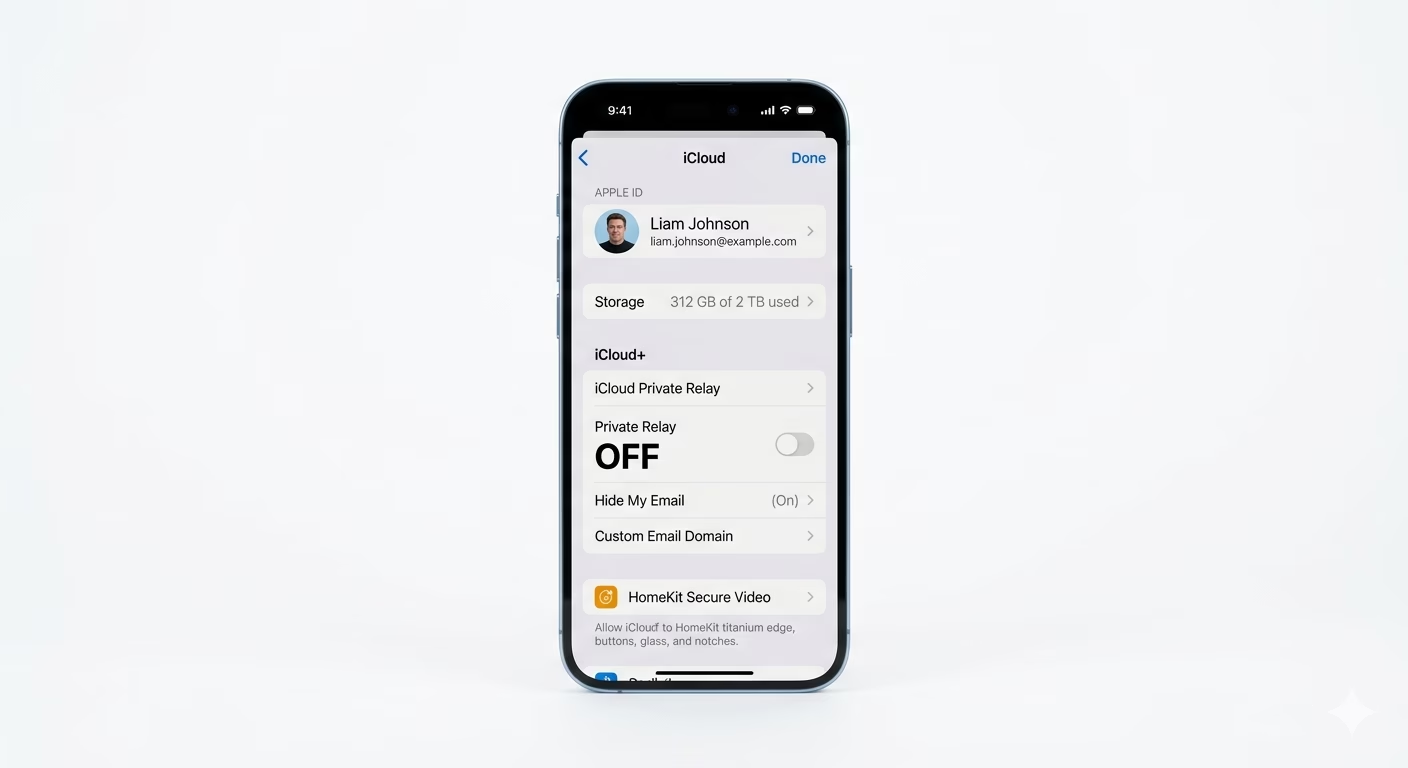
Apple’s iCloud Private Relay can sometimes clash with third-party VPNs because both try to reroute your internet traffic. Go to Settings > [Your Name] > iCloud > Private Relay and turn it OFF. Then try connecting your VPN again—turning off this double-routing often fixes “Connecting” issues.
Why This Happens?
- Your Internet Service Provider (ISP) is blocking VPN ports
- Corrupted VPN configuration profiles in iOS settings
- Server-side downtime from the VPN provider
- Conflicts with Apple's built-in Private Relay or Firewall settings
Pro Tips:
- Low Data Mode: Ensure Low Data Mode is OFF in Cellular settings, as it can kill background VPN processes to save data.
- Different Server: Always try connecting to a different country or city server; the specific one you are using might be overloaded.
- Kill Switch: If your VPN has a "Kill Switch" feature, try disabling it temporarily to see if it's accidentally blocking your internet entirely.
Frequently Asked Questions
Why does my VPN disconnect when my iPhone sleeps?
This is usually caused by iOS battery management. Make sure your VPN app has “Always On” enabled in its settings, and turn off Low Power Mode on your iPhone.
Will a VPN slow down my internet?
Yes, a little. Since your data goes through an extra server and gets encrypted, it’s normal to see a 10–20% drop in speed. If the slowdown is worse, try switching to a different server location.