Quick Camera Checklist:
- Ensure you have at least 1GB-2GB of free storage space
- Close all apps that use the Microphone or Camera (Instagram, WhatsApp, etc.)
- Check if your iPhone is too hot (Recording is disabled during thermal throttling)
- Restart your iPhone to refresh the camera hardware drivers
Steps to Restore Video Recording Functionality
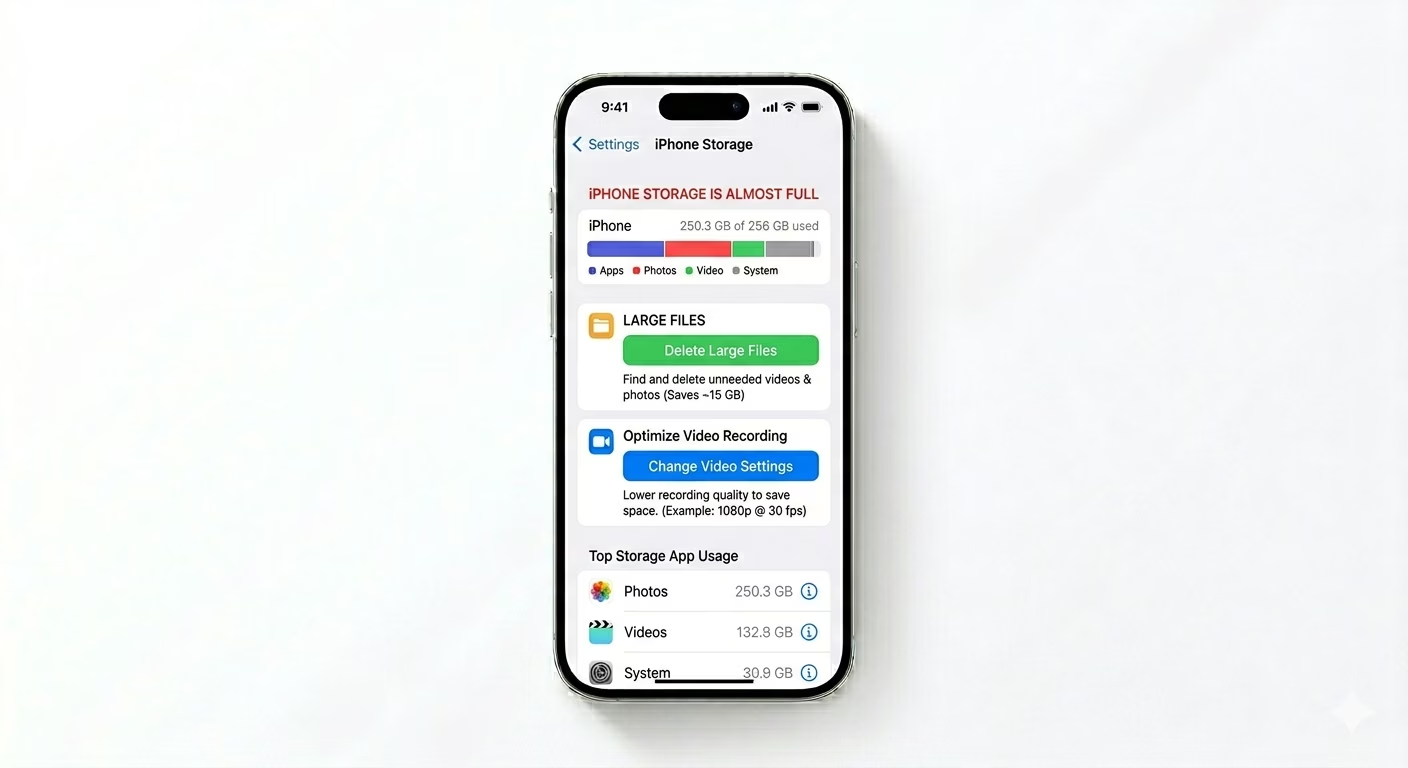
1 Free Up Critical Storage Space
High-resolution video (especially 4K or Cinematic mode) requires high write speeds and a large amount of free space. If your iPhone is 99% full, the Camera app may refuse to start recording to prevent data corruption. Go to Settings > General > iPhone Storage. Delete large unused files or offload apps to create enough “buffer” space for video files to save properly.
2 Force Close Conflicting Apps
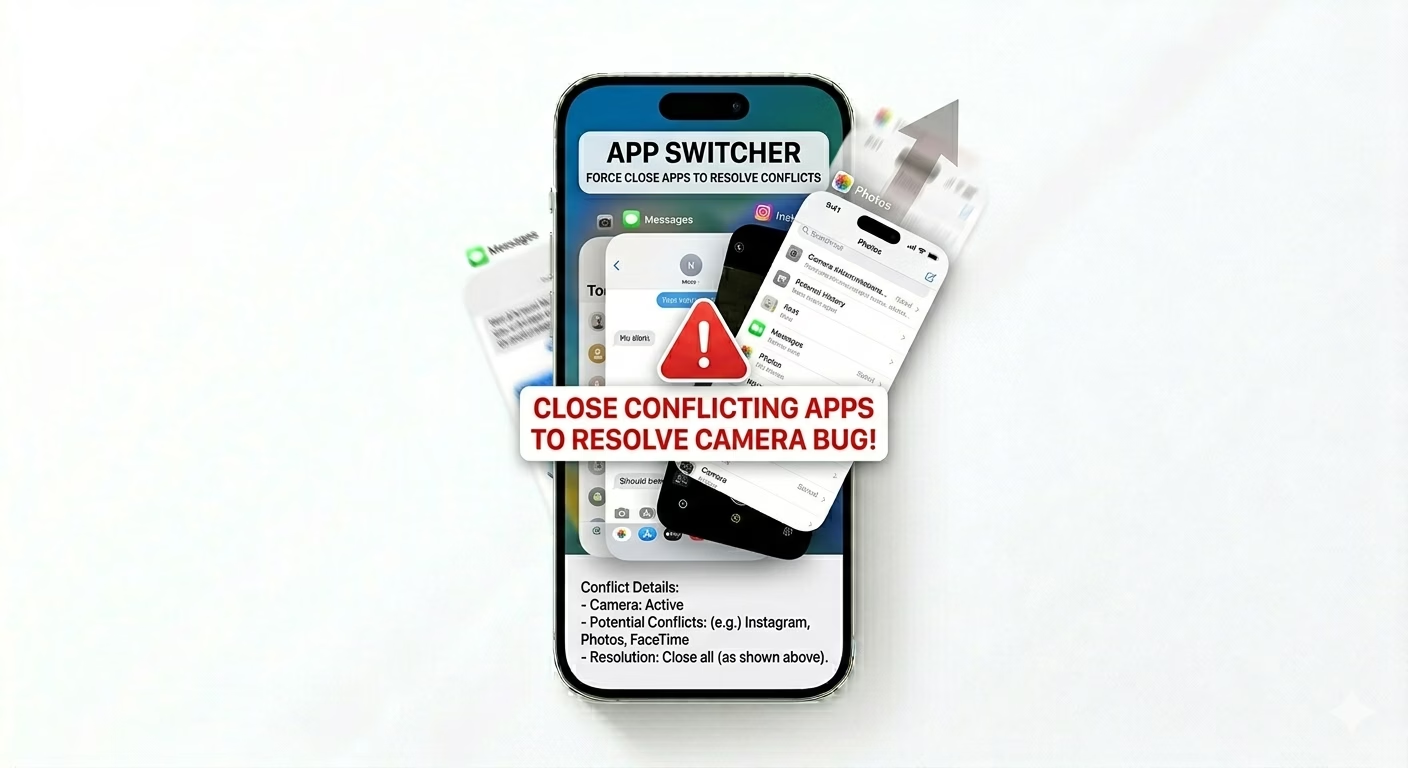
If another app is "holding" the camera or microphone in the background, the native Camera app may fail to record. Swipe up from the bottom of the screen to open the App Switcher and swipe away all open apps. This releases any hardware access in use and allows iOS to prioritize the official Camera app for your next recording session.
3 Switch to "Most Compatible" Format
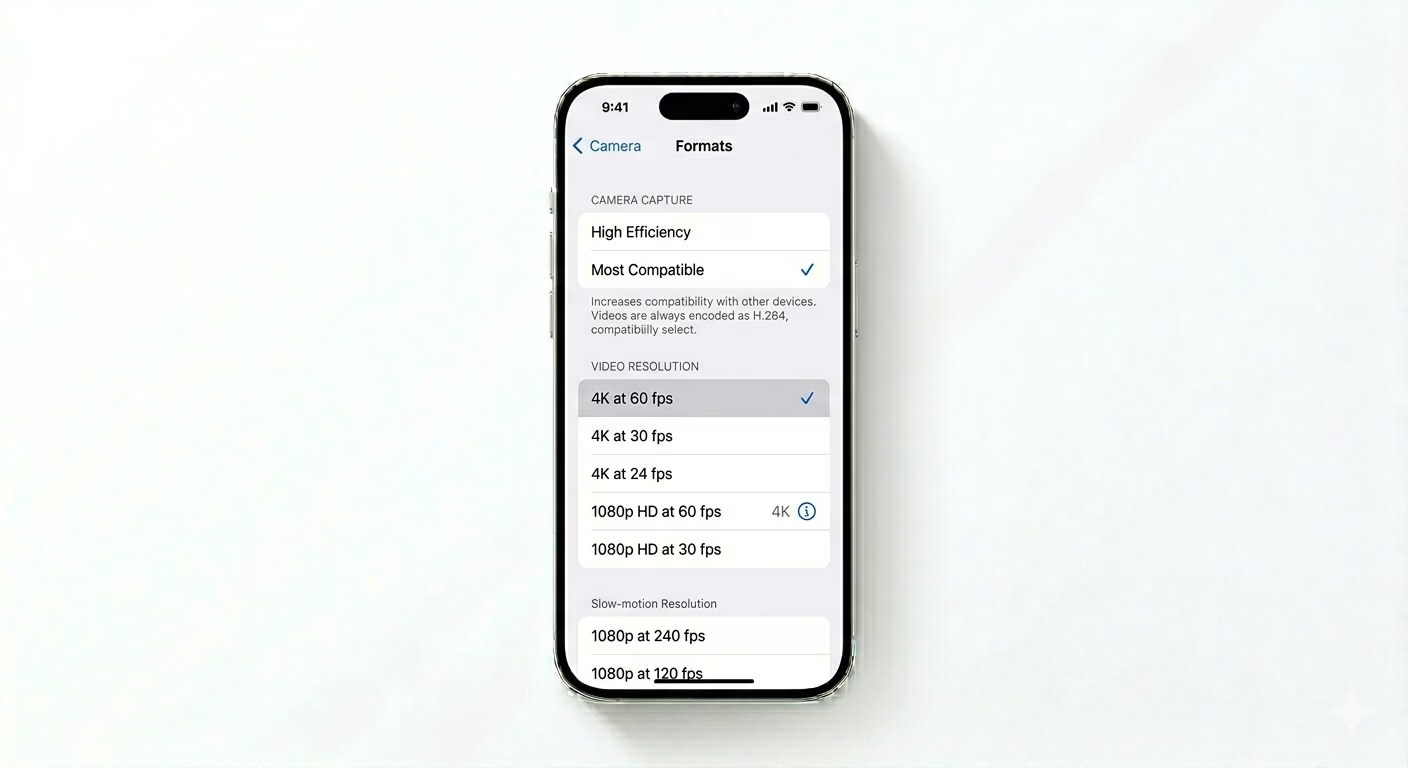
Sometimes the “High Efficiency” (HEVC) encoder can glitch. Go to Settings > Camera > Formats and select Most Compatible. Also, lower the resolution from 4K to 1080p in Record Video. If recording works in a lower resolution, it may indicate a processing bottleneck or a software issue with 4K encoding.
Why Won't My iPhone Record?
- In-Call Status: You cannot record video while on a cellular or FaceTime call.
- Screen Mirroring: Recording may fail if you are currently mirroring your screen to a TV.
- Software Bug: A rare glitch where the "Media Server" process crashes and needs a reboot.
- Hardware Failure: If the camera app is completely black, the physical module might be disconnected.
Pro Tips:
- The Volume Button Hack: If the on-screen button doesn't work, try pressing the Volume Up button to start a recording while in Video mode.
- Check Restrictions: Ensure the Camera isn't disabled in Settings > Screen Time > Content & Privacy Restrictions.
- Reset All Settings: If the issue is persistent, go to Settings > General > Transfer or Reset iPhone > Reset > Reset All Settings. (This won't delete your data).
Frequently Asked Questions
Why is my video recording button grayed out?
This usually happens when the microphone is already in use (for example, during a voice call) or when your storage is so low that even a 1-second video cannot be saved.
Can a third-party camera app help?
Yes. If the native app fails, try using an app like ProMovie or Blackmagic Cam. If those apps work, the issue is likely specific to the Apple Camera app software rather than the camera hardware itself.