Quick Fix:
- Perform a Force Restart to exit
- Update iOS using iTunes or Finder
- Check your lightning/USB-C cable
- Use a third-party iOS repair tool
Steps to Exit Recovery Mode
1 Force Restart to Kick it Out
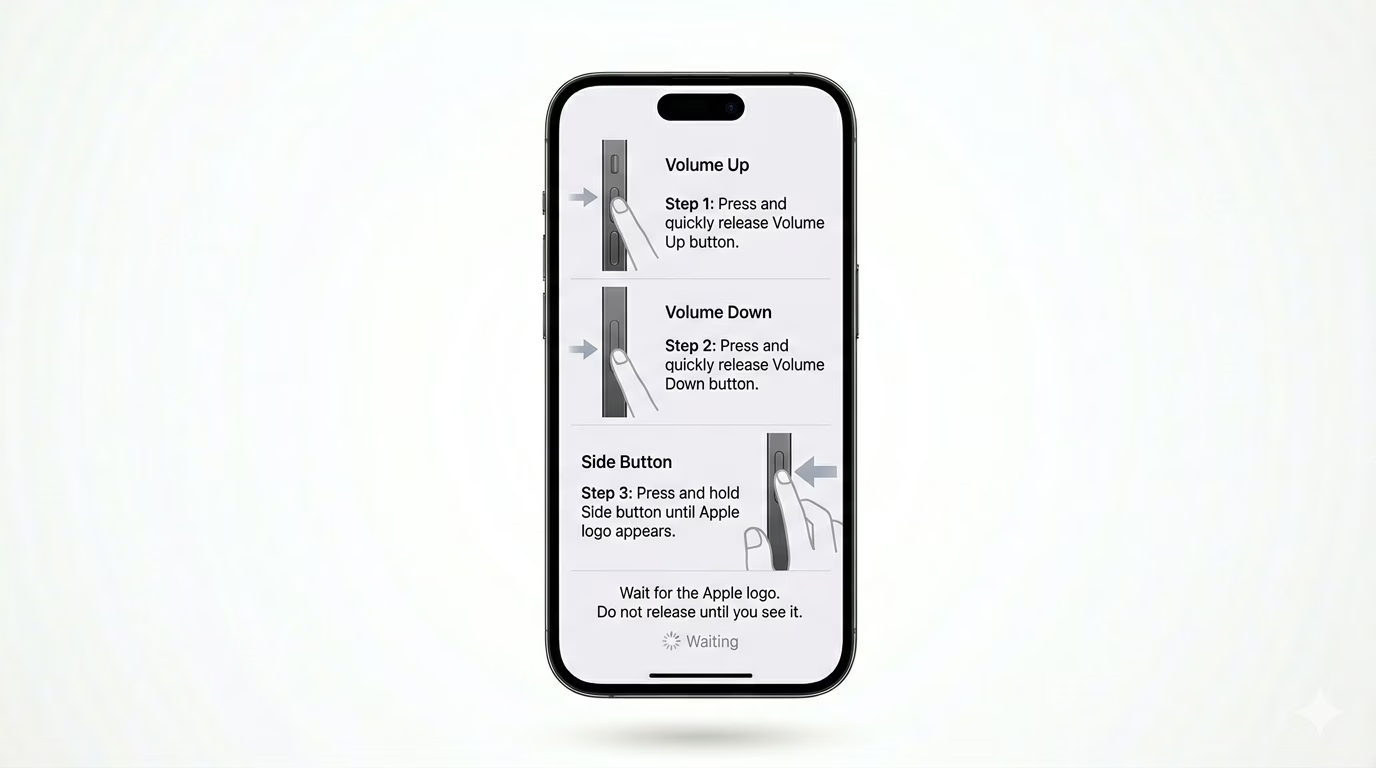
Often, a simple force restart can get your iPhone back to its normal booting process. For iPhone 8 and later: Press Volume Up, then Volume Down, and then press and hold the Side Button. Keep holding until the screen goes black and the Apple logo shows up again. If your phone boots to the home screen, you’re all set!
2 Use the "Update" Option on PC/Mac
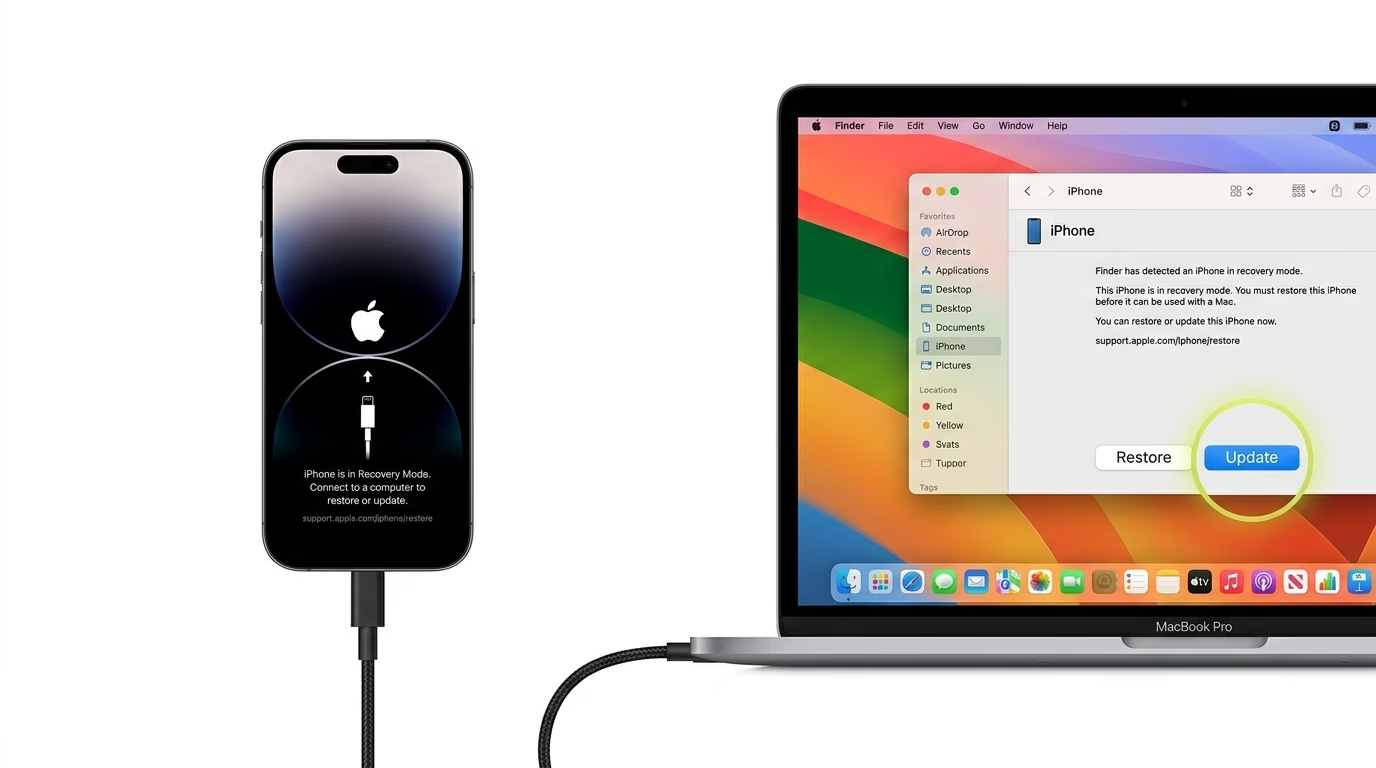
Connect your iPhone to a computer. If you’re using Windows, open iTunes; if you’re on a Mac, open Finder. You’ll see a message saying there’s a problem with the iPhone. Click “Update.” This will try to reinstall the system software without deleting your photos or apps.
3 Inspect Your Connection
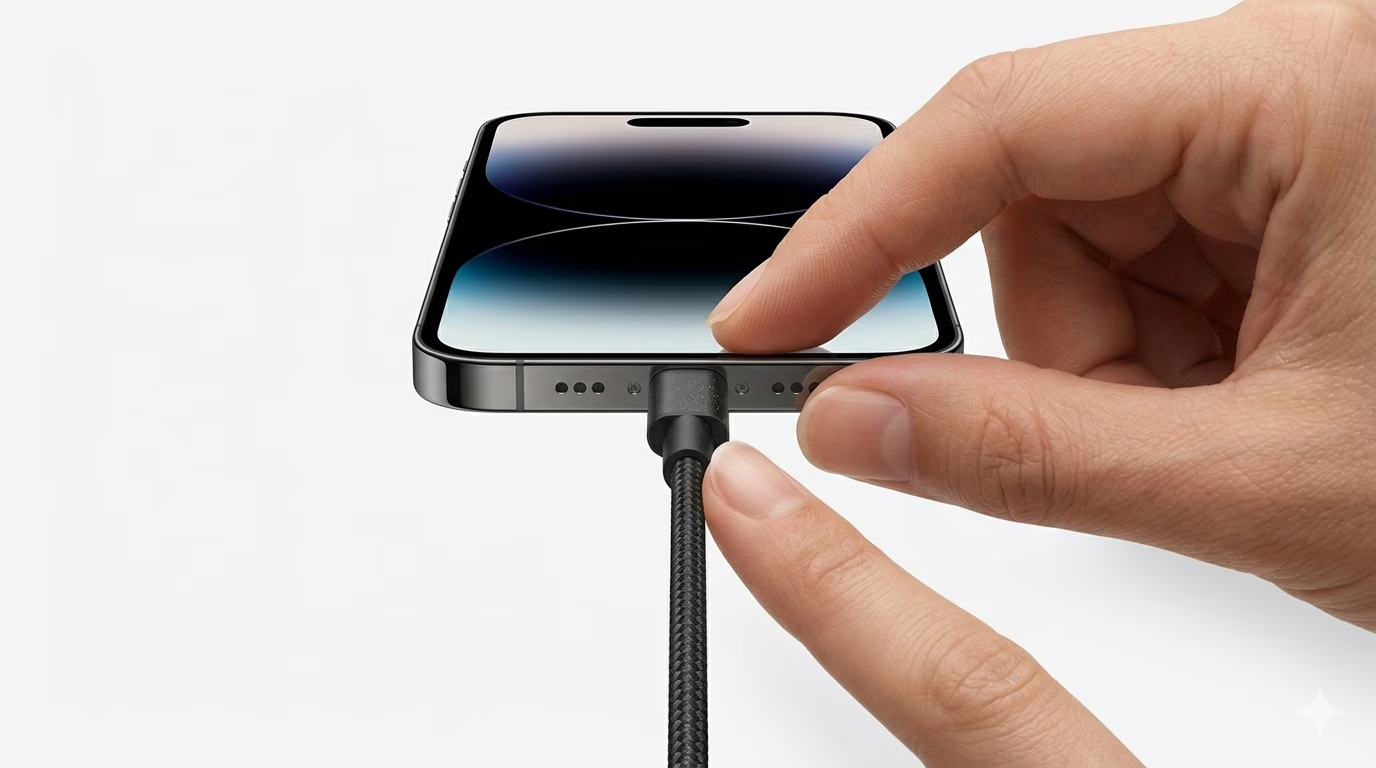
Sometimes an iPhone stays in Recovery Mode because the connection to the computer isn’t stable. Try using an original Apple MFi-certified cable and a different USB port. If the connection drops during an update, your phone will go back to the Recovery screen.
Why This Happens?
- An interrupted iOS update (e.g., Wi-Fi disconnected)
- A failed attempt to Jailbreak the device
- Corrupted system files during a restore
- A hardware fault in the NAND (storage) chip
Pro Tips:
- If the "Update" fails, you may have to click "Restore," which will wipe all data. Always keep an iCloud backup ready!
- Ensure your computer's iTunes or macOS version is fully updated before connecting the phone.
- Don't disconnect the cable until the process is 100% complete on your computer screen.
Frequently Asked Questions
Will I lose my data in Recovery Mode?
Being in Recovery Mode doesn’t delete your data. However, if you choose “Restore” instead of “Update” during the process, all your data will be erased.
What if my phone keeps going back to Recovery Mode?
This is called a “Recovery Loop.” It usually happens because of a serious software error or a failing battery or motherboard. You may need to try DFU mode or visit a technician for help.