Quick Fix:
- Check the Silent/Ring switch on the side
- Turn up the volume using the side buttons
- Turn off Bluetooth to disconnect external speakers
- Restart your iPhone
Steps to Fix iPhone Sound Issues
1 Check Software & Ring Settings
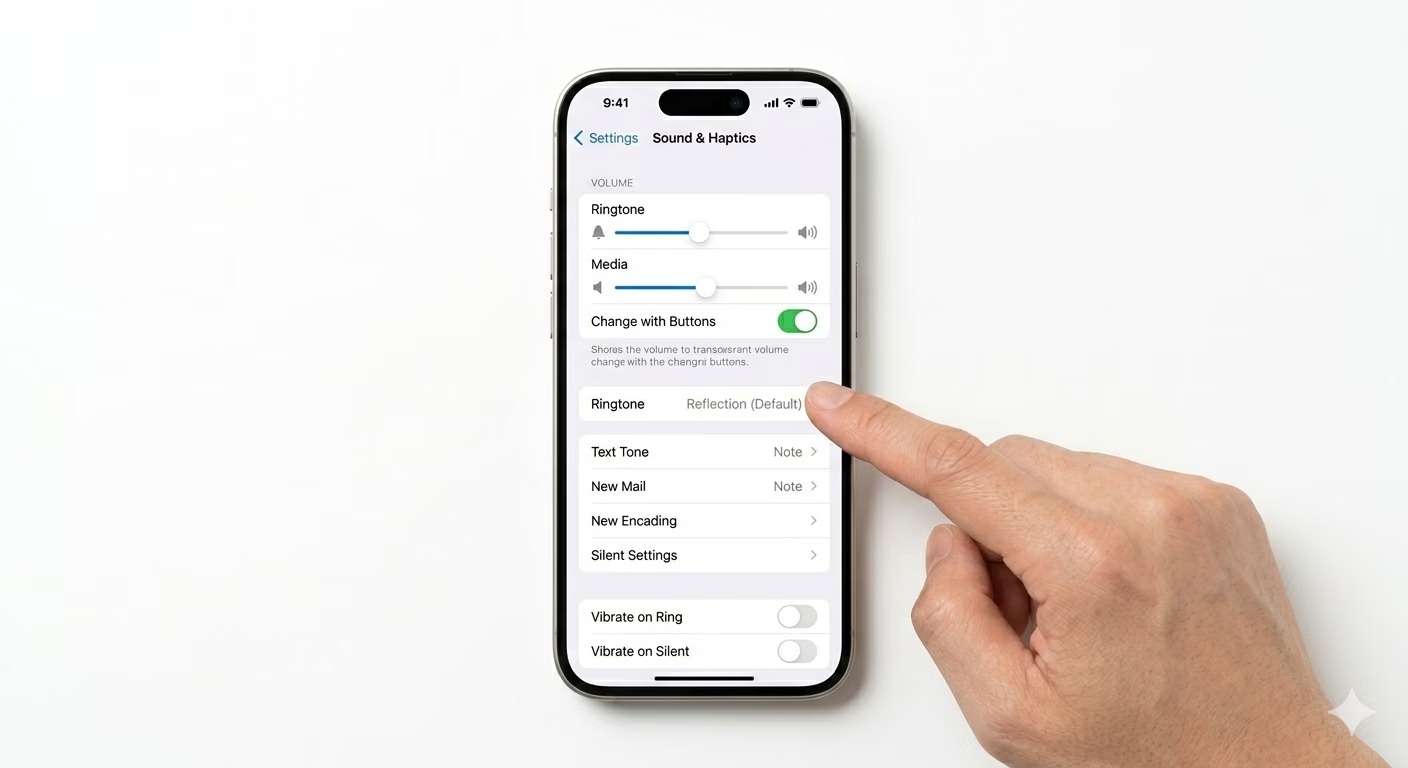
First, check that your iPhone isn’t set to Silent Mode or “Do Not Disturb” (Focus mode). Go to Settings, tap Sounds & Haptics, and move the “Ringer and Alerts” slider back and forth. If you hear a sound, your speaker works and the issue is probably just a software setting.
2 Clean the Speaker & Receiver
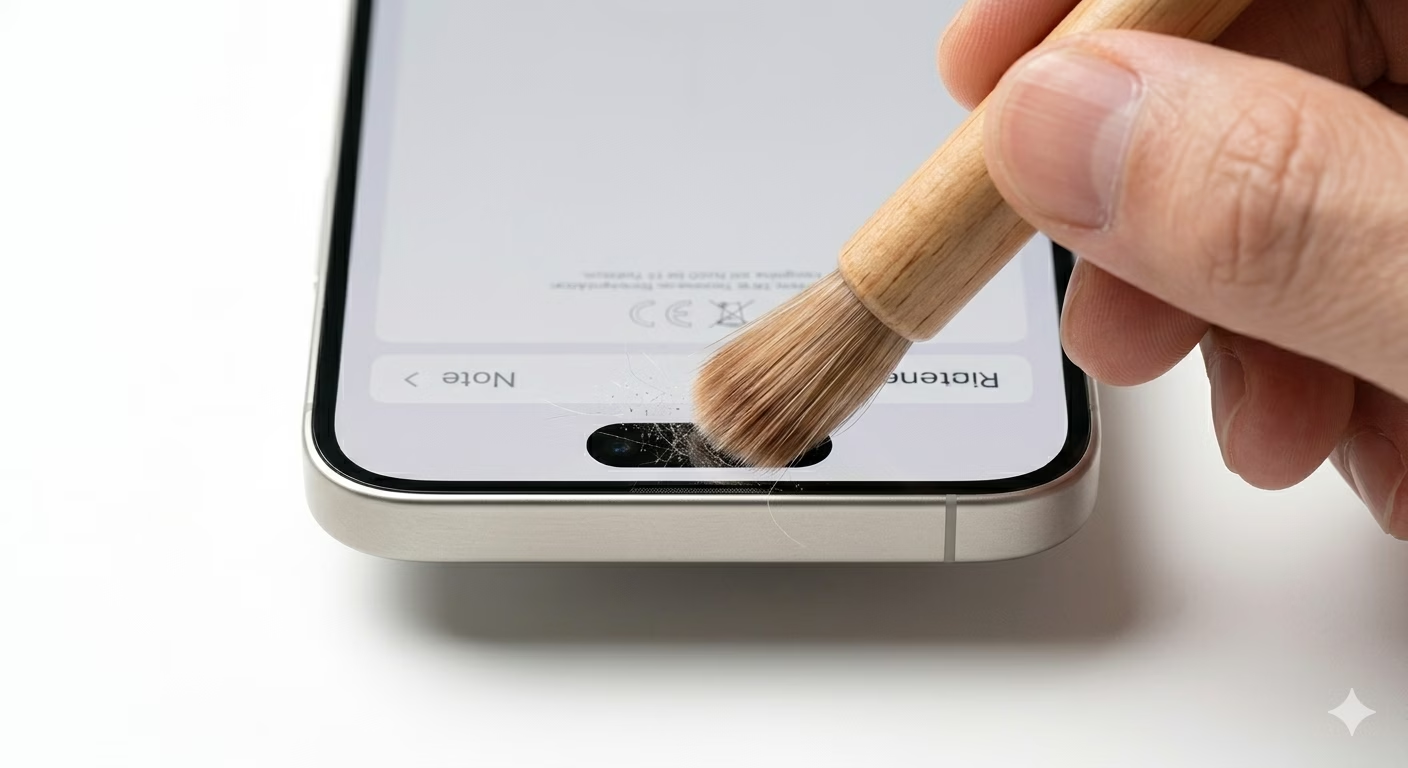
Dust, lint, or earwax can block your iPhone’s speaker holes and make the sound weaker. Use a clean, soft-bristled brush—like a toothbrush—to gently clean the grills at the top and bottom. Avoid using sharp objects or compressed air, since these can damage the tiny mesh inside your phone.
3 Disconnect Bluetooth Devices
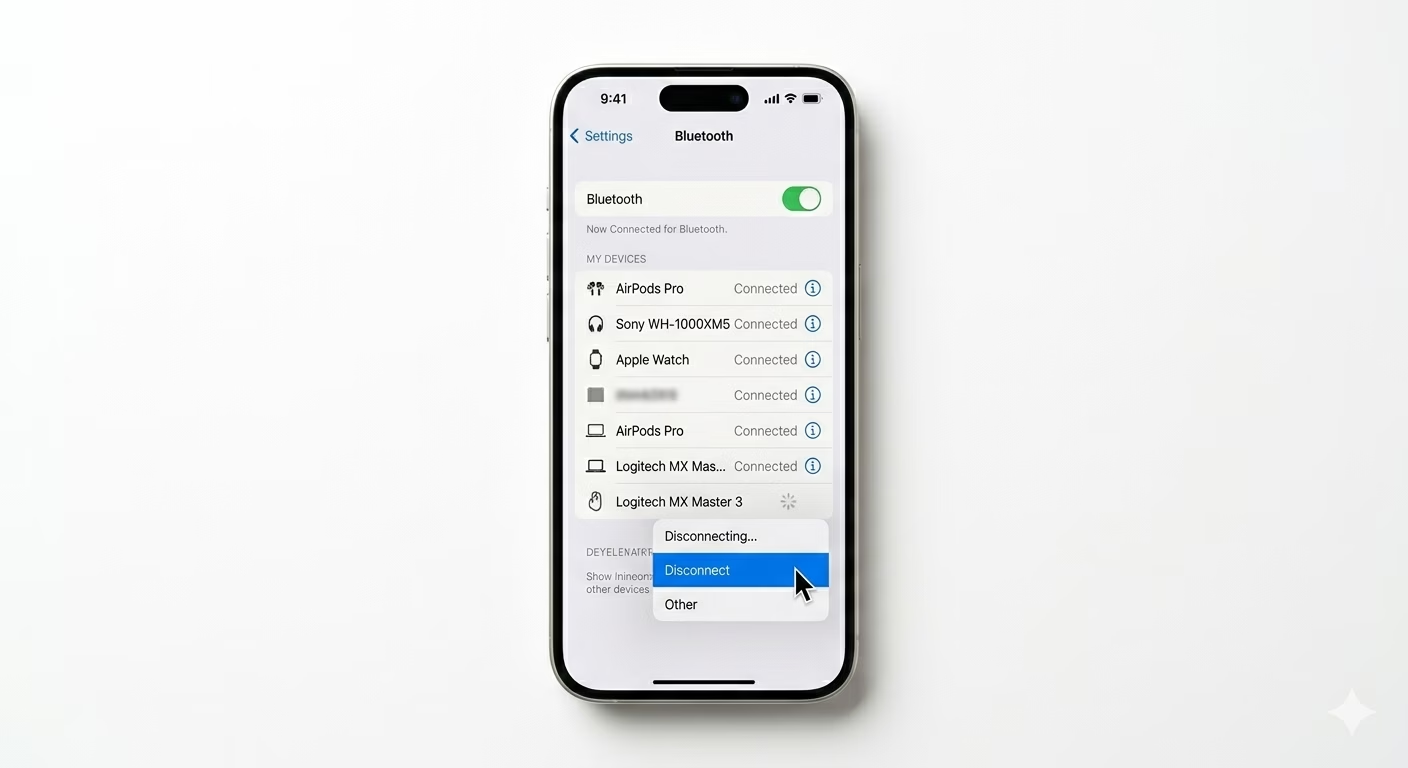
Sometimes your iPhone sends sound to a Bluetooth speaker or AirPods you forgot were connected. Swipe down to open Control Center, tap the AirPlay icon, and make sure “iPhone” is selected as the audio output. This will bring the sound back to your phone’s speakers.
Why This Happens?
- Speaker grill is clogged with dirt or debris
- "Stuck in Headphone Mode" glitch
- Water or liquid ingress in the speaker mesh
- Minor system software bugs
Pro Tips:
- Update to the latest iOS; Apple often fixes audio-related bugs in new versions.
- If you dropped your phone in water, use a "Water Eject" shortcut to vibrate the speakers and push liquid out.
- Test the top (receiver) and bottom speakers separately to identify which one is faulty.
Frequently Asked Questions
My sound is muffled, is my speaker blown?
A muffled sound doesn’t always mean your speaker is broken. Most of the time, it’s just dirt or dust in the grill, so try cleaning it first. If you still hear crackling sounds at high volumes, then the speaker hardware might be damaged.
Why is the sound only coming from one side at the bottom?
This is completely normal! Most iPhones only have one real speaker at the bottom—usually on the right side. The other side just looks like a speaker but is actually a microphone for balance.