Quick Refresh Checklist:
- Ensure Background App Refresh is ON for Podcasts
- Check if Low Data Mode is enabled on your Wi-Fi/Cellular
- Pull down on the "Library" screen to force a manual refresh
- Verify you have enough iPhone Storage to download new files
Steps to Restore Podcast Updates
1 Refresh "Sync Library" Setting
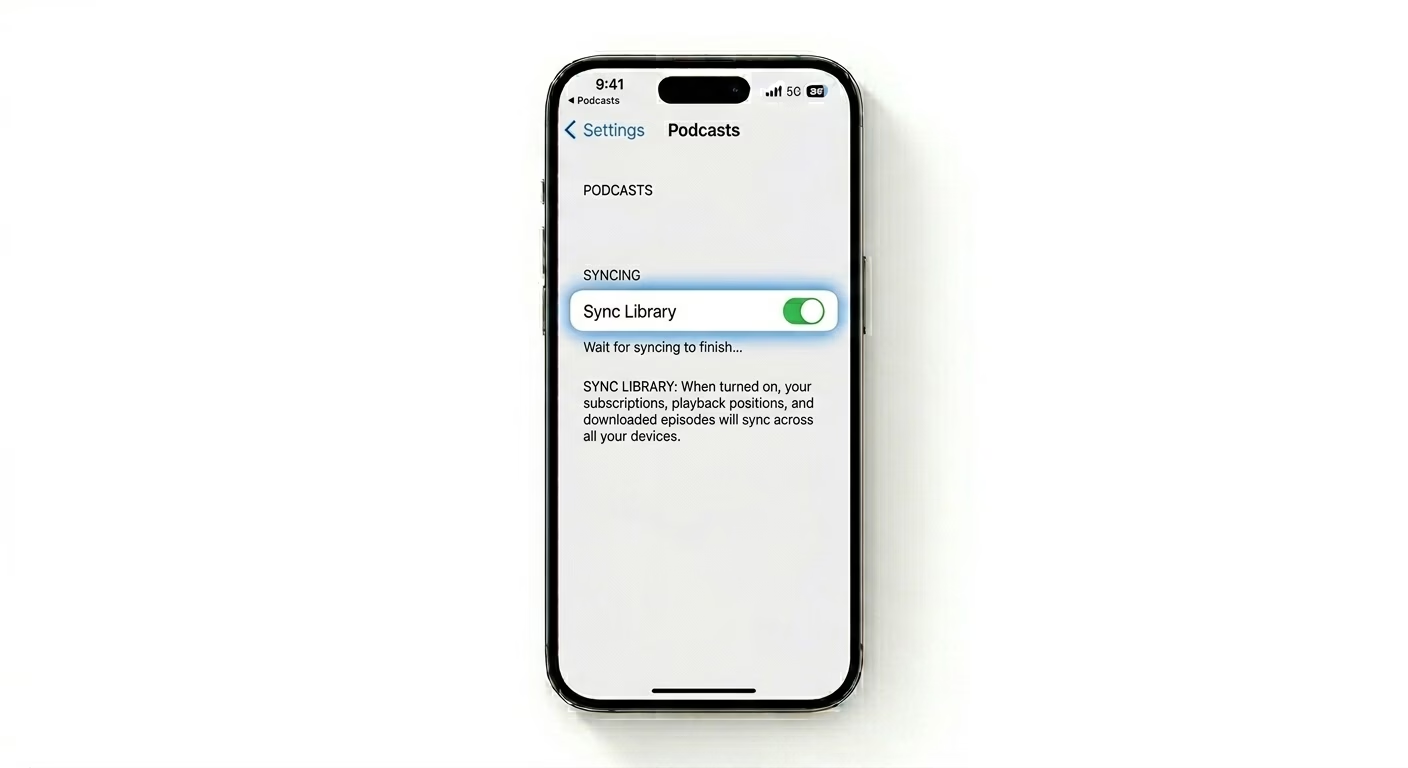
If your episodes update on your Mac or iPad but not your iPhone, your sync token is probably stuck. Go to Settings > Apps > Podcasts, turn Sync Library OFF, wait about 10 seconds, then turn it back ON. This forces your iPhone to re-sync your entire subscription list from Apple’s servers.
2 Check Automatic Download Rules
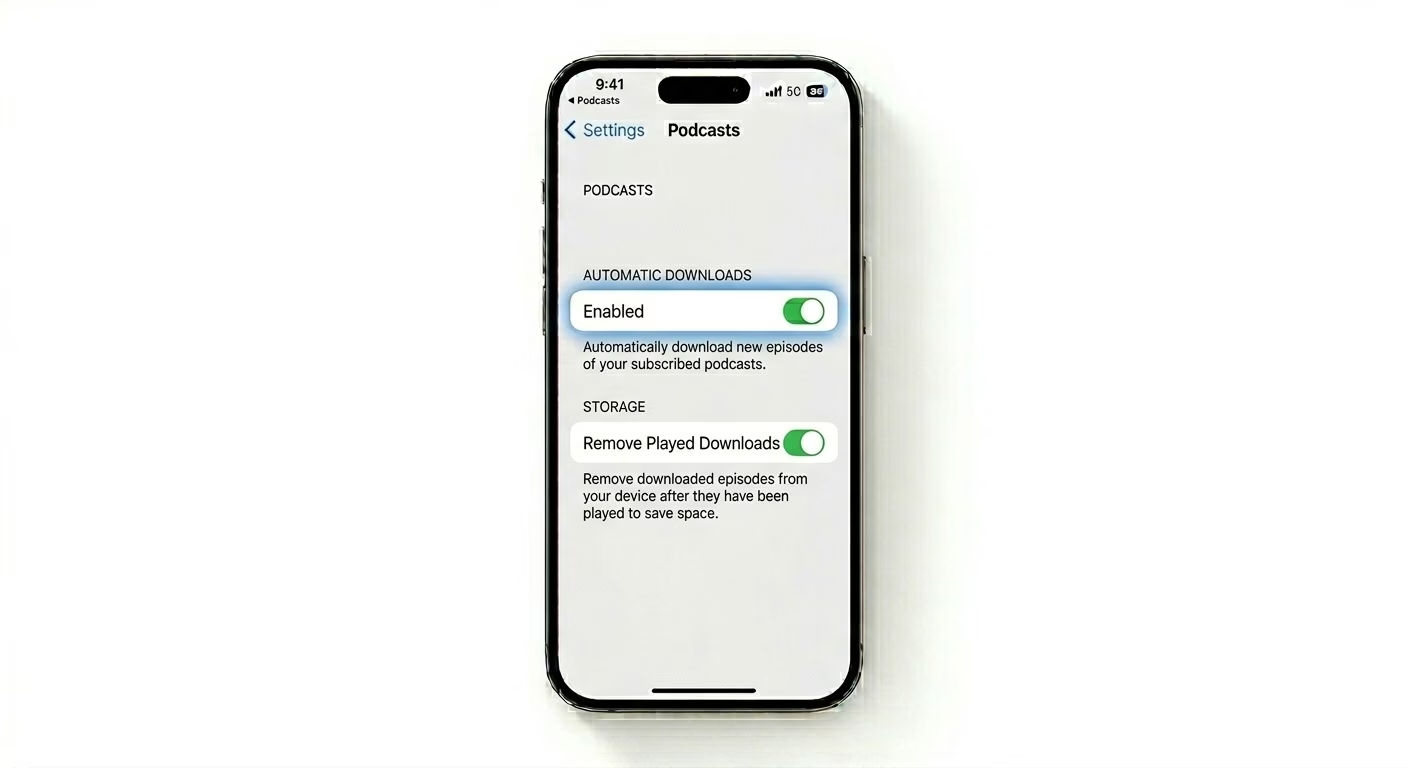
Sometimes podcasts don’t update because “Automatic Downloads” is paused due to low storage. Go to Settings > Podcasts > Automatic Downloads and make sure it’s set to “Enabled.” Also, check the “Remove Played Downloads” setting—if your storage is full, the Podcasts app may stop downloading new episodes until old ones are removed.
3 Reset Network Handshake
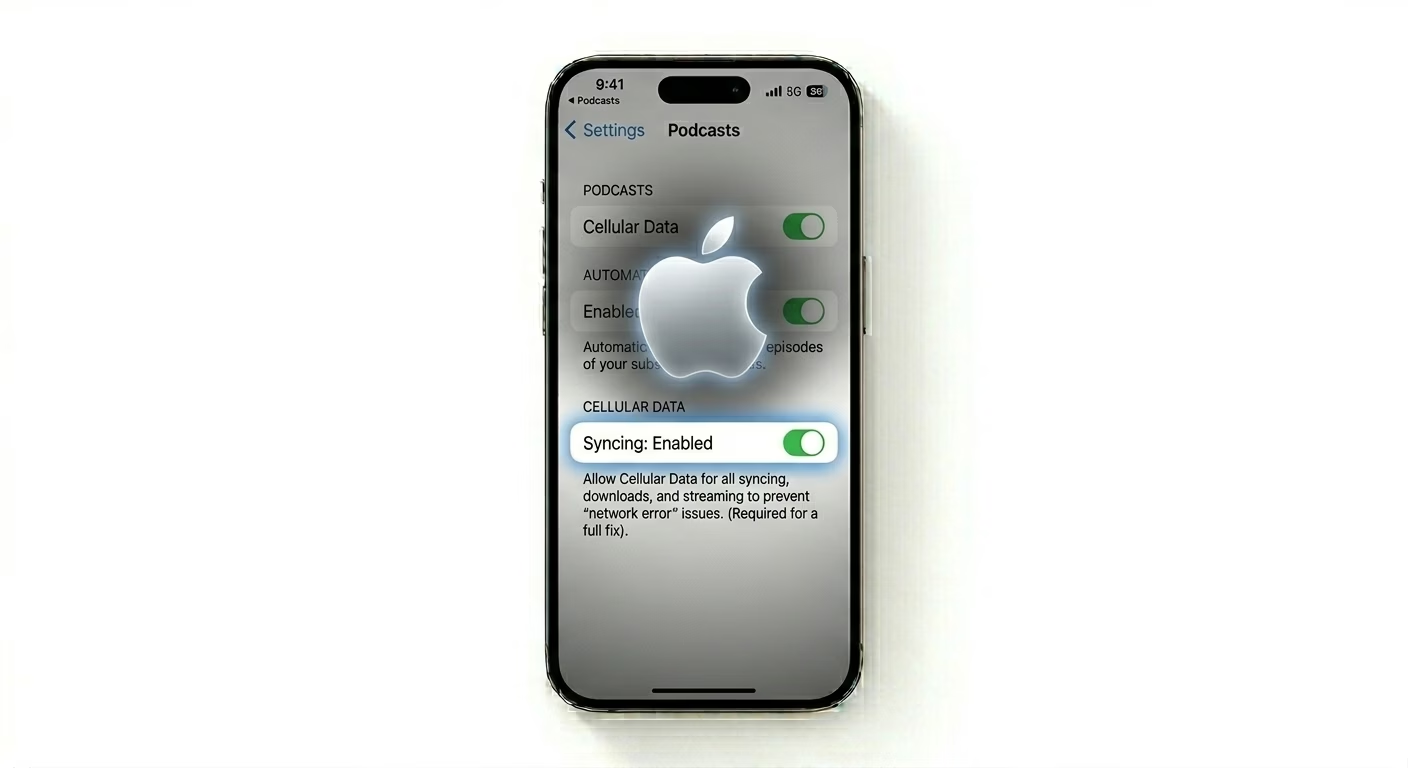
If Podcasts only update on Wi-Fi and not on Cellular, check Settings > Podcasts > Cellular Data to make sure it’s enabled. If everything looks good there, try a Force Restart (press Volume Up, then Volume Down, then hold the Side Button). This clears out the background process that fetches new podcast episodes, which iOS sometimes puts to sleep to save battery.
Why Do Feeds Stop Updating?
- Low Power Mode: This disables background fetching entirely to save battery.
- Storage Bottleneck: Podcasts stop downloading if you have less than 1GB free.
- Server Latency: Sometimes the creator's RSS feed hasn't reached Apple's servers yet.
- App Cache: Corrupted temporary files in the Podcasts app preventing new data writes.
Pro Tips:
- Manual Refresh: Go to the Library tab and swipe down firmly until you see the spinning wheel. This is the fastest way to check for new episodes.
- Unfollow/Follow: If one specific show isn't updating, Unfollow it and then Follow it again. This resets the RSS link for that specific show.
- Check System Status: Occasionally, the Apple Podcasts server might be down. Check "Apple System Status" online to confirm.
Frequently Asked Questions
Why are my podcasts only updating on Wi-Fi?
This usually happens if the “Only Download on Wi-Fi” setting is on or if Low Data Mode is enabled in your cellular settings. You can adjust both of these in the Podcasts settings menu.
Will deleting the app lose my subscriptions?
No, your subscriptions are linked to your Apple ID. If you delete and reinstall the Podcasts app, your library will come back as soon as you sign in again.