Immediate Safety Rules:
- Never click on links from unknown or "Official-looking" numbers.
- Apple will never ask for your password via a text message.
- Check the URL: Scammers use fake links like "icloud-security.com" instead of "apple.com".
- If you clicked a link, change your Apple ID password immediately.
Steps to Handle Phishing & Fraudulent Texts
1 Spot the Fake Message Red Flags
Most phishing messages try to scare you with urgency, using lines like “Your account will be deleted in 24 hours” or “Unauthorized login detected.” Check the sender’s info—if it’s a random phone number or weird email claiming to be “Apple Support,” it’s definitely a scam. Real companies use official short codes or verified sender names.
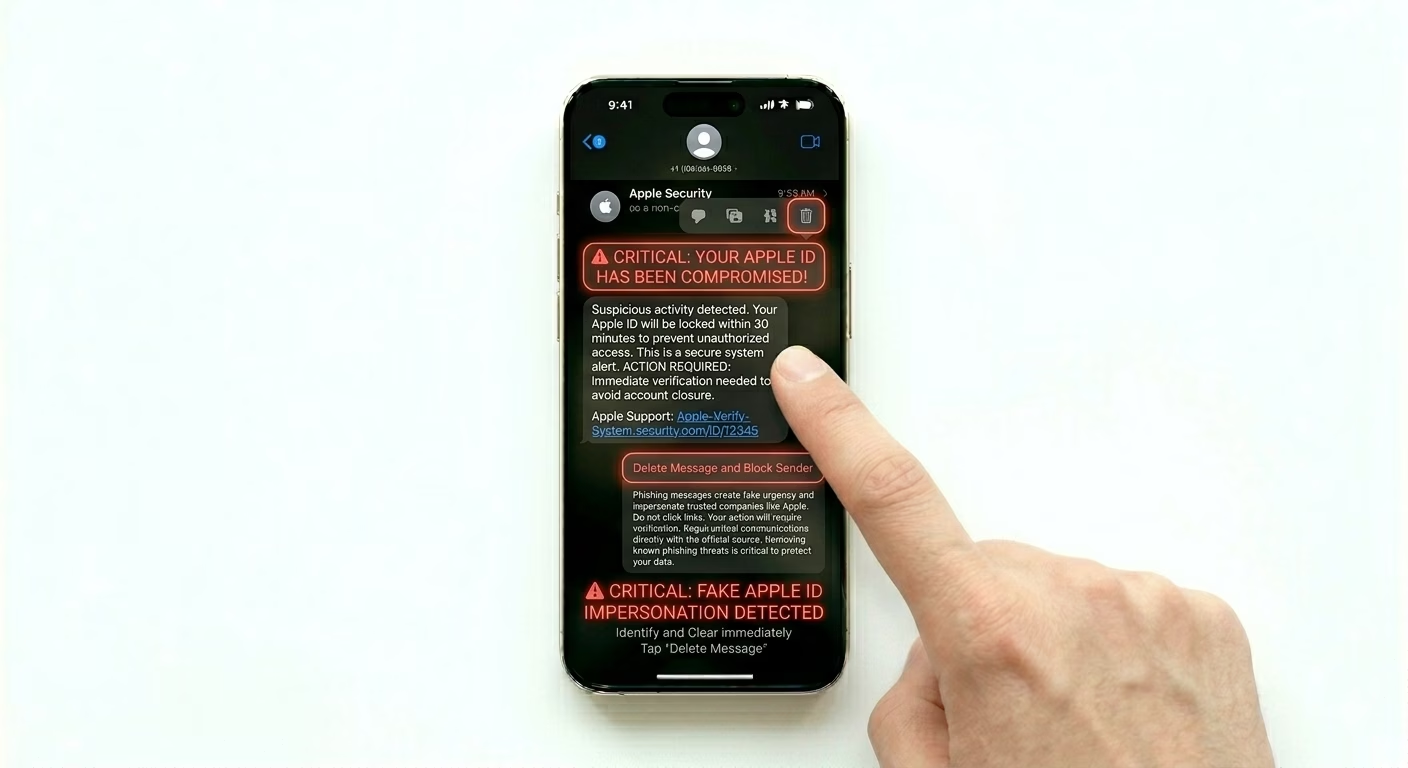
2 Block and Report to Apple
Don’t just delete the message—report it to help others. Tap the sender icon, then info (i), and select Block this Caller. Under the message, tap Report Junk to alert Apple. You can also forward the message to 7726 (SPAM), which helps carriers track and stop scam networks.
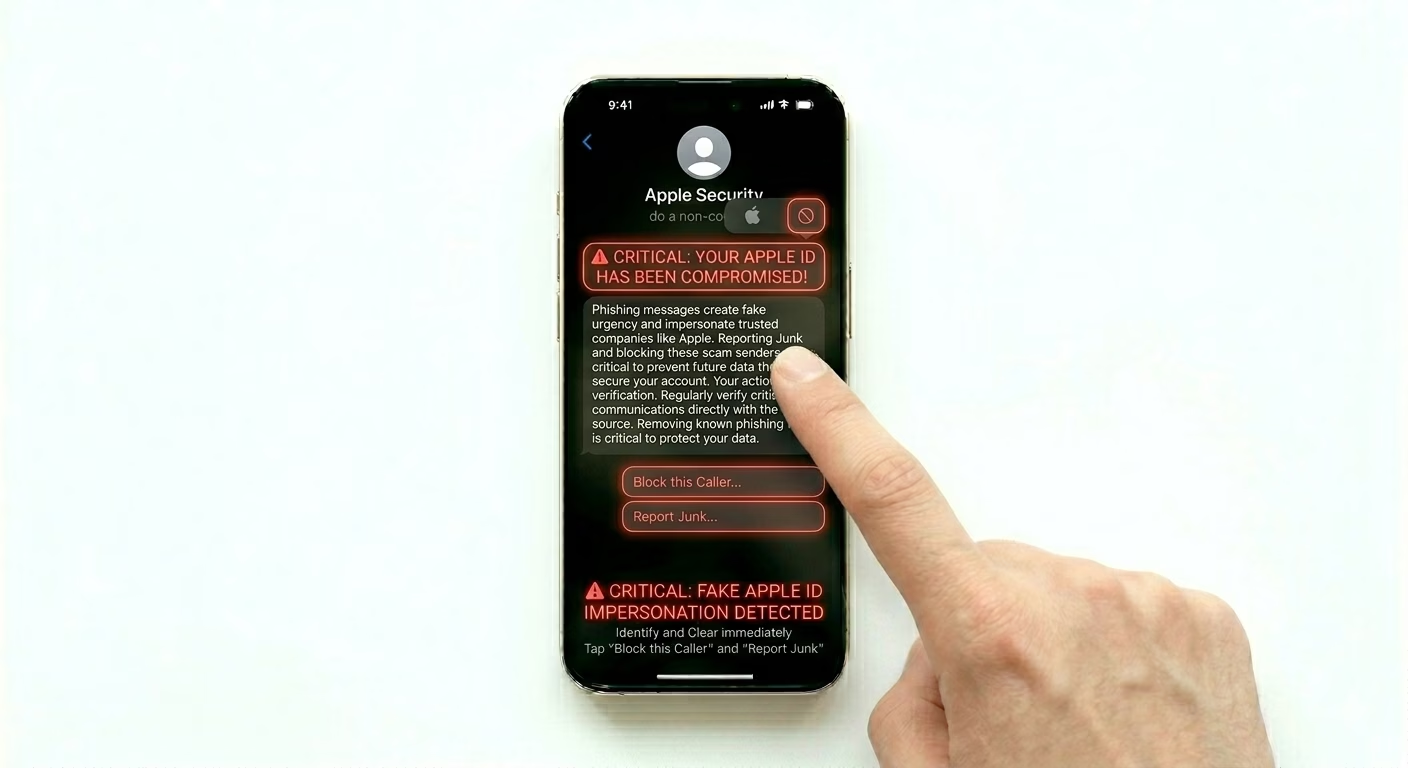
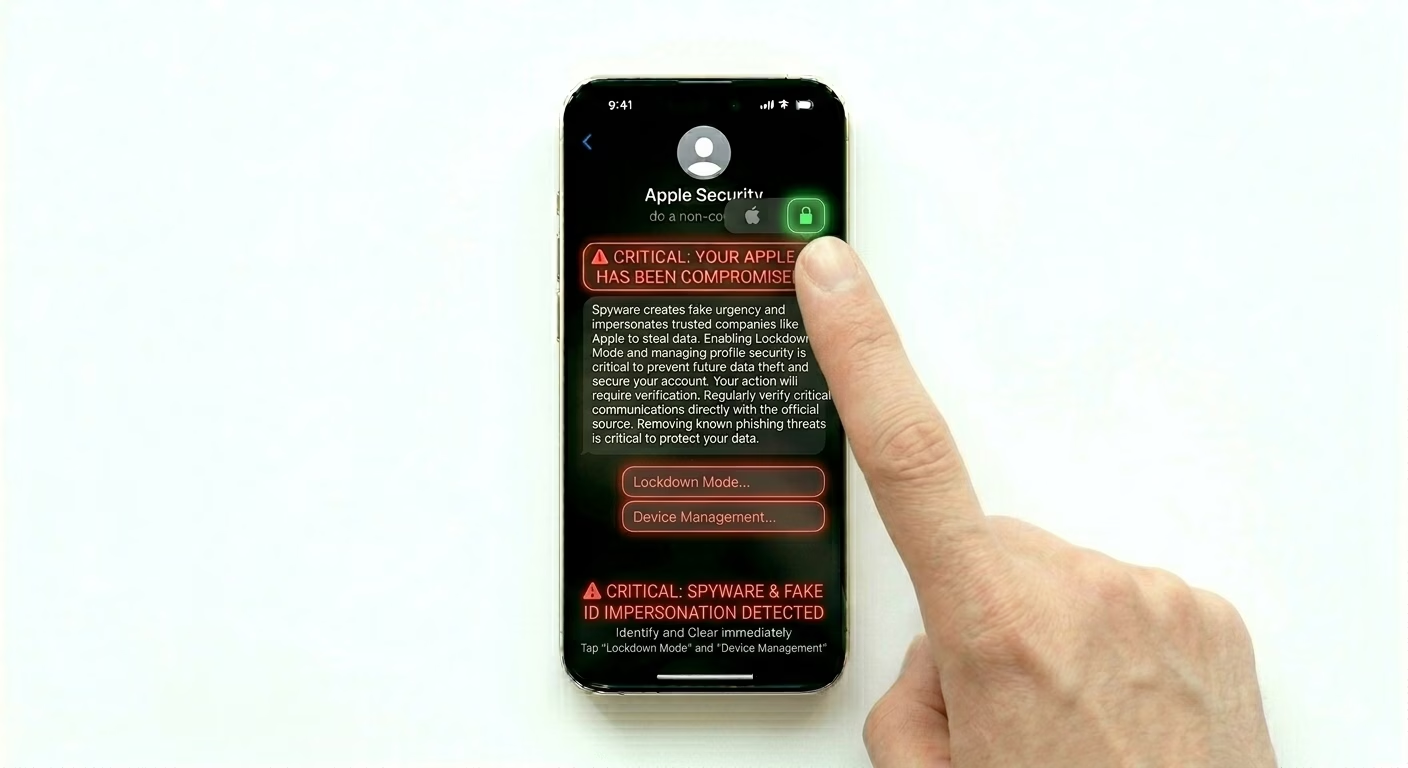
3 Use Lockdown Mode for Extreme Cases
If you think you’re being targeted by advanced spyware through messages, you can turn on Lockdown Mode. Go to Settings > Privacy & Security > Lockdown Mode. This extra-high security setting blocks most message attachments and link previews, making it almost impossible for a malicious text to infect your iPhone.
Common Phishing Scams
- The iCloud Lock: Claims your account is locked and needs verification.
- The Delivery Fail: "We tried to deliver your package, click here to pay a $1 fee."
- The Tax Refund: Fake government messages promising a refund or stimulus.
- The Apple Pay Warning: Says your Apple Pay has been suspended.
Pro Tips:
- Safety Check: Go to Settings > Privacy & Security > Safety Check to quickly review who has access to your information.
- Two-Factor Authentication: Always keep 2FA enabled. Even if a scammer gets your password, they can't log in without the code.
- Verify via Official App: If you get a bank alert, don't use the link in the SMS. Open your bank's official app separately to check for alerts.
Frequently Asked Questions
I entered my password on a fake site, what should I do?
Go to appleid.apple.com right away and change your password. Next, review your “Trusted Devices” list and remove any devices you don’t recognize.
Can I get a virus just by reading a phishing text?
Simply opening and reading the text is safe. The risk comes only if you click a link, download an attachment, or enter personal information.