Quick Fix:
- Remove the phone case immediately
- Stop using the phone and let it rest
- Move to a cooler environment
- Turn off Bluetooth, GPS, and Wi-Fi
Steps to Cool Down Your iPhone
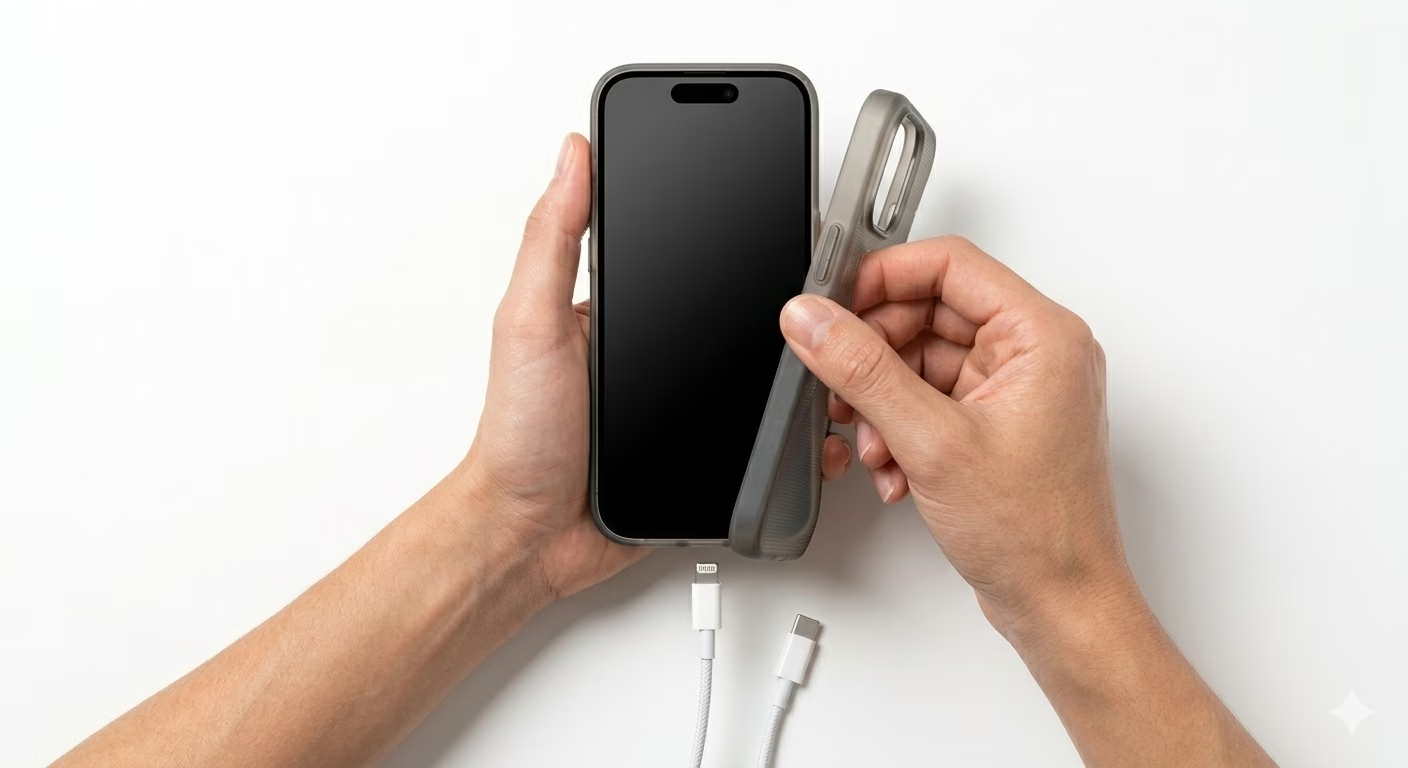
1 Remove Case & Stop Charging
If your iPhone feels hot while charging, unplug it immediately to avoid any damage. Thick cases, especially leather or rubber ones, can trap heat and make your phone even warmer. It’s a good idea to remove the case while charging so the heat can escape more easily. The metal frame of your iPhone helps release heat into the air when it’s not covered. Letting your phone cool down during charging helps protect both the battery and the device. This simple step can make your iPhone last longer and stay safe.
2 Close High-Performance Apps
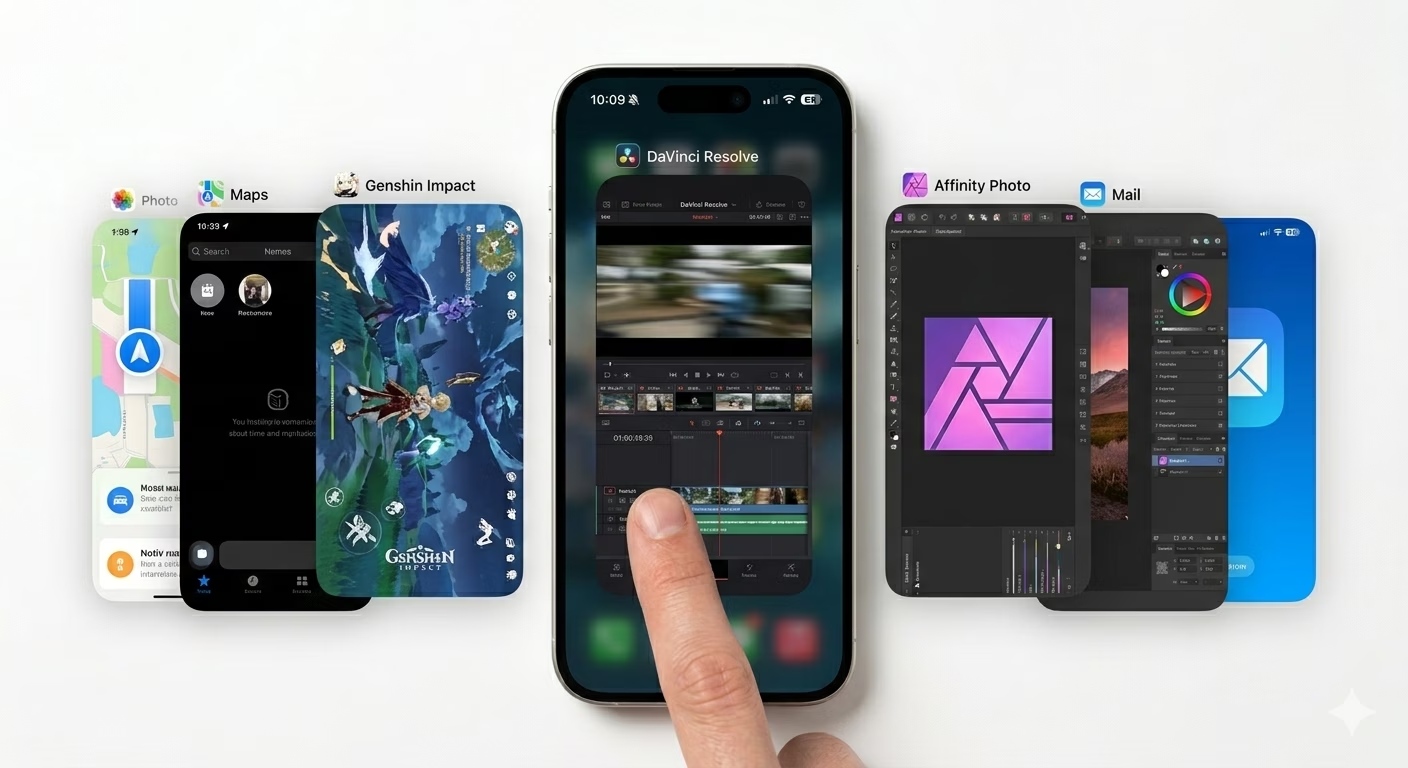
Playing games with high graphics, using AR apps, or running GPS navigation can make your iPhone heat up because they use a lot of power. These apps put extra stress on your phone’s processor and graphics chip. If your phone feels hot or is running slow, swipe up to open the App Switcher and close these heavy apps. Giving your iPhone a break from demanding apps can help it cool down and work better. This simple habit also helps protect your battery and keeps your device running smoothly.
3 Lower Brightness & Disable Background Refresh
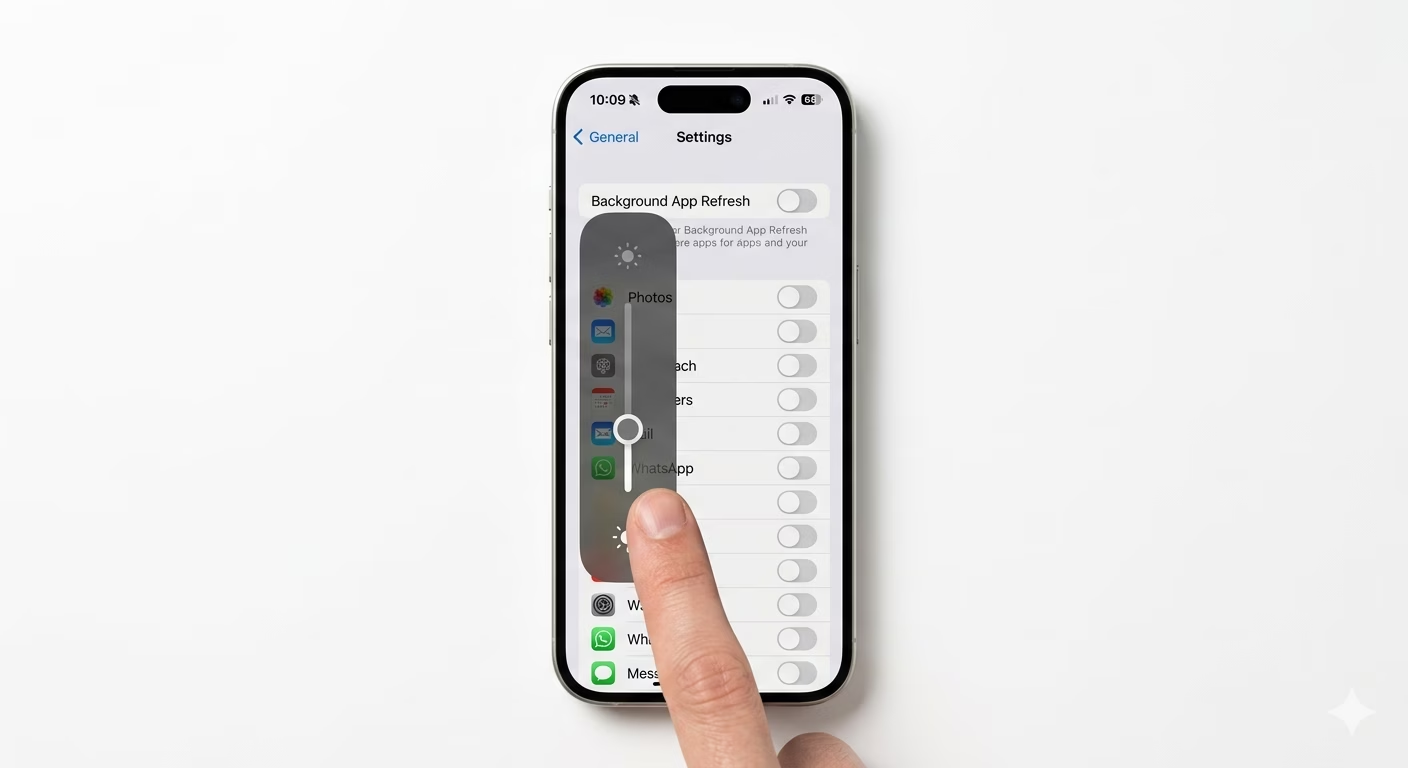
A bright screen can make your iPhone heat up quickly. Try lowering the brightness by sliding it down in the Control Center. You should also go to Settings, tap on General, and turn off Background App Refresh. This stops apps from running in the background when your phone isn’t being used. Reducing screen brightness and limiting background activity helps your iPhone stay cooler and saves battery life too. These easy steps can protect your phone and make it last longer.
Why This Happens?
- Direct sunlight or leaving the phone in a hot car
- Using the phone while it's fast-charging
- Software updates running in the background
- Streaming high-quality video for long periods
Pro Tips:
- Never put your hot iPhone in the fridge or freezer; sudden temp changes can cause internal condensation.
- Use "Airplane Mode" if you are in an area with poor signal to stop the phone from searching for a network.
- Update your apps; old apps can sometimes "glitch" and use 100% of the CPU.
Frequently Asked Questions
Is it normal for my iPhone to get warm?
It’s normal for your phone to feel a little warm when you’re gaming or charging quickly. But if you see a “Temperature Warning” message, your iPhone is too hot and needs to cool down right away.
Can overheating damage my battery permanently?
Yes, extreme heat is very bad for lithium-ion batteries. If your phone gets too hot often, the battery can wear out faster and won’t last as long as it should.