Quick Fix:
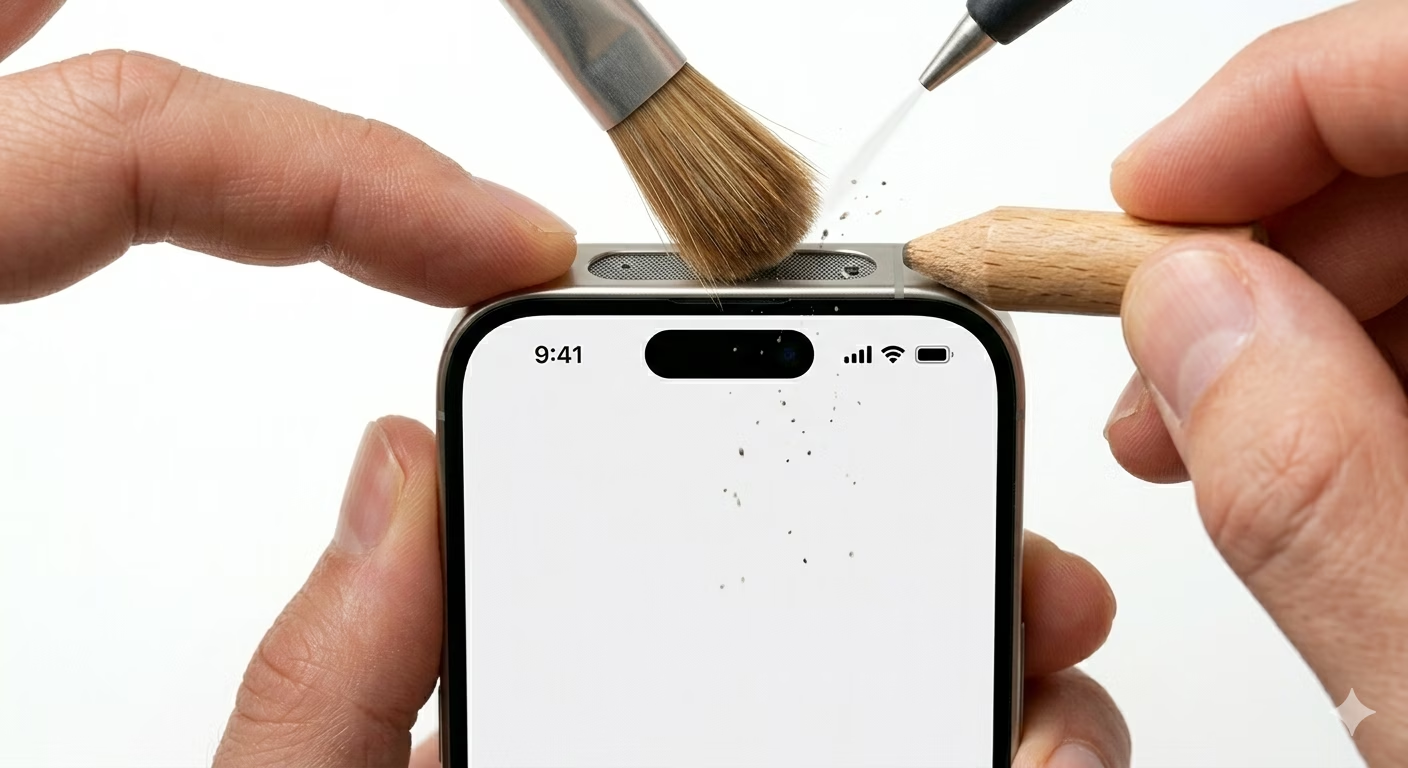
- Clean the microphone grills with a soft brush
- Disconnect Bluetooth headphones/AirPods
- Restart your iPhone
- Check App Permissions in Settings
Steps to Fix Microphone Issues
1 Clean All Microphone Ports
Your iPhone has several microphones—at the bottom, front, and back. Use a clean, dry, soft-bristled brush to gently clean any lint or debris from these tiny holes. Make sure not to push anything inside, as this could damage the microphones.
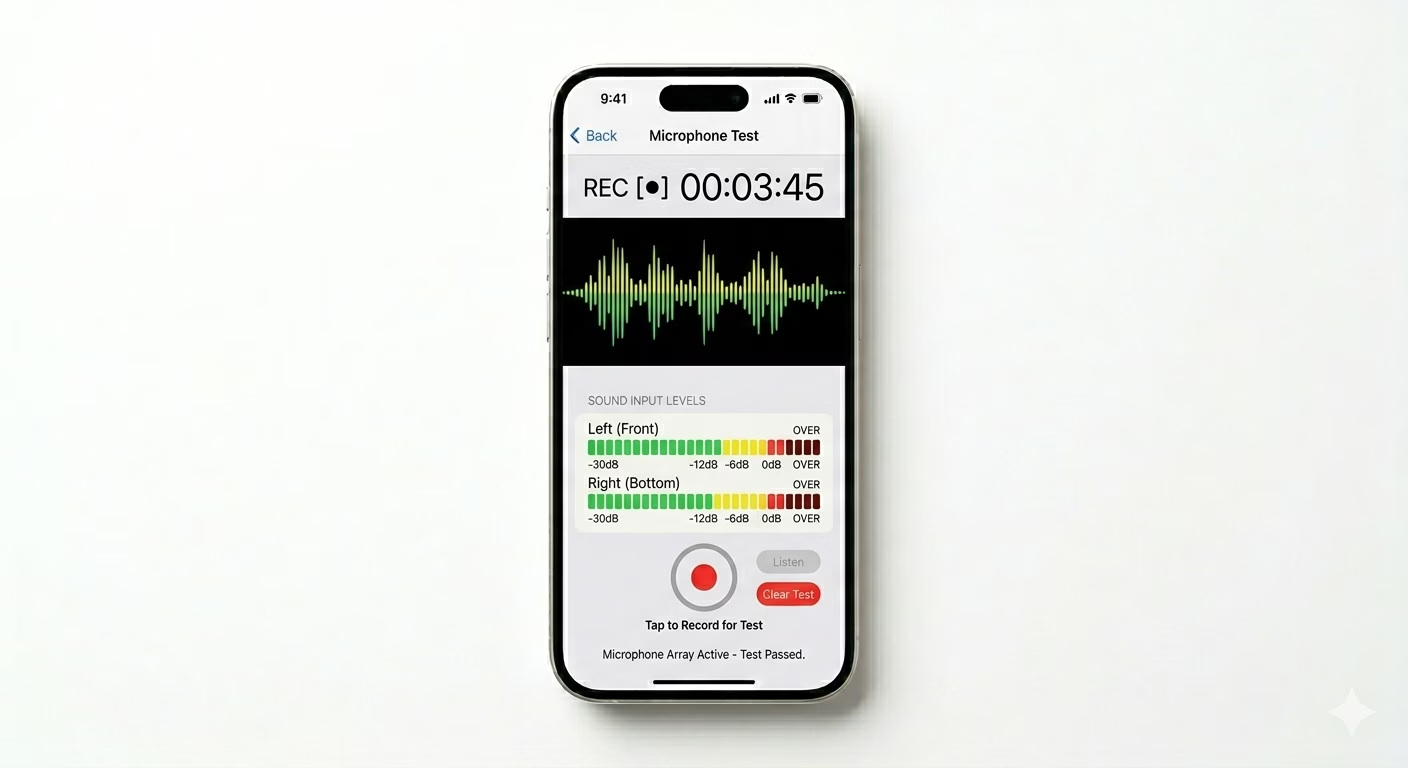
2 Test the Microphones Individually
To find out which microphone isn’t working, try these two tests: Record a Voice Memo to check the bottom mic, then make a selfie video with the front camera to test the front mic. If one works and the other doesn’t, you’ll know which microphone needs cleaning or repair.
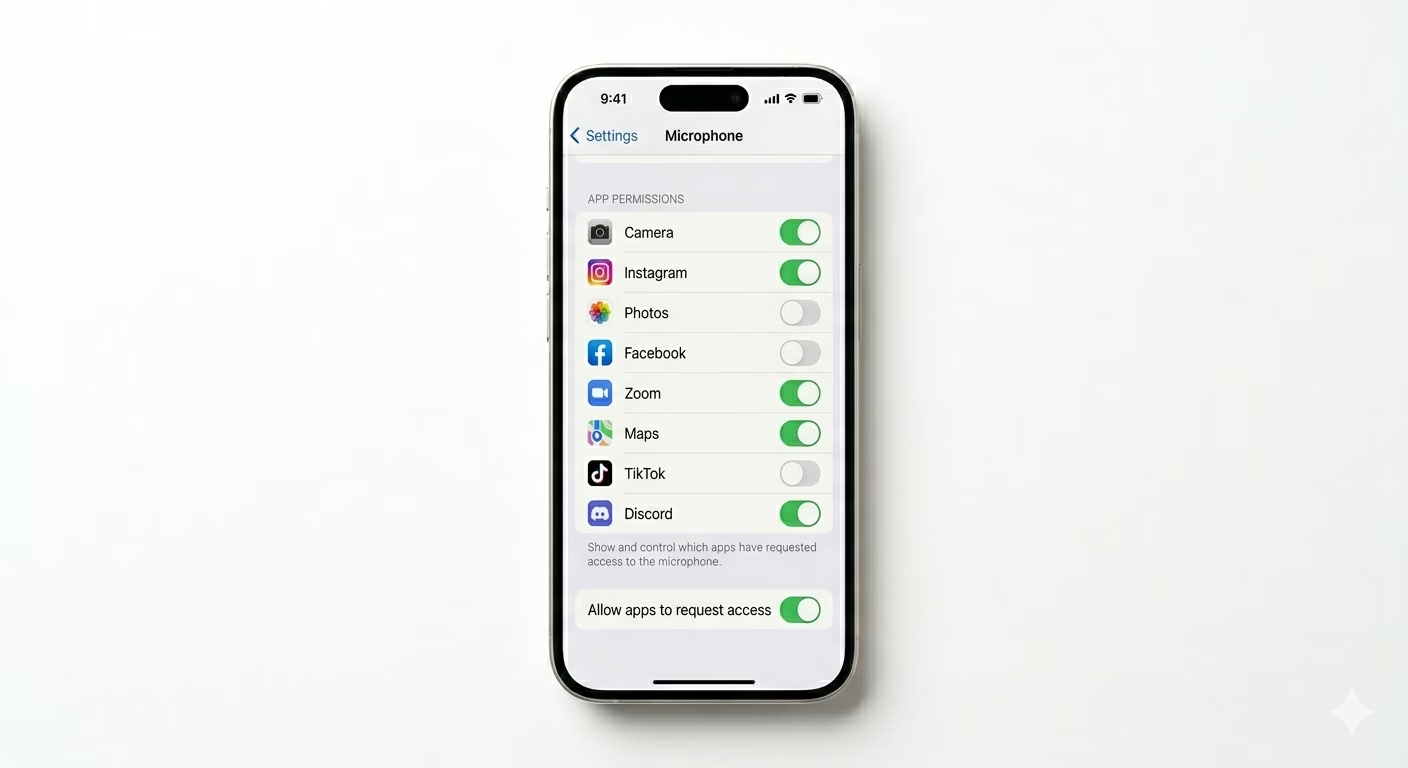
3 Verify Microphone Privacy Settings
If your mic only doesn’t work in certain apps like WhatsApp or Zoom, check your settings. Go to Settings > Privacy & Security > Microphone and make sure the switch is turned ON for the app you want to use. If it’s off, that app won’t be able to use your microphone.
Why This Happens?
- Dust or pocket lint blocking the mic openings
- Screen protectors or cases covering the front/back mic
- Software glitches after an iOS update
- Bluetooth "Hands-Free" mode stuck on a car or headset
Pro Tips:
- If your voice sounds "muffled," check if your case is covering the tiny mic hole next to the rear camera.
- Turn off "Noise Cancellation" in Accessibility settings to see if it improves call clarity.
- Reset All Settings (Settings > General > Transfer or Reset iPhone) if the problem persists after a restart.
Frequently Asked Questions
How many microphones does an iPhone have?
Most new iPhones have three microphones: one at the bottom for calls, one on the front (inside the notch or Dynamic Island) for FaceTime, and one on the back near the cameras for video recording.
Can water damage the microphone?
Yes, even though iPhones are water-resistant, moisture can get stuck in the microphone mesh and make your voice sound muffled or distorted. Let your phone dry naturally for 24 hours to clear out any trapped water.