Quick Fix:
- Toggle Airplane Mode ON and OFF to refresh the tower link
- Ensure you are in a 5G coverage area
- Restart your iPhone to clear network background tasks
- Check if your SIM card supports 5G (Older SIMs may not)
Steps to Fix Cellular Data Performance
1 Adjust Voice & Data Settings
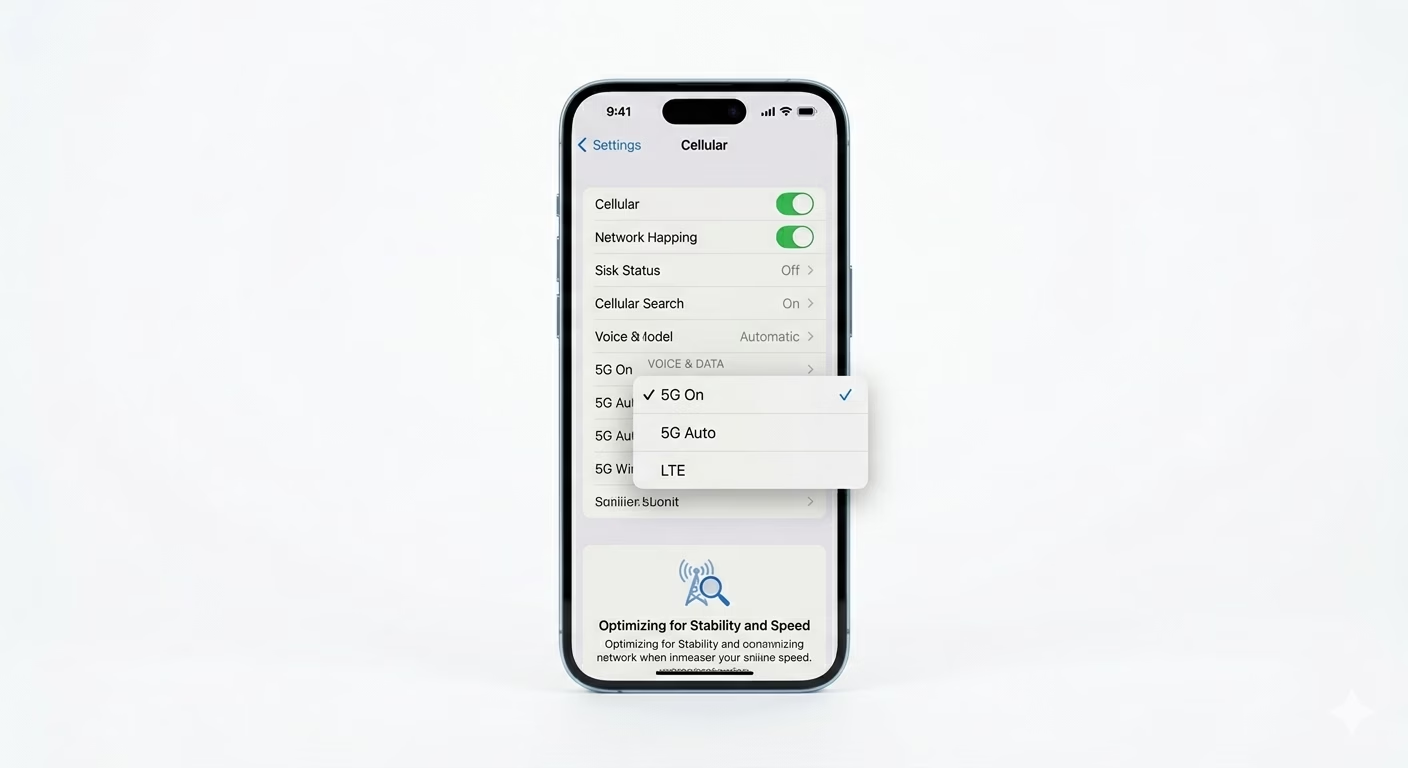
Sometimes the “5G Auto” setting has trouble choosing between 5G and LTE, which can make your connection hang. Go to Settings > Cellular > Cellular Data Options > Voice & Data. Try picking 5G On for the fastest speeds, or LTE if 5G is weak in your area and draining your battery. Manually setting the mode can often make your connection more stable.
2 Force a Carrier Settings Refresh
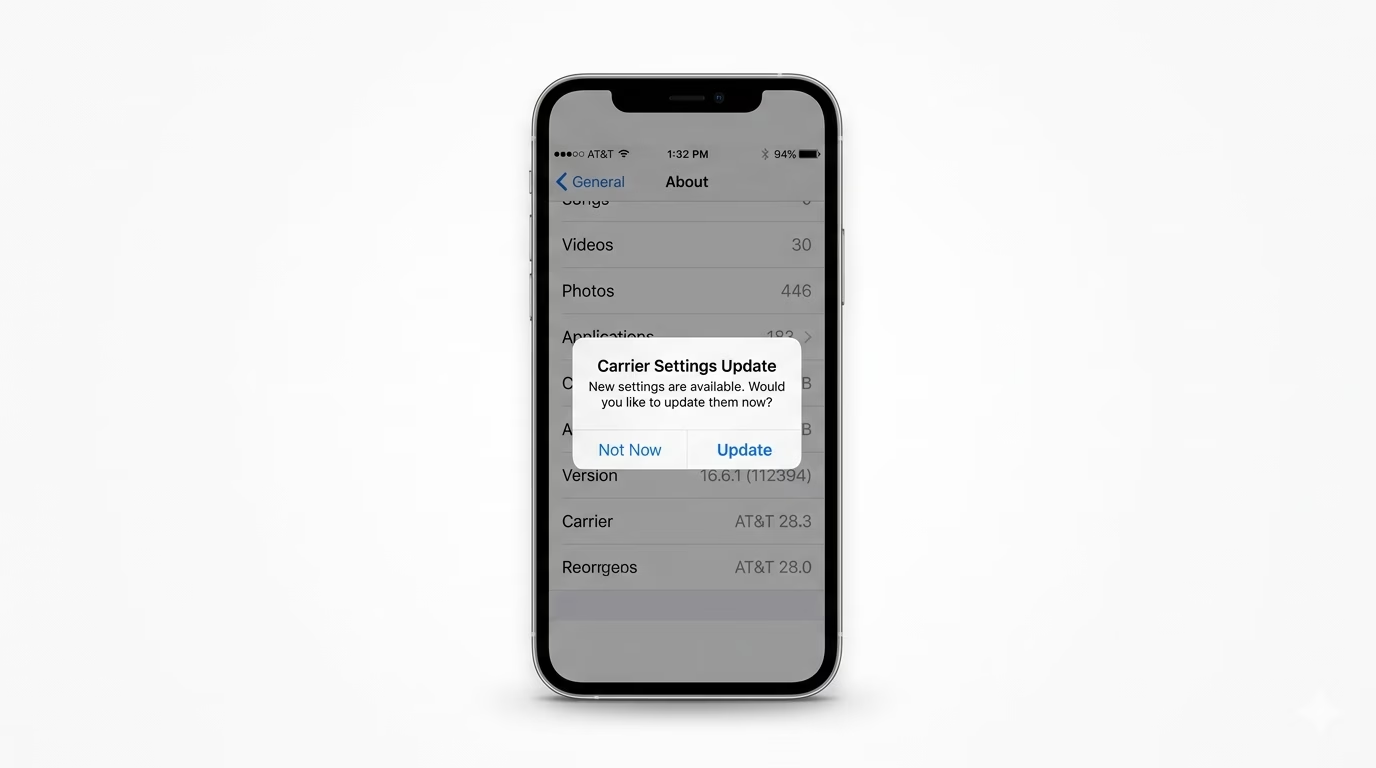
Carrier settings updates help your iPhone connect better with local cell towers. Go to Settings > General > About and wait about 20 seconds. If you see a popup that says “Carrier Settings Update,” tap Update right away. This makes sure your phone is using the newest frequency bands from your network.
3 Reset All Network Settings
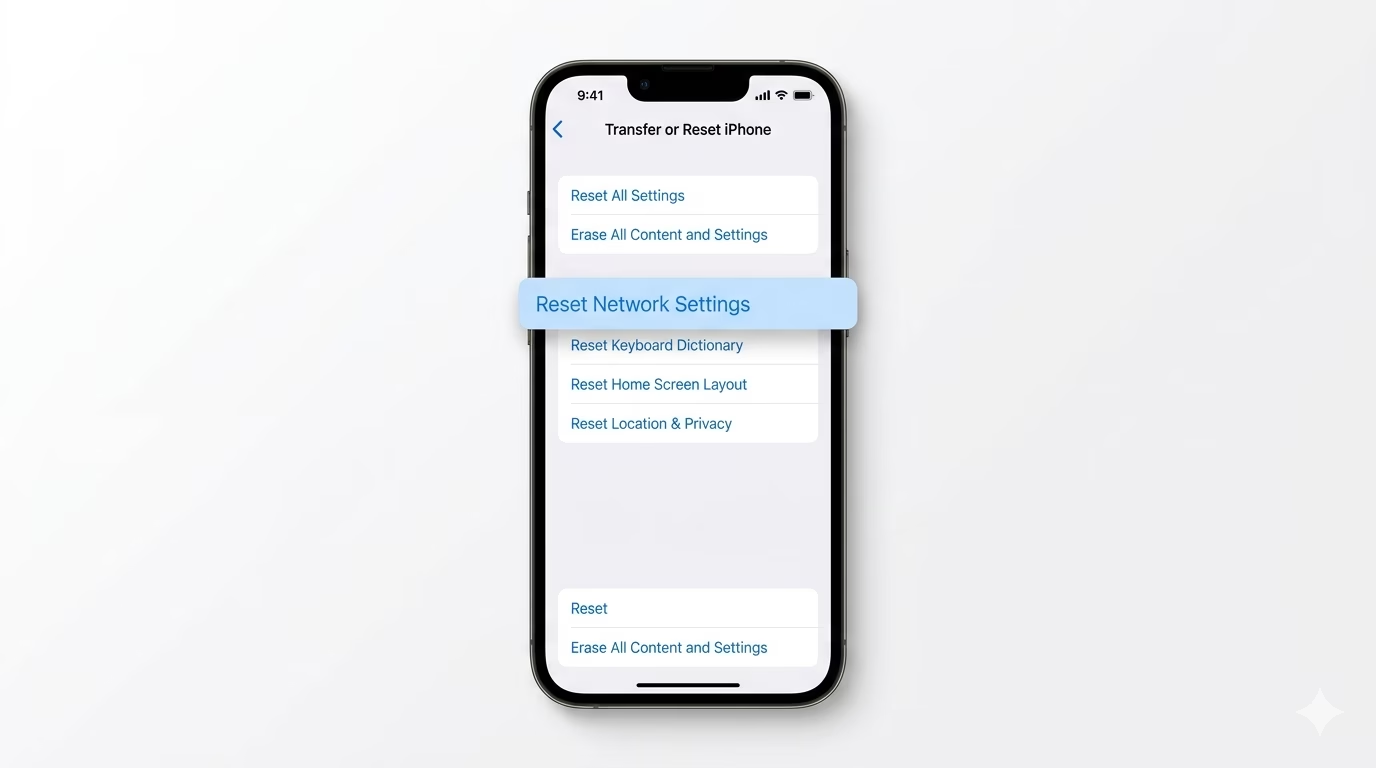
If your LTE or 5G keeps showing “No Service” or slow speeds even with full bars, your network cache might be corrupted. Go to Settings > General > Transfer or Reset iPhone > Reset > Reset Network Settings. This clears out cellular logs and APN settings so your iPhone can get a fresh setup from the nearest tower.
Why This Happens?
- Network congestion on a specific cell tower
- Switching between 5G and LTE causing a "handover" failure
- An outdated SIM card that doesn't support the latest 5G bands
- Internal antenna interference from thick or metallic cases
Pro Tips:
- Data Mode: In Cellular settings, set "Data Mode" to Allow More Data on 5G for the best video quality and faster downloads.
- eSIM Advantage: Consider switching to an eSIM. Digital SIMs are often less prone to hardware-based connection drops than physical cards.
- Roaming: If you are near a border or traveling, ensure Data Roaming is enabled in settings to avoid losing LTE access.
Frequently Asked Questions
Why does my 5G icon disappear and show LTE?
This happens when your 5G signal is weak. To save battery, your iPhone automatically switches to LTE. If you want to keep 5G turned on, go to settings and pick “5G On.”
Is 5G bad for my iPhone's battery life?
Yes, 5G uses more battery than LTE. If you’re traveling without a charger, switching to LTE can help you save 15–20% more battery life.