Critical First Steps:
- Log into iCloud.com/find on another device immediately
- Mark your device as "Lost" to lock it with a passcode
- Do NOT remove the device from your Apple ID (this disables Activation Lock)
- Contact your network carrier to disable your SIM card
Immediate Actions to Secure Your Data
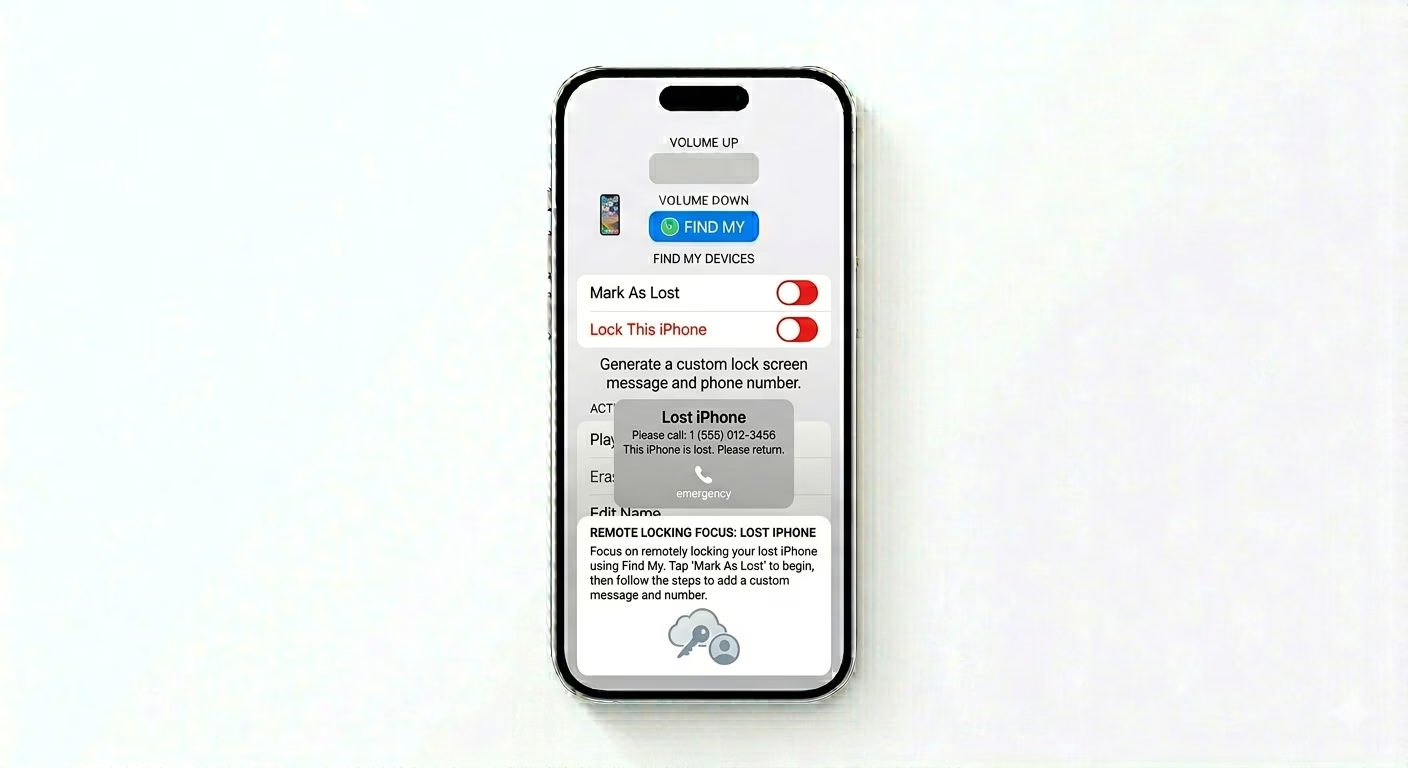
1 Enable "Mark As Lost"
Open the Find My app on another Apple device or go to iCloud.com/find. Select your missing iPhone and turn on Mark As Lost. This will remotely lock your device with your current passcode and disable Apple Pay. You can also add a custom message and phone number to the lock screen so anyone who finds it can reach you.
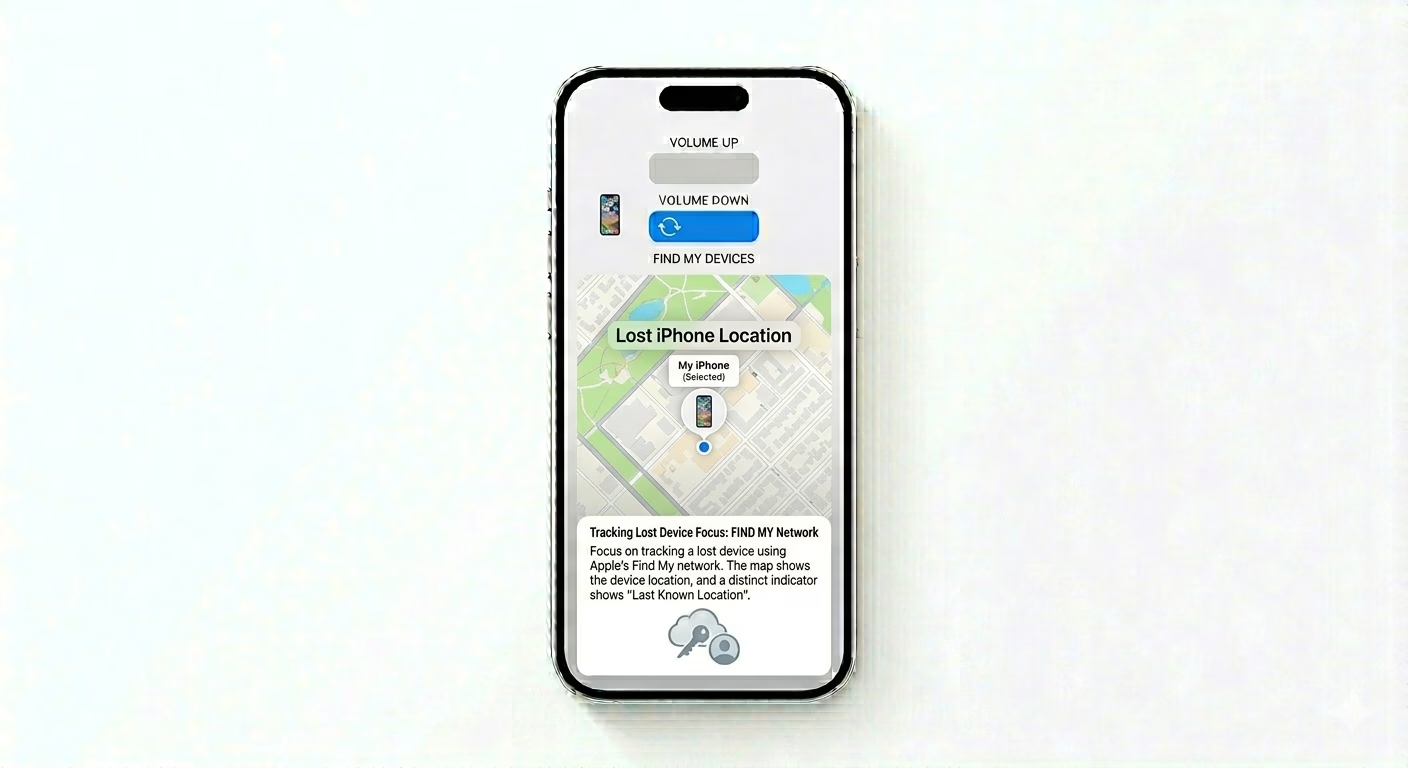
2 Track Location (Even if Offline)
With the Find My Network, you can usually see your iPhone’s location even if it’s not connected to Wi-Fi or cellular data. If the battery is dead, you’ll see the “Last Known Location” for up to 24 hours. If your device is moving, don’t try to get it yourself—share the live location with local authorities for help.
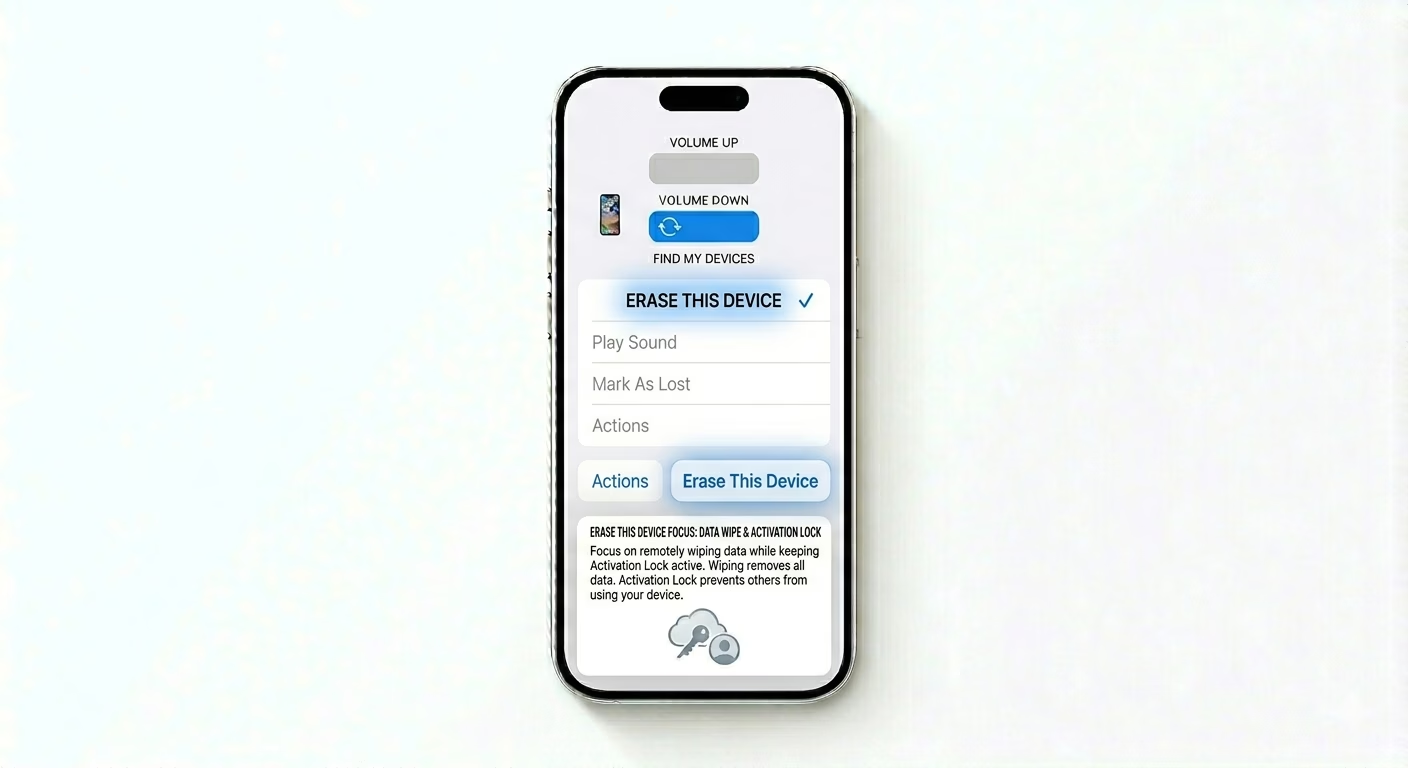
3 Remotely Erase Your iPhone
If you’re sure you won’t get your phone back, choose Erase This Device. This will delete all your photos, messages, and settings. Important: After erasing, do NOT click “Remove from Account.” Keeping the device on your account keeps Activation Lock active, so no one else can use your phone.
Post-Theft Checklist
- Report to Police: Give them your iPhone's Serial Number and IMEI (found on the original box).
- Change Passwords: Change passwords for your Email, Facebook, Banking apps, and Amazon.
- Carrier Block: Ask your carrier to "Blacklist" the IMEI so it can't be used on any network.
- Insurance Claim: If you have AppleCare+ with Theft and Loss, start your claim at icloud.com/find.
Pro Tips:
- Stolen Device Protection: If you enabled this feature previously, a thief cannot change your Apple ID password or disable Find My without a 1-hour security delay.
- Beware of Phishing: Thieves often send fake SMS messages saying "Your iPhone was found, click here to see location." Never click these links; they are trying to steal your iCloud password to unlock the phone.
- Family Sharing: If you are part of a Family Sharing group, any family member can use their Find My app to see your phone's location instantly.
Frequently Asked Questions
Can a thief use my phone if I have a passcode?
No, without your passcode or Apple ID, no one can access your data. With Activation Lock enabled, they also can’t reset or reuse your phone—it basically becomes a useless “brick” for spare parts.
Should I remove the device from my Apple ID?
NEVER remove the device from your account unless you’ve sold it. Removing it turns off Activation Lock, which would let a thief set it up as their own phone.