Quick Connection Check:
- Ensure FaceTime is toggled ON in Settings > FaceTime
- Check if Apple's System Status page shows FaceTime is "Available"
- Verify your Wi-Fi or Cellular Data is working for other apps
- Restart your iPhone to refresh the connection to Apple's servers
Steps to Resolve FaceTime Connection Errors
1 Refresh Your FaceTime Activation
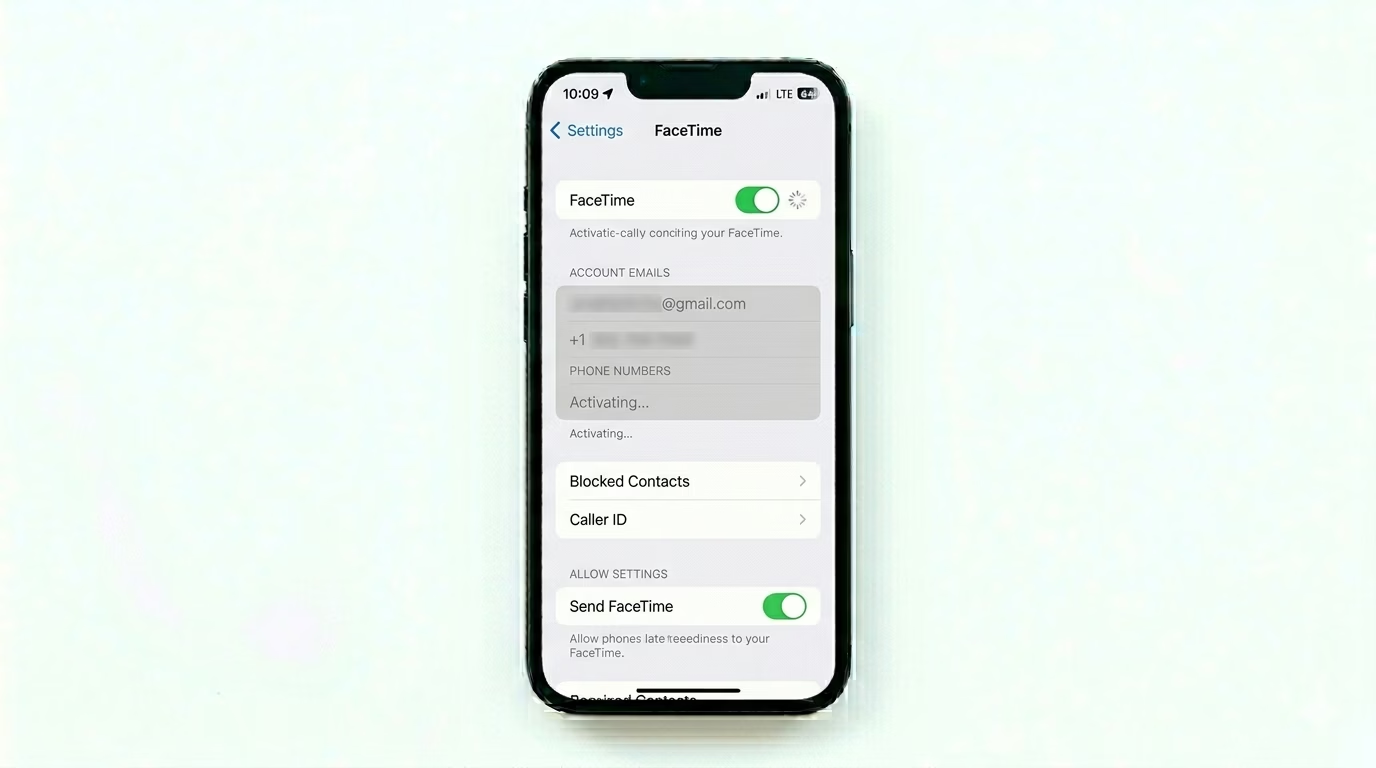
If FaceTime is stuck on "Waiting for Activation," the best fix is a reset. Go to Settings > Apps > FaceTime and toggle the switch OFF. Wait for 30 seconds, then toggle it back ON. This forces your iPhone to re-register your phone number and Apple ID with Apple's servers, which solves 90% of "Failed" call issues.
2 Fix Date & Time Mismatch
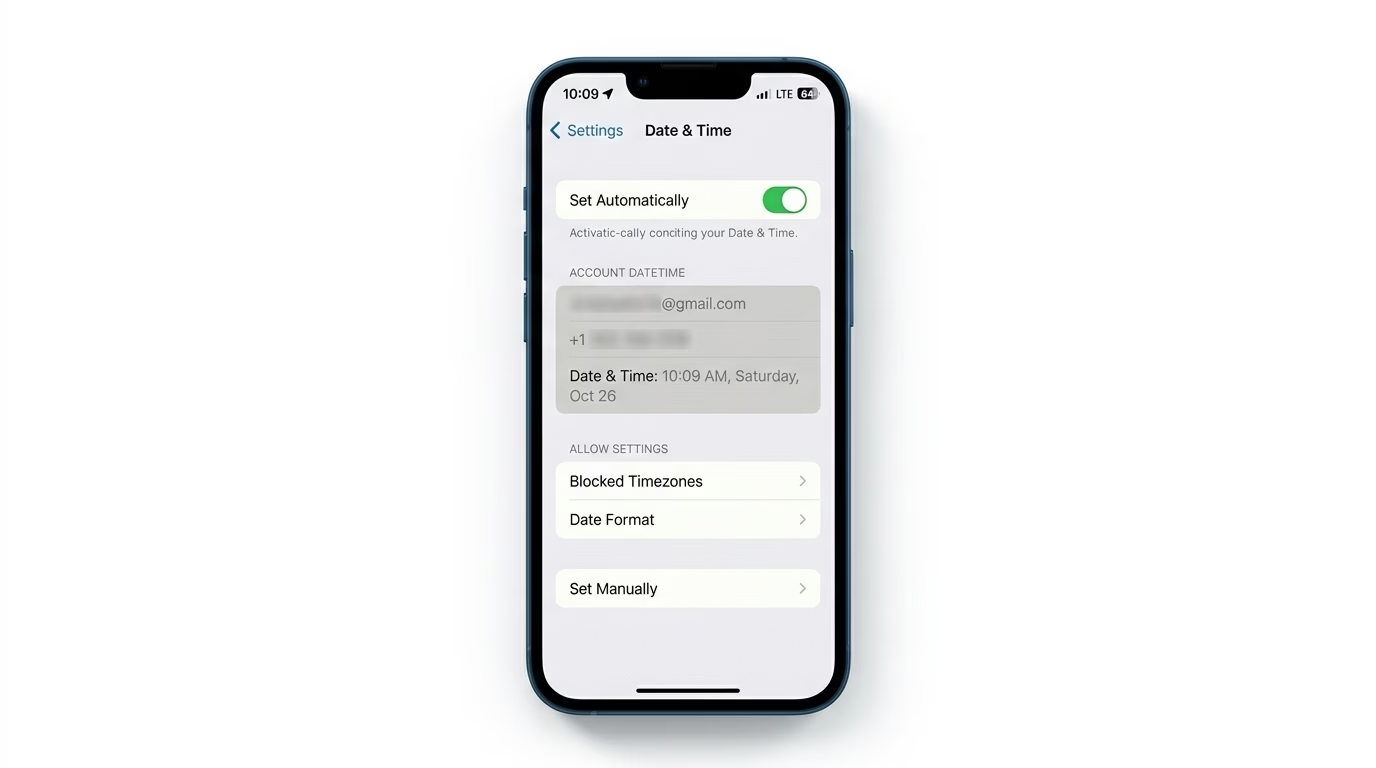
FaceTime needs a secure, time-synced connection to work. If your iPhone’s clock is even a few minutes off, FaceTime might reject the connection for security reasons. Go to Settings > General > Date & Time and make sure Set Automatically is turned ON. This keeps your device perfectly in sync with global network time.
3 Clear Network Cache
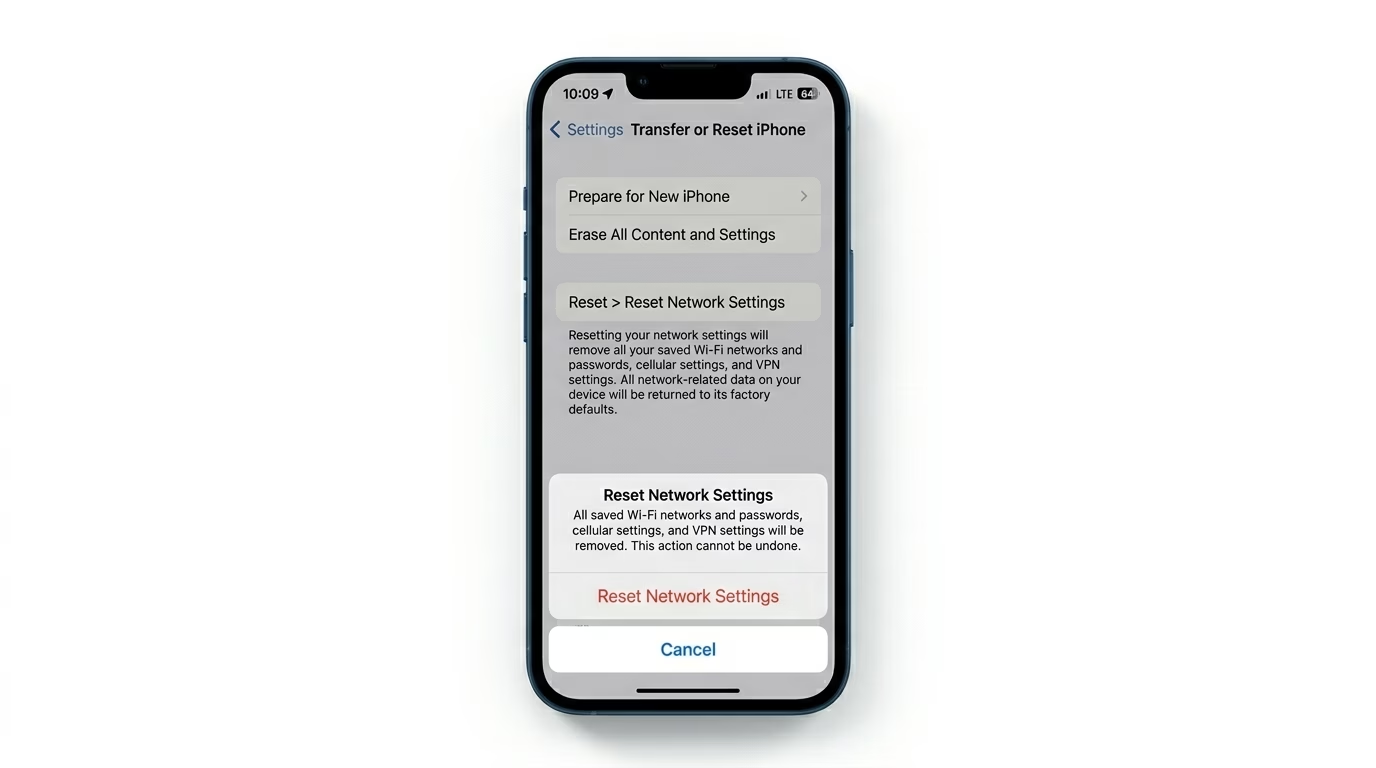
If you’re seeing “Poor Connection” alerts—even with fast Wi-Fi—your network cache may be corrupted. Go to Settings > General > Transfer or Reset iPhone > Reset > Reset Network Settings. Just a heads-up: this will erase your saved Wi-Fi passwords, but it also refreshes the cellular and Wi-Fi protocols FaceTime depends on.
Why Won't FaceTime Connect?
- Regional Restrictions: FaceTime isn't available in all countries or through all carriers.
- Apple ID Conflict: Using the same Apple ID on too many devices can cause routing errors.
- Firewall/VPN: Some VPNs or public Wi-Fi networks block the ports required for FaceTime.
- Outdated Software: Older iOS versions may have expired security certificates for FaceTime.
Pro Tips:
- Check "Reachability": In FaceTime settings, ensure there is a checkmark next to your phone number and email under "You can be reached by FaceTime at."
- Lower Video Quality: If you are on a weak cellular signal, FaceTime will struggle. Switch to FaceTime Audio first, then turn on video once the connection is stable.
- Content Restrictions: Check Settings > Screen Time > Content & Privacy Restrictions to ensure FaceTime isn't accidentally disabled.
Frequently Asked Questions
Why is my FaceTime stuck on 'Waiting for Activation'?
This usually means your carrier can’t send the hidden activation SMS to Apple. Make sure you have enough credit or balance on your SIM card to send an international SMS, if your carrier requires it.
Can I use FaceTime without a SIM card?
Yes, you can use FaceTime over Wi-Fi with your Apple ID email address, even if you don’t have an active phone number on your device.