Quick Fix:
- Clean the TrueDepth camera (Top notch area)
- Ensure your face isn't blocked by a mask or glasses
- Restart your iPhone
- Check for the latest iOS update
Steps to Fix Face ID Problems
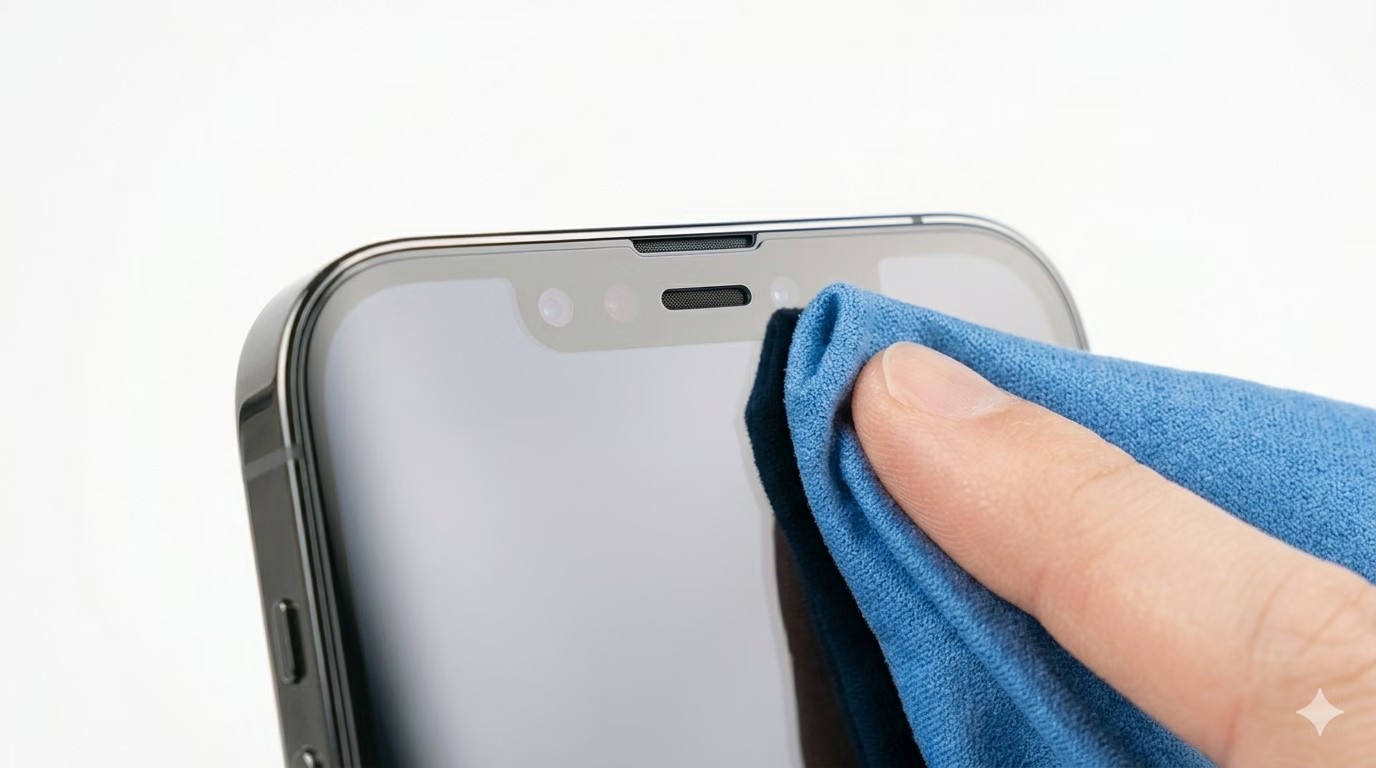
1 Clean the Sensors at the Top
Face ID works with the TrueDepth camera system in the notch at the top of your iPhone screen. Oil or dust can smudge these sensors and cause problems. Gently clean the top area of your display with a soft, lint-free microfiber cloth to make sure the sensors can see your face clearly.
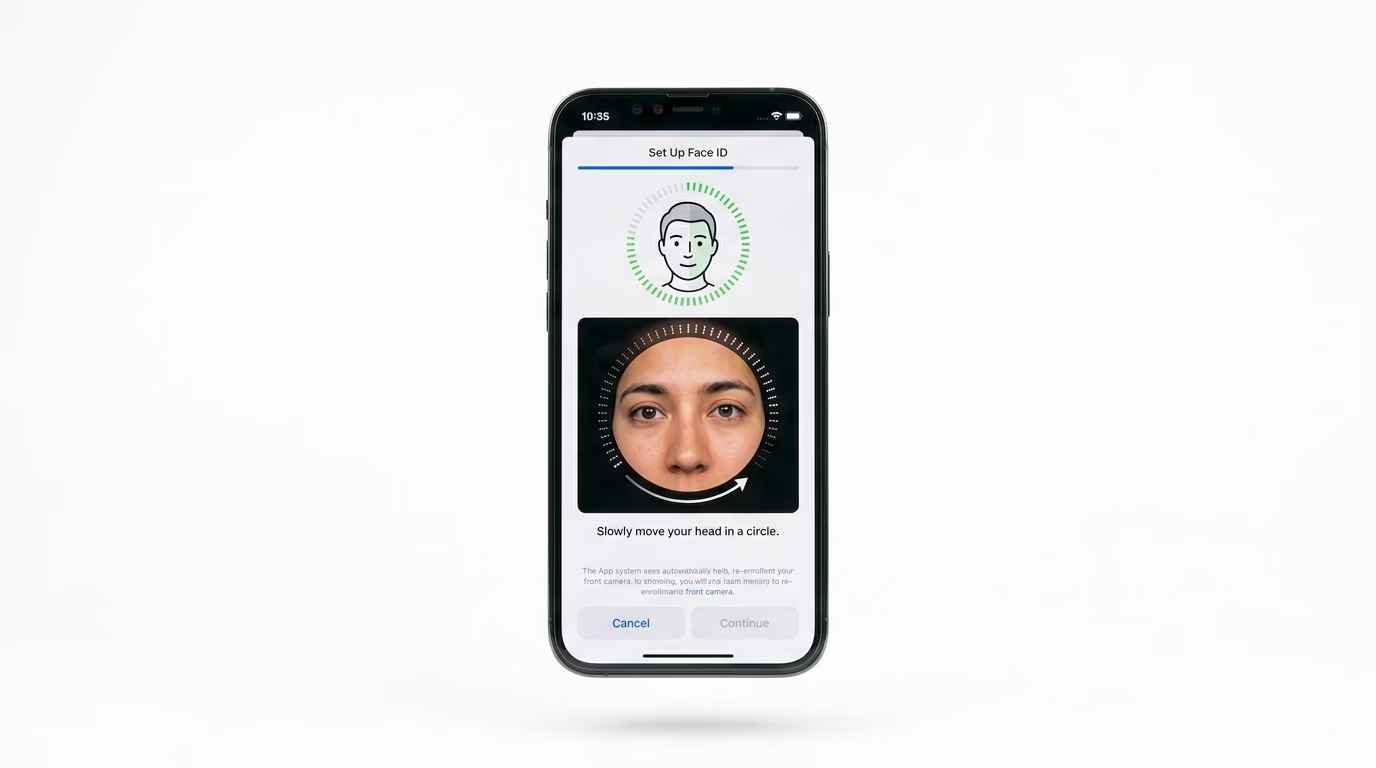
2 Reset and Re-Enroll Face ID
If Face ID still isn’t working, try setting it up again. Go to Settings > Face ID & Passcode, tap Reset Face ID, and then choose Set Up Face ID. Follow the instructions and scan your face in a well-lit room for the best results.
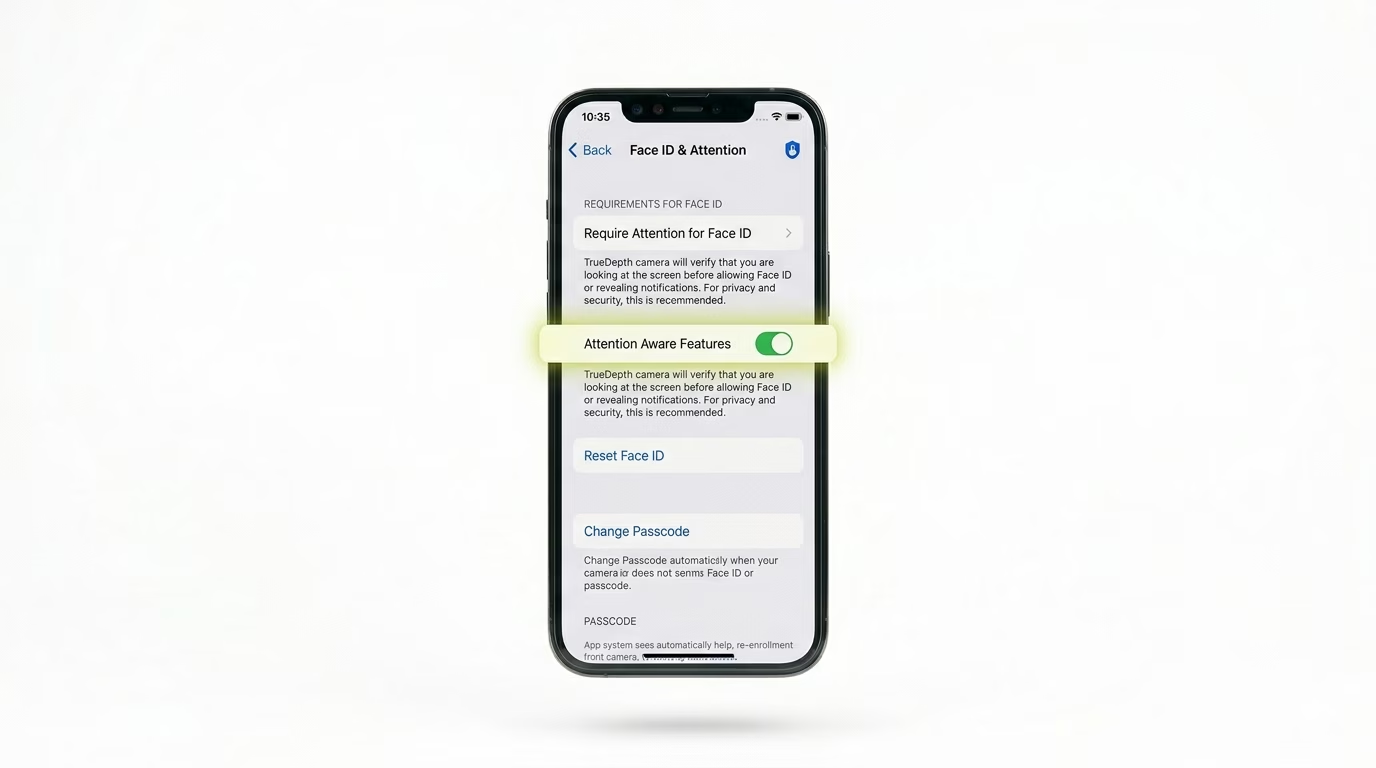
3 Check 'Attention Aware' Features
Sometimes Face ID won’t unlock your phone if it thinks you’re not looking at the screen. Check your settings to make sure “Require Attention for Face ID” is set the way you want. Also, make sure “iPhone Unlock” is turned ON in the “Use Face ID For” section.
Why This Happens?
- Something is covering the TrueDepth camera (case or screen protector)
- Too many failed attempts (iPhone requires passcode)
- Hardware damage to the dot projector (common after water exposure)
- Face ID is disabled in the settings
Pro Tips:
- Hold your iPhone between 10 and 20 inches from your face for the best recognition.
- If you wear a mask often, enable the "Face ID with a Mask" feature in your settings.
- Avoid cheap screen protectors that don't have a cutout for the sensors, as they can block the infrared light.
Frequently Asked Questions
Why does it say "Face ID is Not Available"?
If you see an error with Face ID, it’s usually a software glitch or a problem with the TrueDepth camera. Try doing a hard restart. If the issue doesn’t go away, your phone may need professional repair.
Will Face ID work in the dark?
Yes! Face ID uses infrared light to scan your face, so it works even in total darkness.