Quick Fix:
- Turn your car's engine/system OFF and then ON
- Toggle Bluetooth on your iPhone OFF and ON
- Ensure your iPhone is "Discoverable" in Bluetooth settings
- Restart your iPhone to clear background sync errors
Steps to Fix Car Bluetooth Connectivity
1 Clear Pairing History on Both Ends
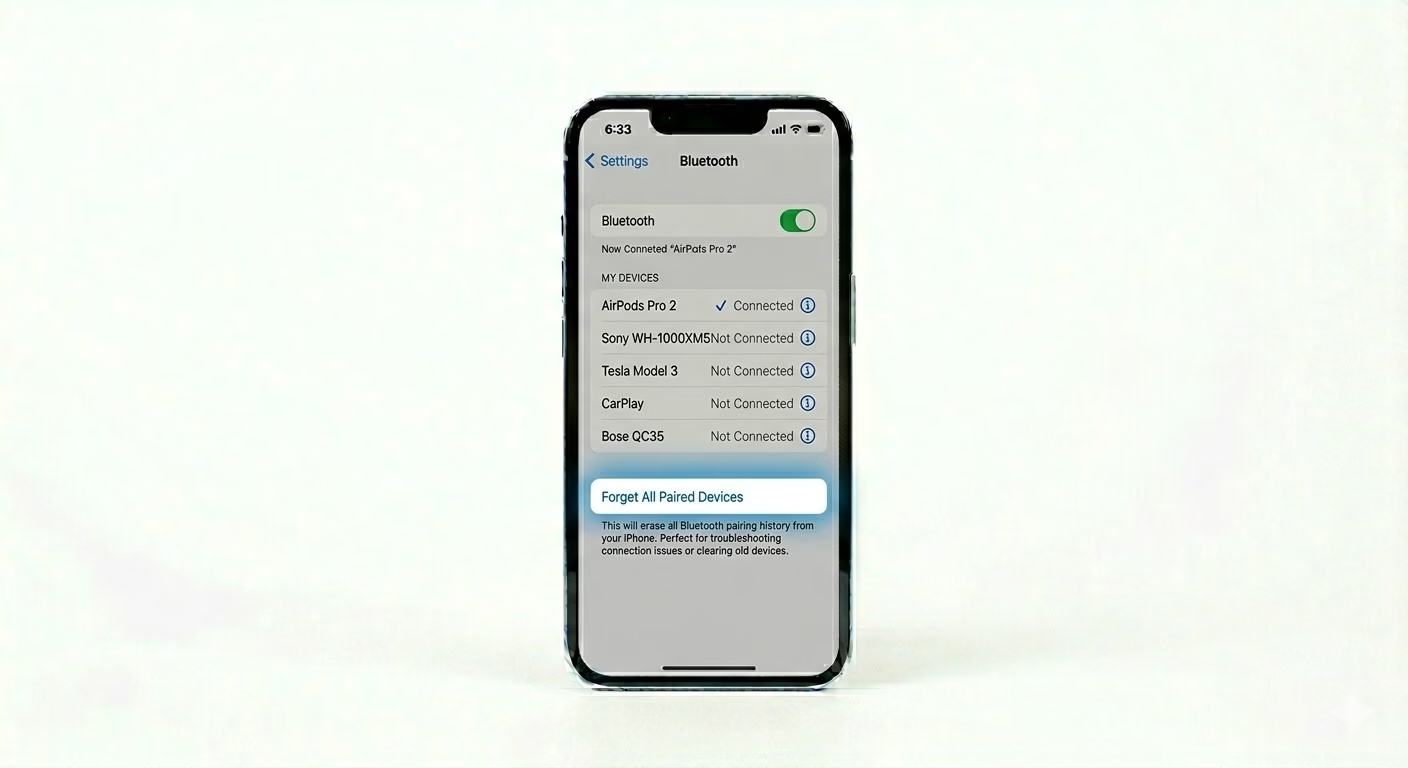
Conflicts can happen if your car or iPhone is using an old, corrupted connection key. First, go to Settings > Bluetooth on your iPhone, tap the (i) next to your car, and choose Forget This Device. Then, go to your Car’s Bluetooth Menu and remove your iPhone from the paired devices list. This lets both devices start fresh.
2 Verify CarPlay & Restrictions
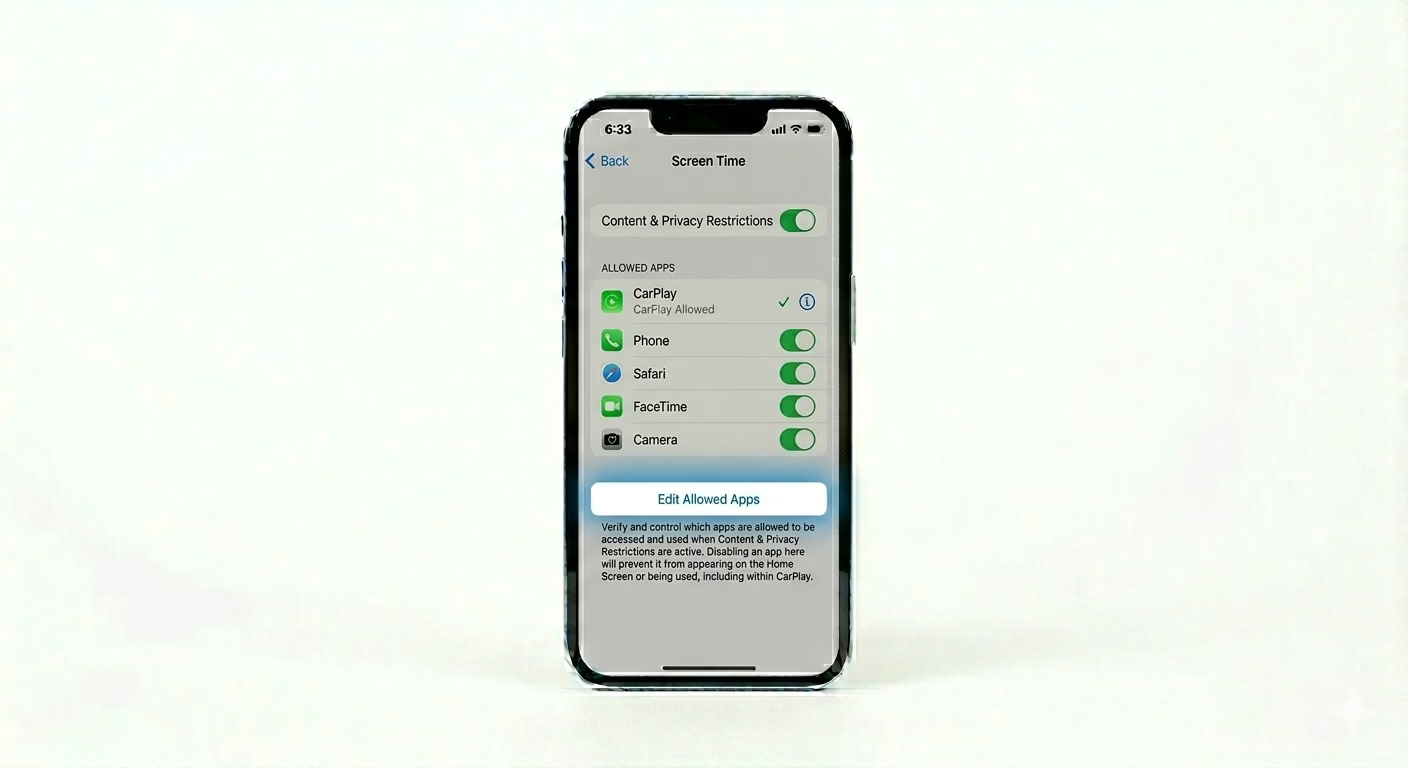
If your car supports CarPlay, it might be stopping a regular Bluetooth connection. Go to Settings > General > CarPlay, pick your car, and make sure it’s not “Forgotten” or restricted. Also check Settings > Screen Time > Content & Privacy Restrictions > Allowed Apps and make sure CarPlay and Bluetooth are both turned on.
3 Reset iPhone Network Cache
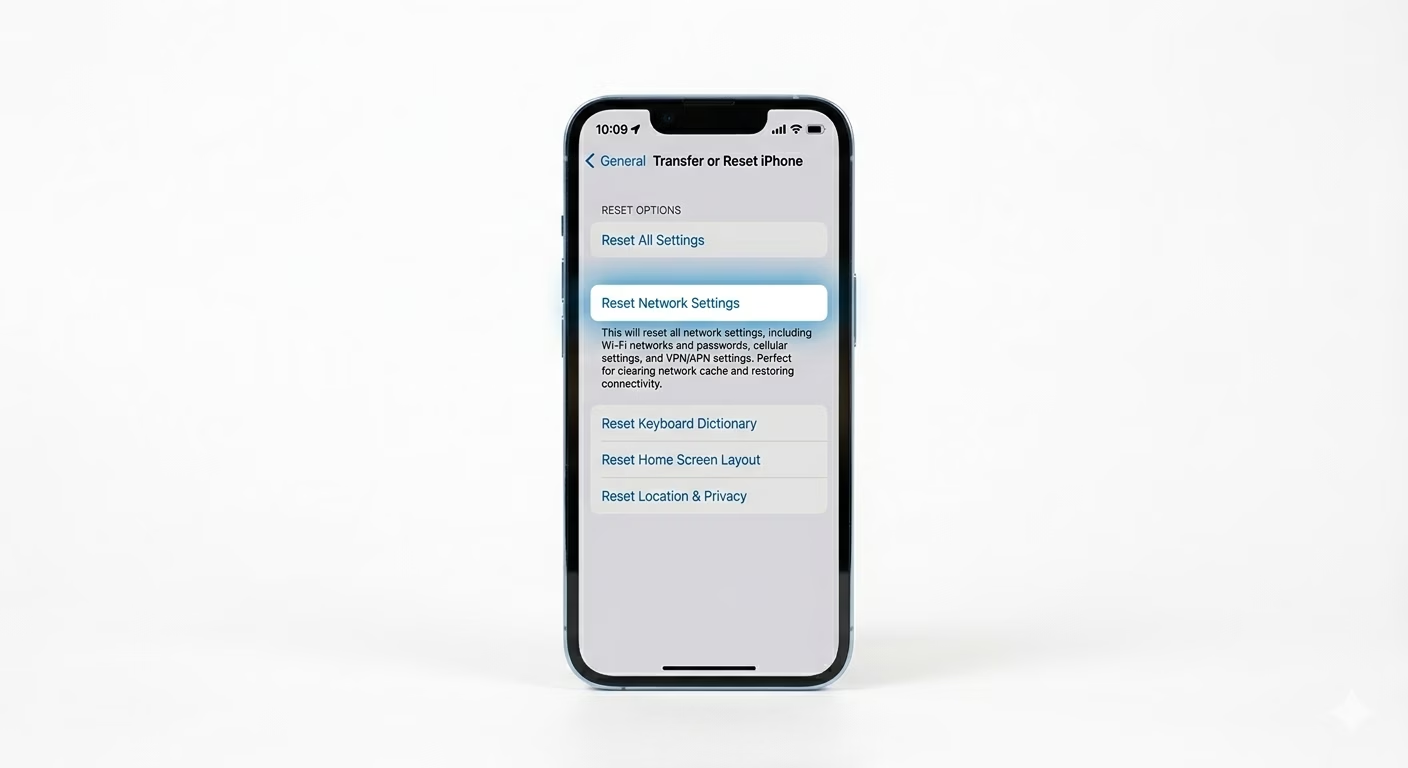
Bluetooth and Wi-Fi use the same wireless system on your iPhone. If pairing keeps failing, the best fix is to reset your network settings. Go to Settings > General > Transfer or Reset iPhone > Reset > Reset Network Settings. This will erase your saved Wi-Fi passwords, but it also restores your Bluetooth drivers to factory settings.
Why This Happens?
- Corrupted pairing certificates between the phone and the car
- Car's infotainment firmware is outdated
- Interference from other paired devices in the car
- Bluetooth version mismatch after an iOS update
Pro Tips:
- Firmware Update: Check your car manufacturer's website for "Infotainment Firmware Updates." Sometimes a simple USB update for the car fixes iOS 19/20 compatibility issues.
- Rename iPhone: Try changing your iPhone's name in Settings > General > About > Name. Some cars struggle to connect if they see a name they have previously rejected.
- USB Connection: If wireless Bluetooth is failing, use an official Apple USB cable to see if the car recognizes the phone via "iPod Mode" or CarPlay.
Frequently Asked Questions
Why does my Bluetooth connect but no audio plays?
Make sure “Media Audio” is turned on in your car’s Bluetooth settings for your iPhone. Also, check that your iPhone’s volume is up while it’s connected to your car.
Can I connect two iPhones to the car at once?
Most cars only let one phone have an “Active” Bluetooth connection at a time. If your partner’s phone is in the car too, try turning their Bluetooth off so it doesn’t interfere.