Quick Fix:
- Ensure Bluetooth is enabled in Settings (not just Control Center)
- Check if the accessory is fully charged
- Restart both your iPhone and the device you are pairing
- Keep both devices within 1 meter for the initial pairing
Steps to Fix Bluetooth Pairing Failures
1 Put Accessory in Pairing Mode
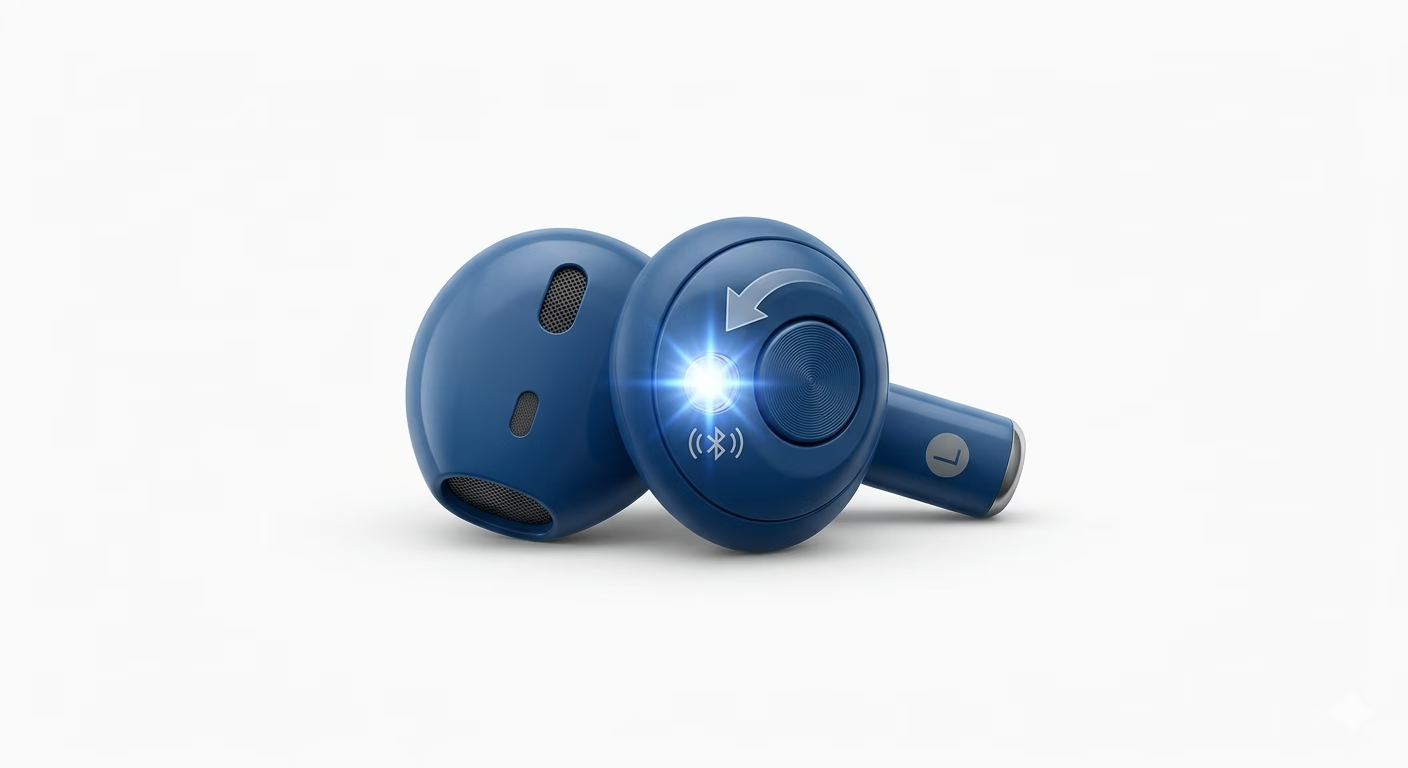
Your iPhone won’t find a device unless it’s in “Pairing Mode.” Most accessories don’t do this just by turning them on. Look for a special Bluetooth button, or hold the Power button for 5–10 seconds until the light flashes red and blue. Once the device is “broadcasting,” it should show up under Other Devices in your iPhone settings.
2 Forget and Refresh Devices
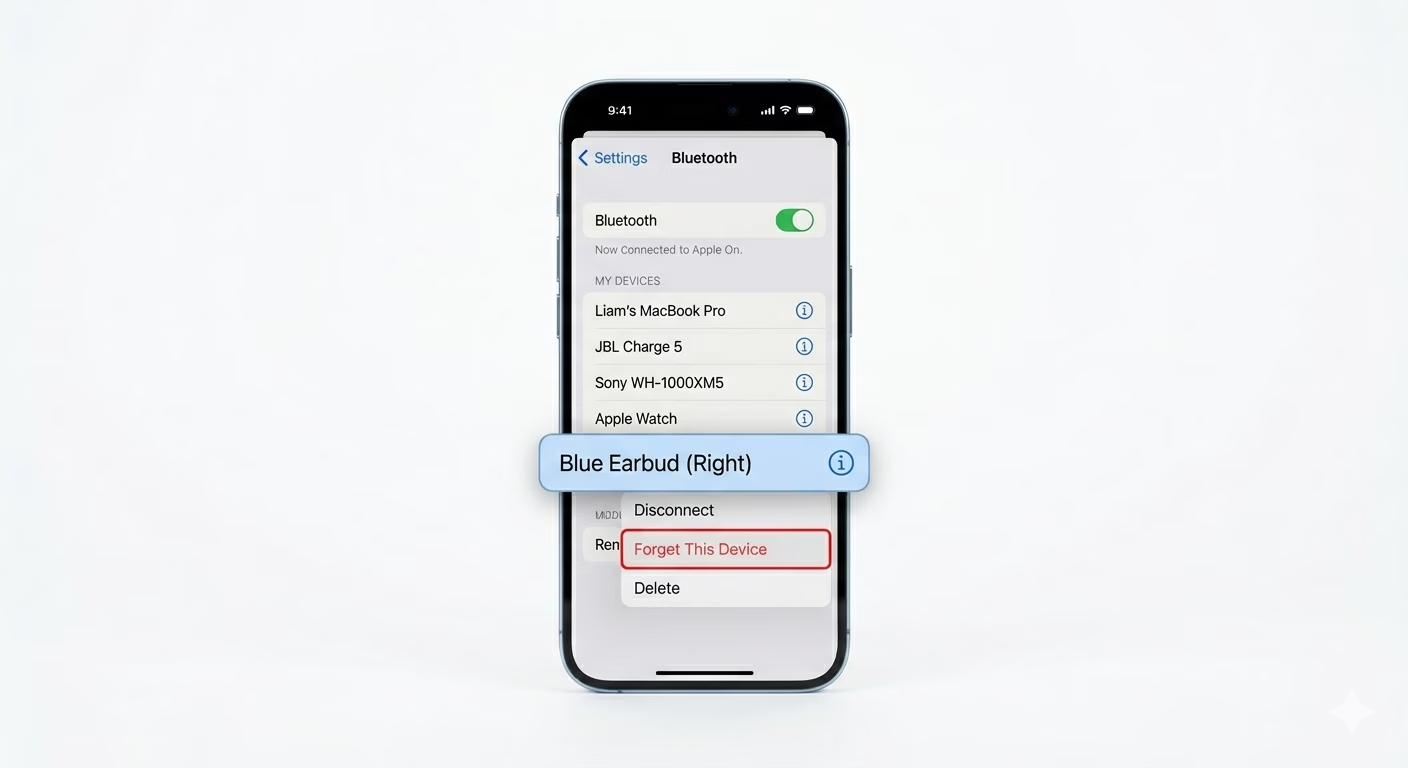
If your iPhone was paired with an older or similar version of the device before, it could cause a software conflict. Go to Settings > Bluetooth, tap the (i) next to any old or unused devices, and choose Forget This Device. This clears out the old Bluetooth info and lets your iPhone recognize the new accessory.
3 Reset Network Settings
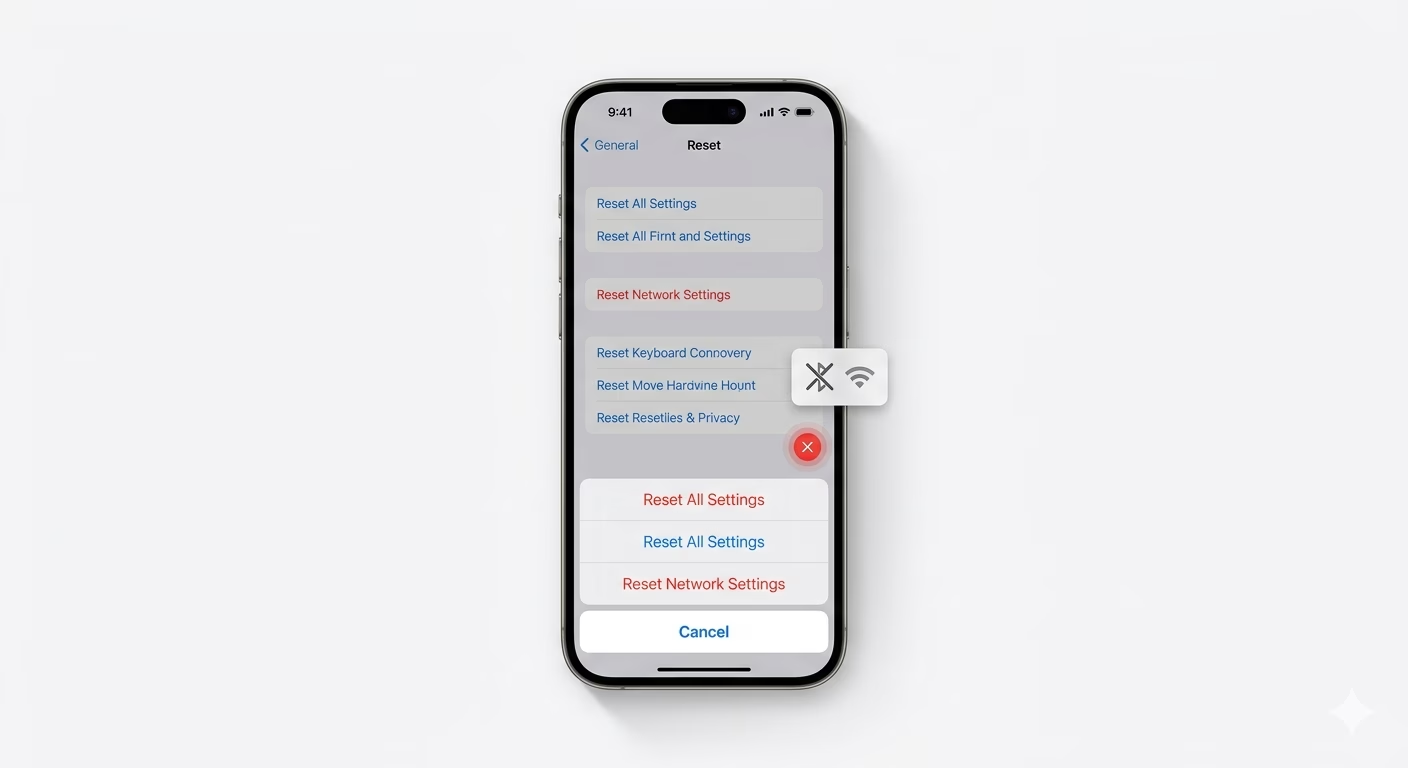
If your iPhone won’t pair with any new device, its wireless settings might be corrupted. Go to Settings > General > Transfer or Reset iPhone > Reset > Reset Network Settings. This resets all Bluetooth and Wi-Fi drivers. After restarting, your iPhone should scan for and connect to new devices more easily.
Why This Happens?
- Accessory is already connected to another nearby phone or laptop
- The device's Bluetooth version is incompatible with your iPhone model
- Signal interference from Wi-Fi routers or smart appliances
- Corrupted Bluetooth cache files in the iOS system
Pro Tips:
- Disable Wi-Fi: Sometimes turning OFF Wi-Fi temporarily helps Bluetooth pair faster, as they often share the same internal antenna.
- Check Permissions: For apps like Fitbit or Garmin, ensure "Bluetooth" permission is ON in Settings > Privacy & Security > Bluetooth.
- Software Sync: Ensure your iPhone is not on an outdated iOS version, as Apple often updates Bluetooth pairing protocols for newer accessories.
Frequently Asked Questions
Why does my iPhone ask for a PIN while pairing?
Some older devices need a security code to pair. Common default PINs are 0000 or 1234. If these don’t work, check the device manual for the correct code.
Can I pair multiple devices at once?
Yes, you can pair multiple devices, but your iPhone can usually only play audio through one Bluetooth device at a time (unless you’re using special features with AirPods or Beats).