Quick Fix:
- Clean the camera lens with a microfiber cloth
- Tap the screen to manually set focus
- Remove any magnetic or metallic cases
- Restart the Camera app
Steps to Fix Blurry iPhone Photos
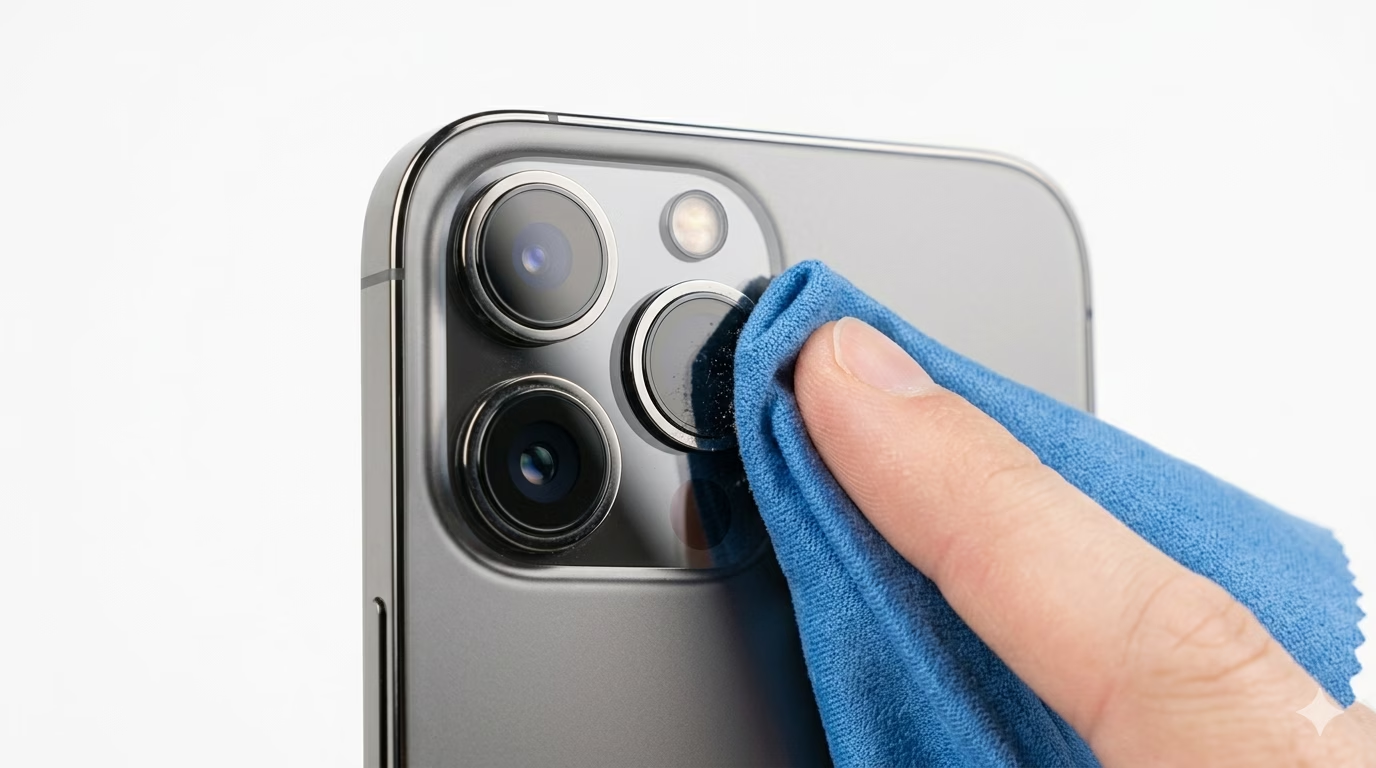
1 Clean the Camera Lens Properly
Even a small fingerprint or bit of oil can mess up your iPhone’s autofocus. Use a clean microfiber cloth and gently wipe the camera lens in a circular motion. Don’t use your shirt or rough tissues, as they can leave lint or tiny scratches on the lens.
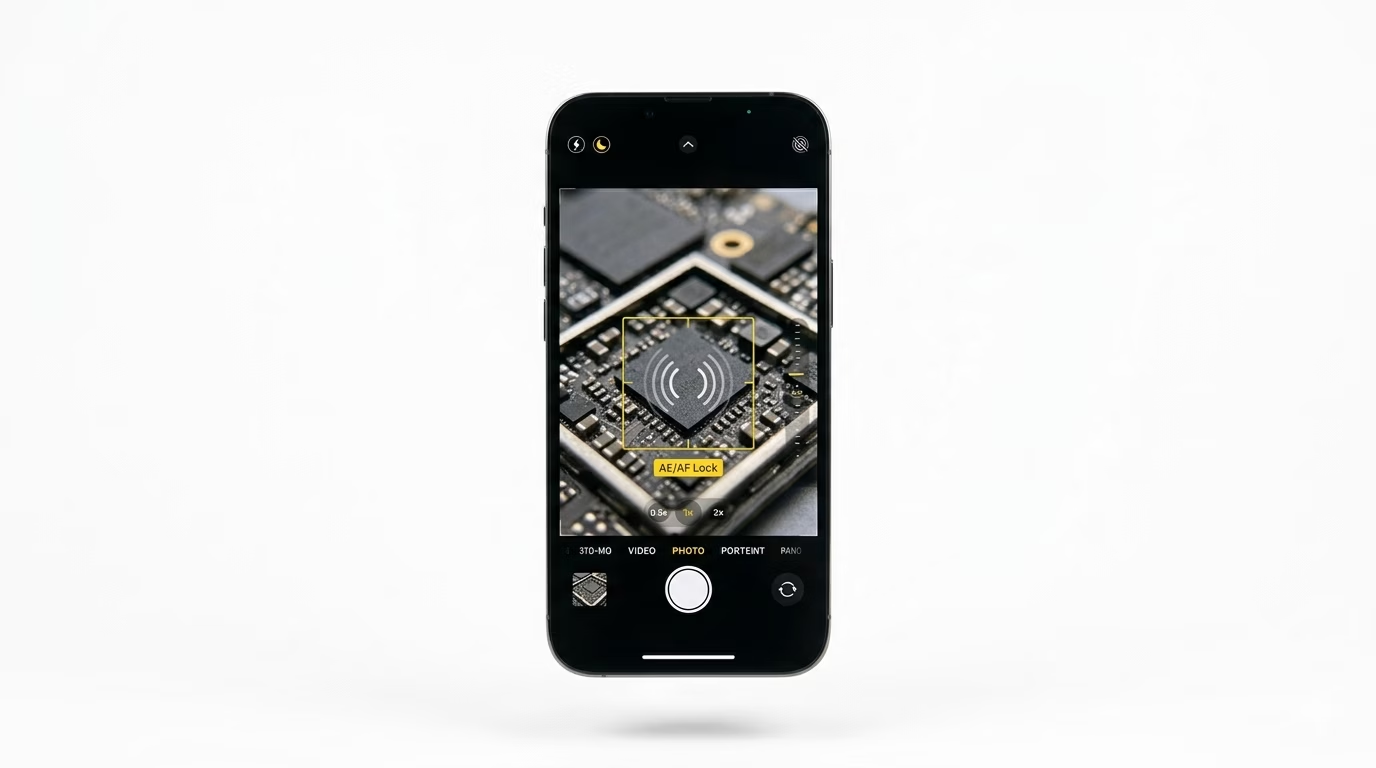
2 Use Manual Focus and AE/AF Lock
If your camera keeps searching for focus, tap on the object you want to capture on your screen. For even better results, press and hold until you see “AE/AF Lock” in a yellow box—this locks the focus and exposure so your camera doesn’t shift while you take your photo.
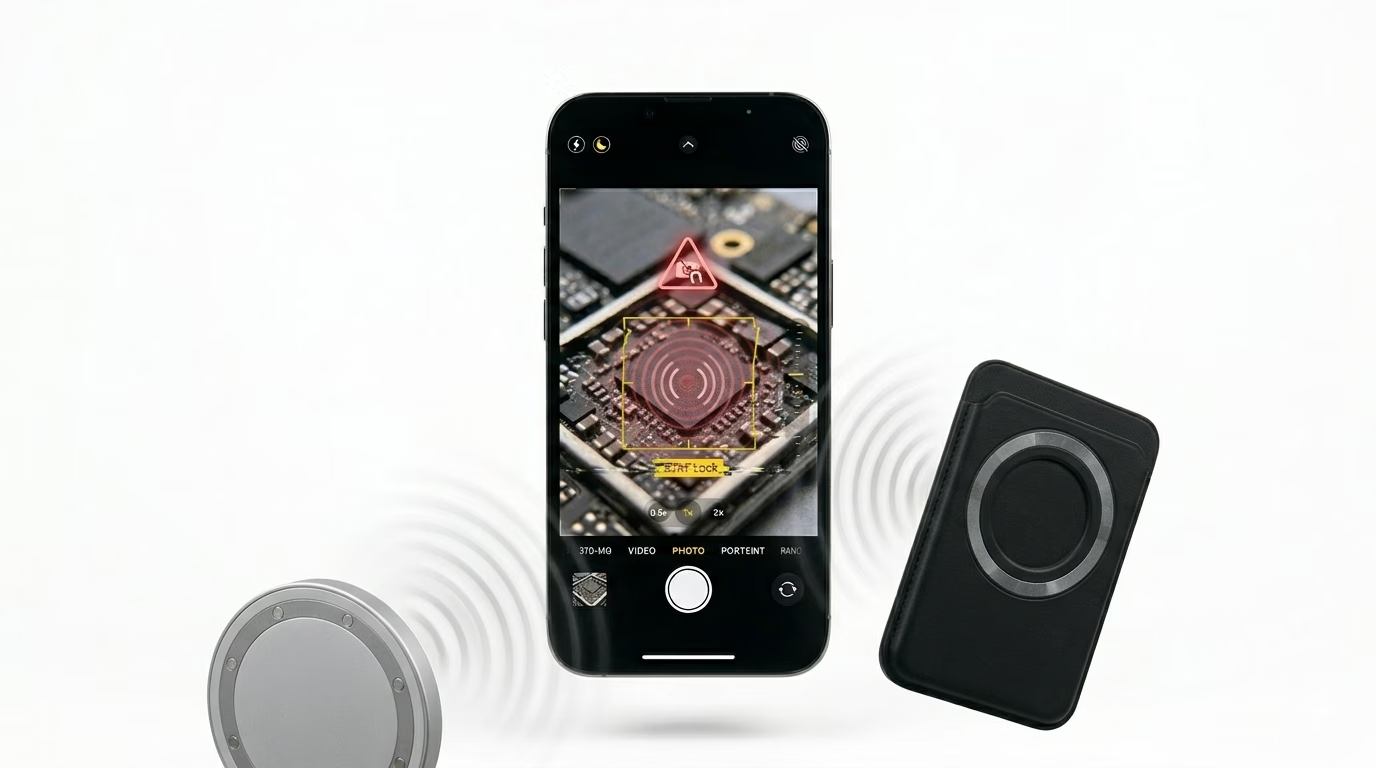
3 Check for Magnetic Interference
Many third-party cases and lens attachments have magnets that can mess with your iPhone’s autofocus and image stabilization. If your camera isn’t focusing right, remove your case and any external accessories to see if that fixes the problem.
Why This Happens?
- Physical smudges or dirt on the lens glass
- Software glitch in the Camera app
- Close-range "Macro" limitations (being too close to an object)
- Hardware failure of the autofocus motor
Pro Tips:
- Keep your iPhone updated to the latest iOS to ensure the camera drivers are optimized.
- If you have an iPhone 13 Pro or later, ensure "Macro Control" is enabled in settings for close-up shots.
- Avoid dropping your phone; the tiny motors that move the camera lens are very delicate.
Frequently Asked Questions
Why does my camera shake and make a buzzing noise?
If your camera is shaky or not focusing properly, it could mean the Optical Image Stabilization (OIS) has failed—often from strong vibrations, like using your phone on a motorcycle. In most cases, this problem needs a hardware repair.
My camera is only blurry on 0.5x or 3x zoom, why?
iPhones have different lenses for each zoom level. If just one lens is blurry, it’s likely that lens is dirty or damaged, while the other lenses are still working properly. Try cleaning the blurry lens gently, and if it’s still not clear, it may need repair.