Quick Fix:
- Update all apps in the App Store
- Force restart your iPhone
- Check for a follow-up iOS sub-update
- Reinstall the specific crashing app
Steps to Fix App Stability Issues
1 Force Update Your Apps
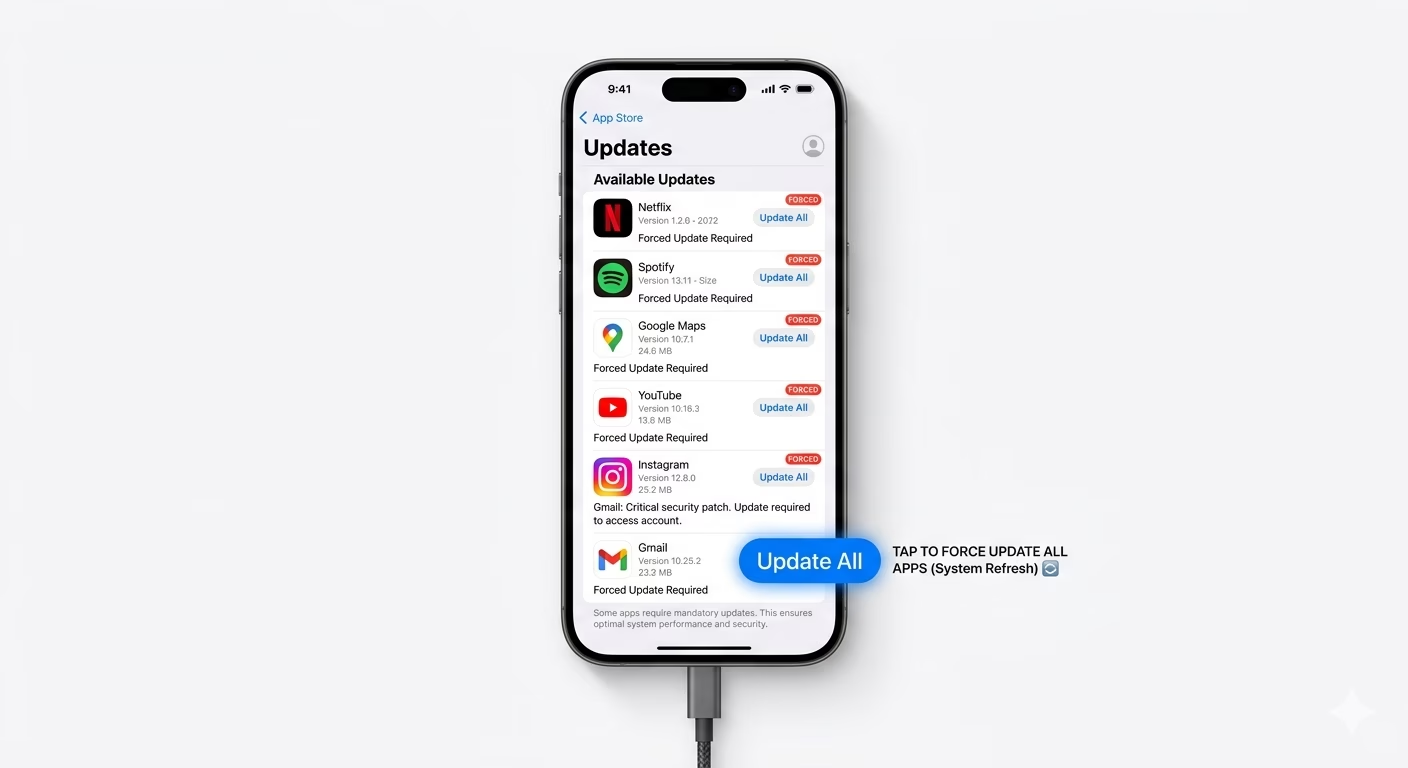
After your iPhone gets a system update, app makers usually send out patches to keep their apps working smoothly with the new iOS. Just open the App Store, tap your profile icon at the top right, and pull down to refresh the page. Then, tap Update All to make sure all your apps get the latest fixes and stay compatible.
2 Offload the Crashing App
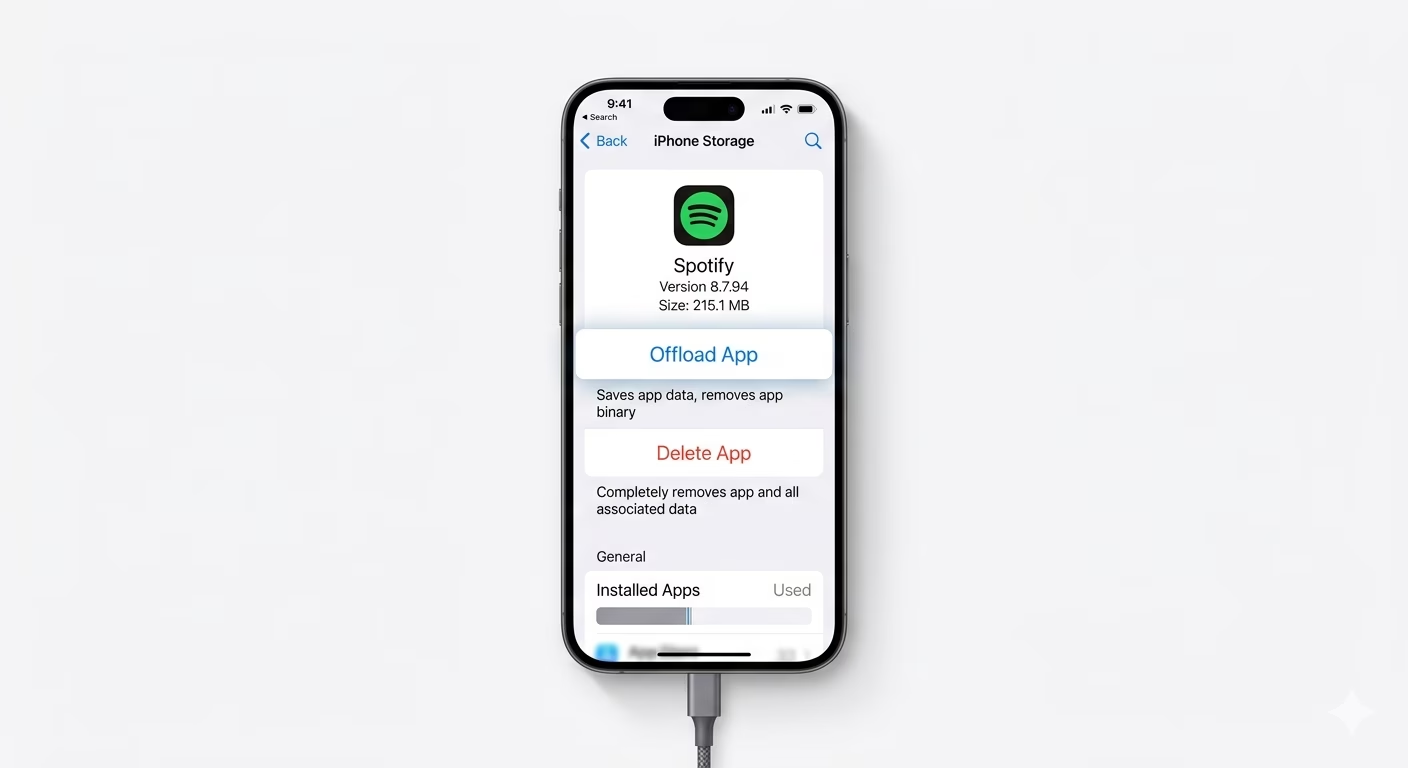
If just one app keeps crashing, you can try "Offloading" it. This means the app will be removed, but your data and settings will stay safe. Go to Settings > General > iPhone Storage, find the app that's crashing, and tap Offload App. After that, tap Reinstall App. This will clear out any junk files without erasing your settings.
3 Free Up System Memory
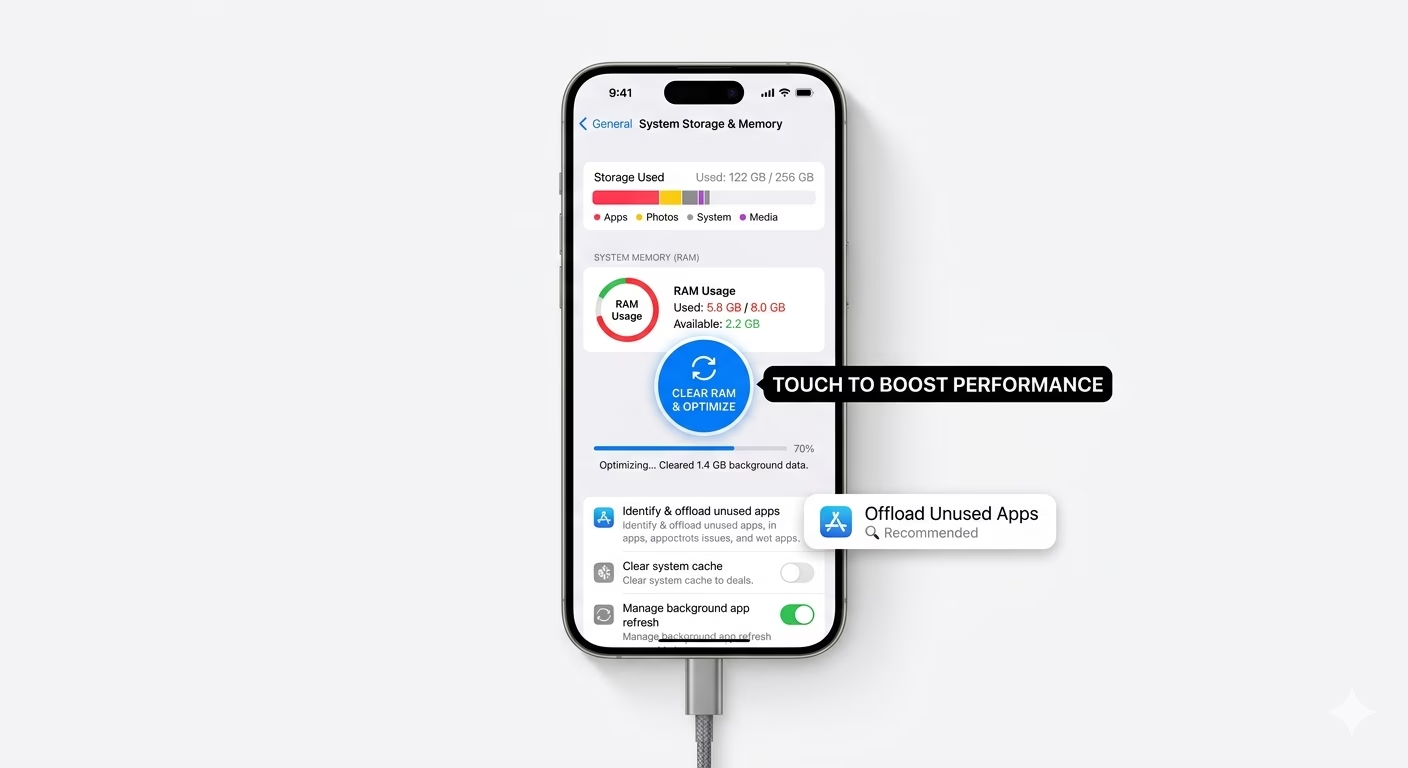
Sometimes, apps crash because there isn’t enough free space for them to work properly. Make sure you have at least 2-3GB of free space on your device. Go to Settings and check your storage. If it’s almost full, try deleting big attachments or clearing your browser cache. This will help your apps run more smoothly.
Why This Happens?
- App developer hasn't released a compatibility patch yet
- Corrupted temporary data or cache files after update
- The new iOS version has a bug (Wait for a point update)
- Low RAM availability due to background processes
Pro Tips:
- Check the app's reviews in the App Store to see if other users are facing the same crash—it might be the developer's fault!
- If an app crashes on startup, try opening it in Airplane Mode to see if a network glitch is the cause.
- Reset All Settings as a last resort to clear system conflicts.
Frequently Asked Questions
Why is only one specific app crashing?
Most of the time, this happens because the app isn’t fully compatible with the new iOS. The app might be trying to use a feature that works differently after the update. The best way to fix this is to update the app to its latest version.
Will deleting an app fix the crashing?
Yes, deleting and reinstalling the app is a great way to remove any "bad" data that may have caused problems after the iOS update. This gives the app a fresh start and often fixes crashing issues.