Instant Activation Check:
- Ensure you have a working SMS plan (Apple sends a hidden SMS to activate)
- Check if your Date & Time is set to "Set Automatically"
- Verify that you have an active internet connection (Wi-Fi or Data)
- Restart your iPhone to clear temporary network logs
Steps to Resolve iMessage Activation Issues
1 Reset iMessage Toggles
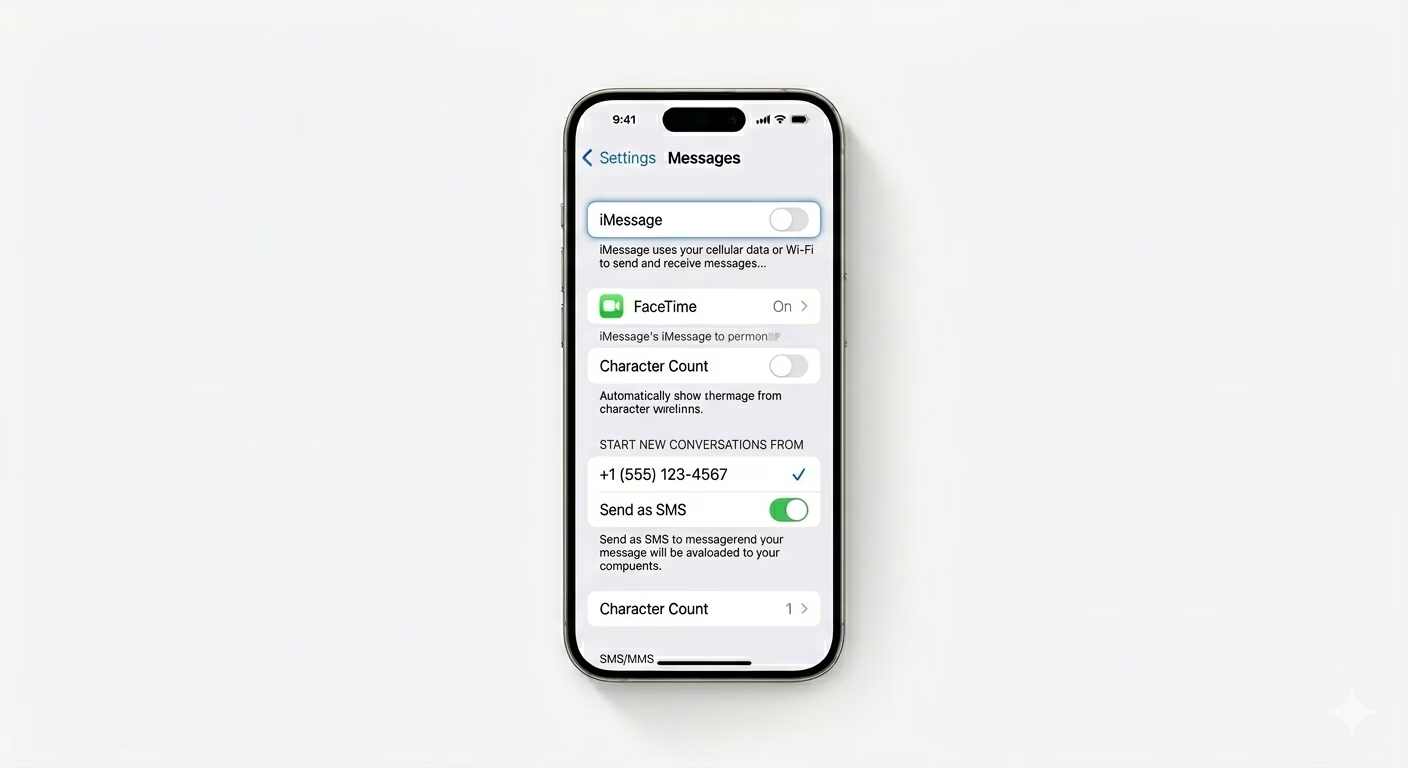
Sometimes, the activation process can get stuck in a loop. Go to Settings > Apps > Messages and turn iMessage OFF. Do the same for FaceTime in Settings > Apps > FaceTime. Restart your iPhone, then turn both features back ON. This forces your iPhone to send a new activation request to Apple’s servers.
2 Verify "Send & Receive" Settings
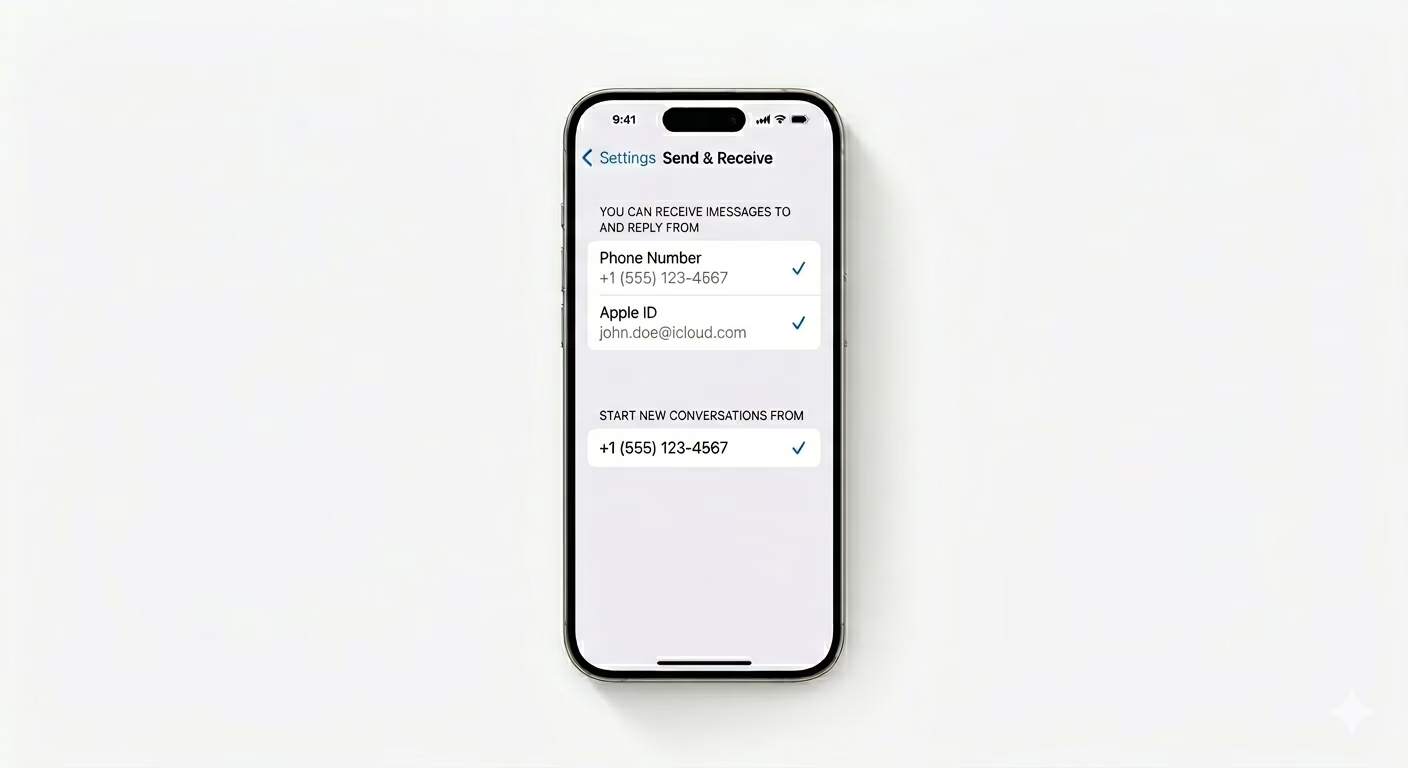
If iMessage is active but only showing your email, your phone number might not be registered. Go to Settings > Messages > Send & Receive and check that your phone number is listed with a checkmark. If it’s grayed out or keeps spinning, sign out of your Apple ID at the bottom of the screen, restart your iPhone, and sign back in. This should help your phone number register properly with iMessage.
3 Reset Network Settings
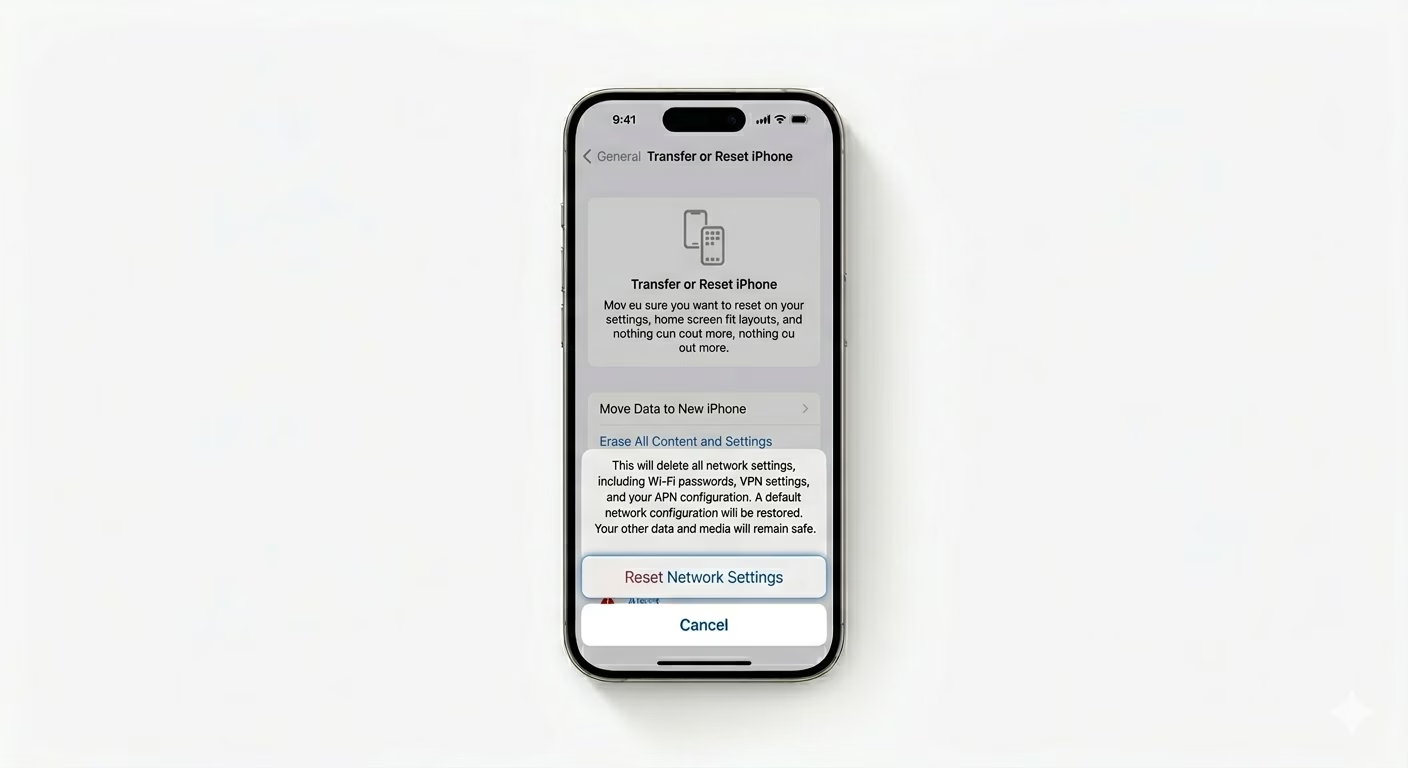
iMessage activation often fails because of corrupted carrier files. Go to Settings > General > Transfer or Reset iPhone > Reset > Reset Network Settings. This will clear your cellular caches and Wi-Fi passwords. It’s the most reliable way to fix hidden “Activation SMS” delivery issues between your carrier and Apple.
Why Is Activation Failing?
- No SMS Credit: Carriers often charge for the international SMS sent to Apple (UK-based servers).
- Time Zone Mismatch: If your clock is wrong, Apple's security certificates will fail.
- Carrier Restrictions: Some prepaid plans block the specific SMS protocol needed for iMessage.
- Server Down: Rarely, Apple’s iMessage activation servers might be temporarily offline.
Pro Tips:
- The 24-Hour Rule: Apple states that iMessage activation can take up to 24 hours. If you've tried everything, wait a full day before trying again.
- Remove SIM: Eject your SIM card and re-insert it. This refreshes the "Phone Number" detection in iOS.
- Contact Carrier: If you are in Pakistan and using Jazz/Zong, ensure your International SMS is not blocked, as activation requires an SMS to a UK number.
Frequently Asked Questions
Can I use iMessage with just my Apple ID?
Yes, if your phone number won’t activate, you can still send and receive iMessages using your Apple ID Email over Wi-Fi.
Why does it say 'Waiting for Activation' forever?
This usually means your iPhone is waiting for a “Success” reply from your carrier’s network. If your balance is low, the activation SMS can’t be sent, and iMessage won’t activate.