Quick Fix:
- Check if Facebook is down via Downdetector
- Force close the app and restart it
- Toggle your Wi-Fi/Cellular data off and on
- Update the Facebook app from the App Store
Steps to Resolve Facebook App Issues
1 Clear Facebook's In-App Browser Cache
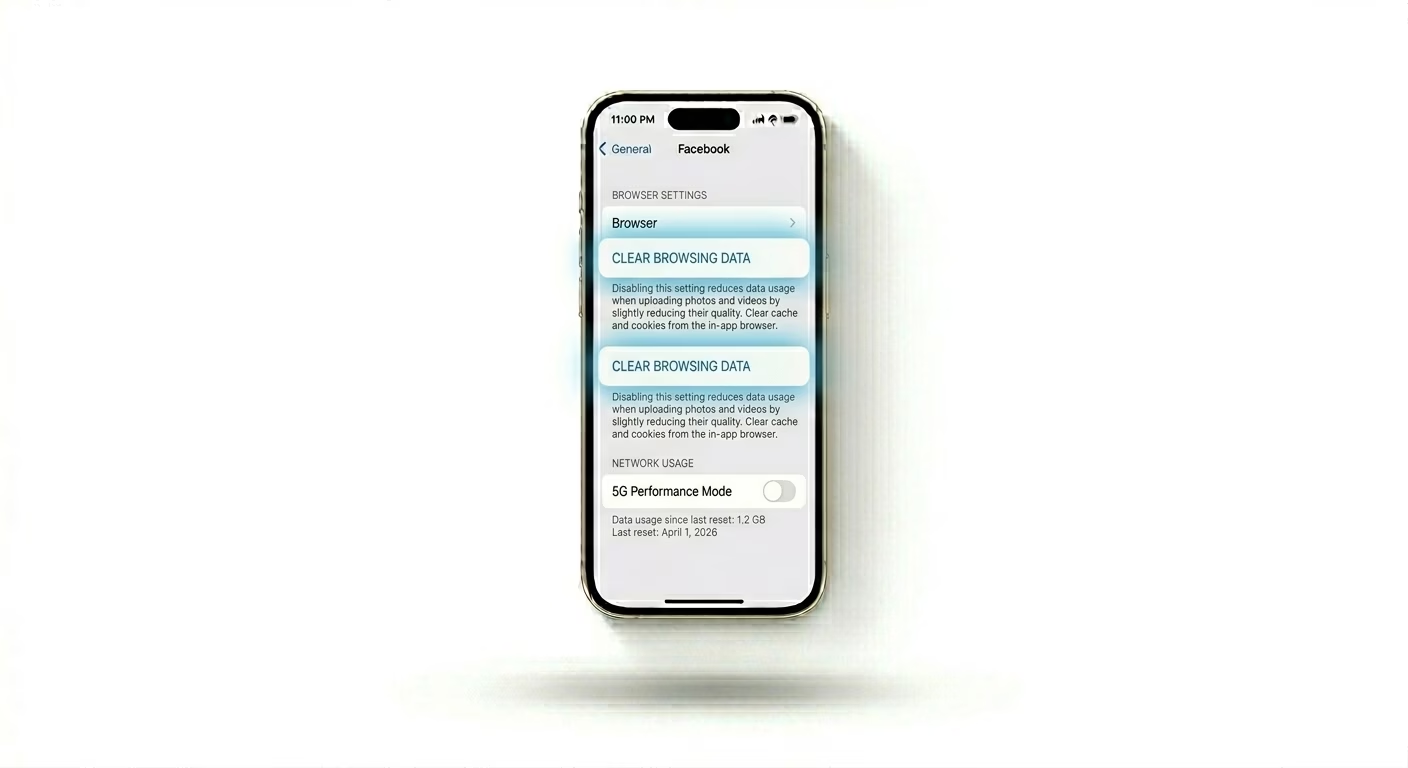
Facebook uses its own internal browser to open links, which can build up a lot of corrupted data over time. Open the Facebook App > Menu (three lines) > Settings & Privacy > Settings. Scroll down to Media and tap Browser. Then tap Clear next to "Your Browsing Data." This can quickly fix loading and crashing problems with Facebook.
2 Enable Background App Refresh
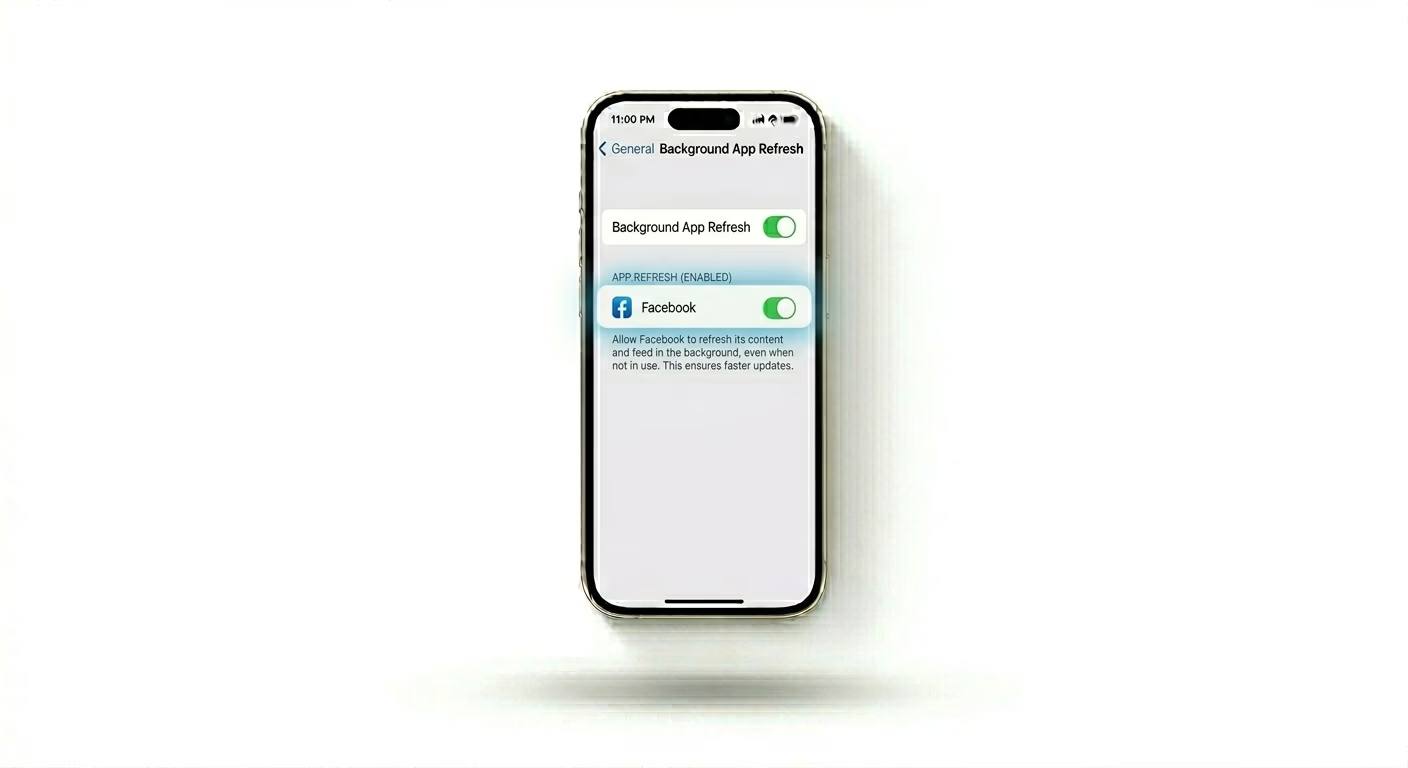
If your Facebook feed isn't updating, the app might be blocked from syncing in the background. Go to Settings > General > Background App Refresh and make sure it’s turned ON for Facebook. This lets Facebook fetch new posts and notifications even when you’re not using the app.
3 Use the "Offload" Method
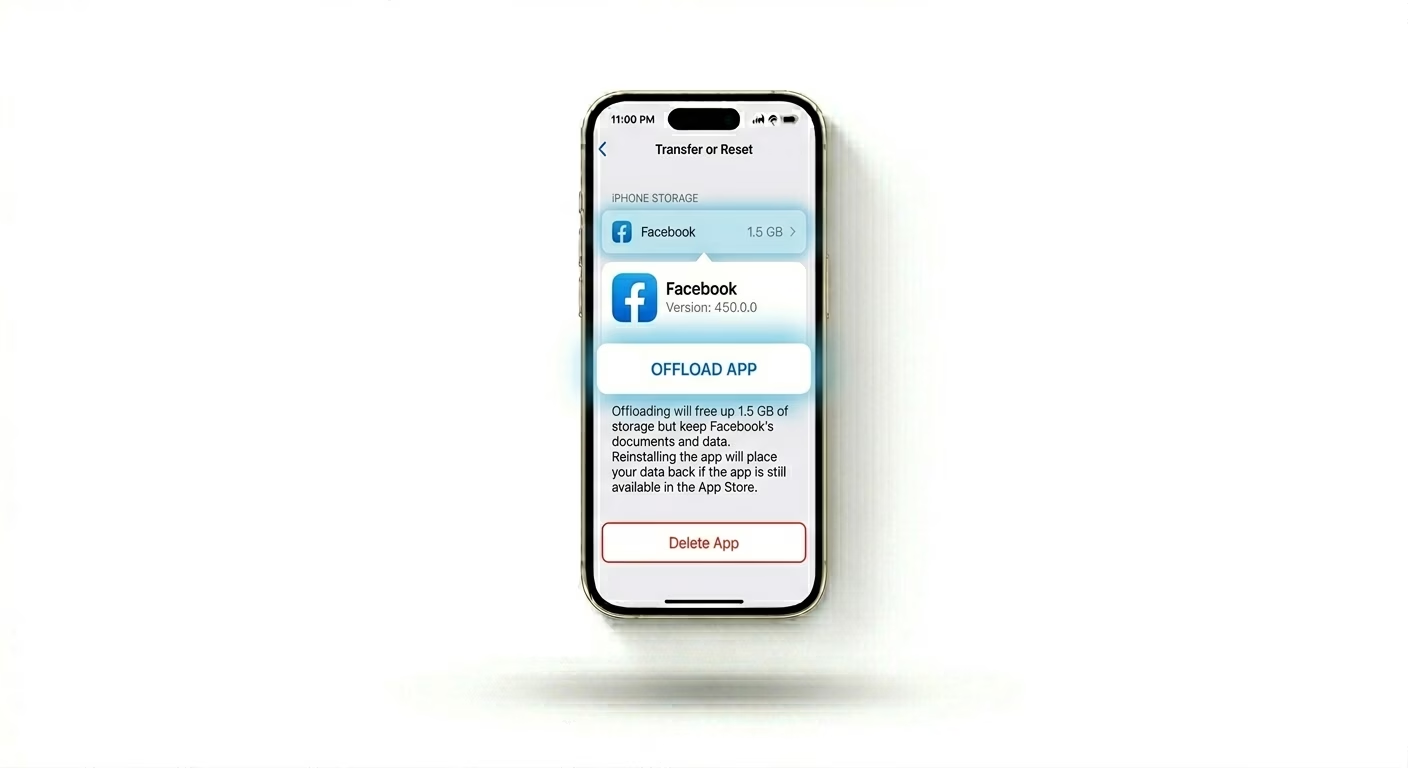
If the Facebook app isn’t responding at all, you should refresh its core files. Go to Settings > General > iPhone Storage > Facebook and tap Offload App. This keeps your login and data safe but removes the app itself. Then tap Reinstall App to get the latest stable version from the App Store.
Why This Happens?
- Corrupted browser data within the app's internal cache
- Global outages on Meta's server infrastructure
- Conflicts with iOS privacy settings or VPNs
- Older iPhone hardware struggling with heavy media processing
Pro Tips:
- Check Data Saver: If videos aren't playing, ensure "Data Saver" mode is OFF in Facebook's media settings.
- Logout/Login: Refresh your account token by logging out and back in; this fixes most "Session Expired" loops.
- Use Lite: If the main app is too slow on older models, consider using the Facebook mobile website in Safari for a lighter experience.
Frequently Asked Questions
Why is my Facebook feed not updating?
This usually happens because of a weak internet connection or your feed’s "Sorting" setting. Make sure your feed is set to "Most Recent" if you want live updates, and check that your background app refresh settings are turned on.
Will I lose my photos if I reinstall the app?
No, reinstalling the Facebook app doesn’t delete your photos, friends, or posts. All your account data is stored on Facebook’s servers. Reinstalling just refreshes the app software on your phone, not your account.