Quick Fix:
- Check your Internet connection (Wi-Fi or Cellular)
- Double-check your Apple ID and Password (Case sensitive)
- Check Apple’s System Status page for iCloud outages
- Restart your iPhone twice to refresh the login service
Steps to Fix iCloud Sign-In Errors
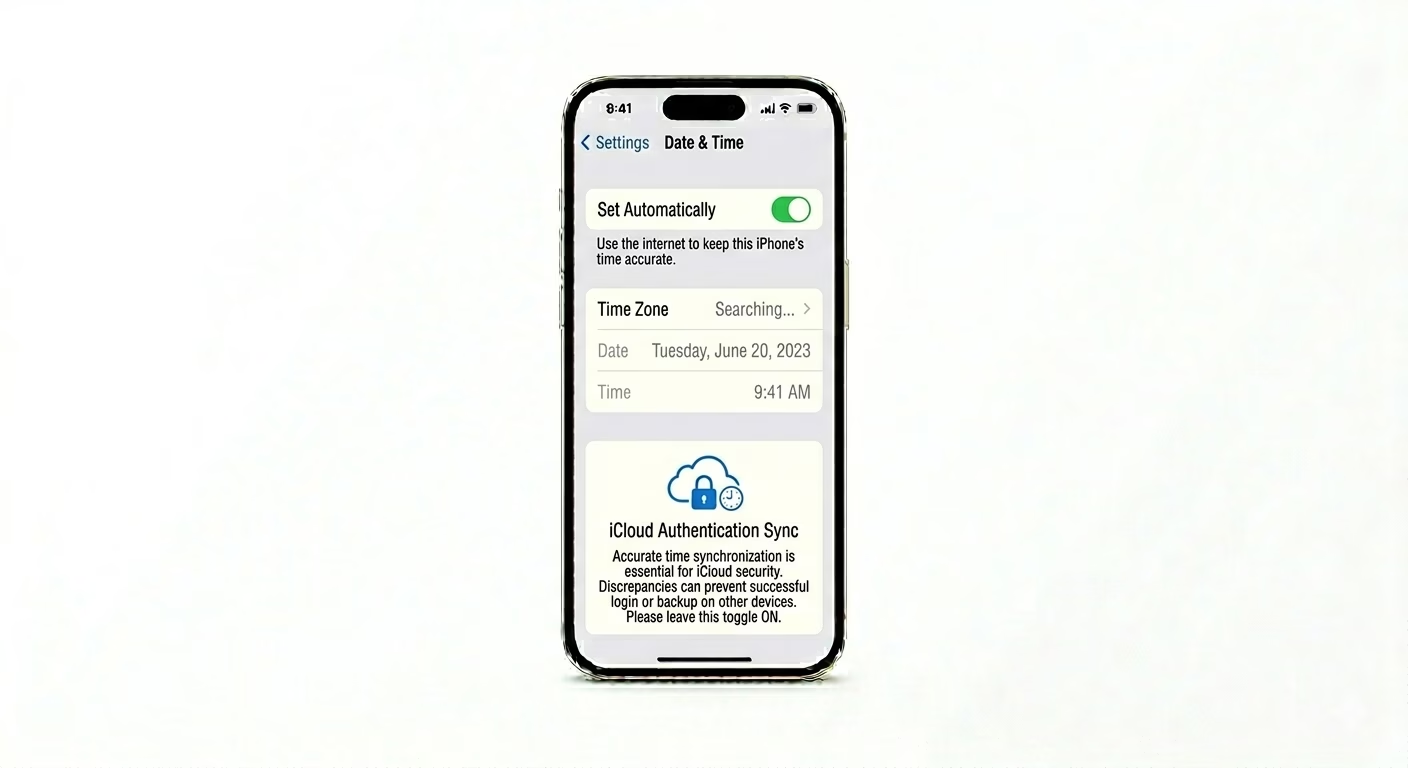
1 Fix Date and Time Sync
iCloud security servers will block any sign-in if your iPhone’s time is even a little bit off. Go to Settings > General > Date & Time and make sure Set Automatically is turned ON. This keeps your device’s time perfectly synced, so the security handshake with Apple’s servers works correctly.
2 Check for Software Updates
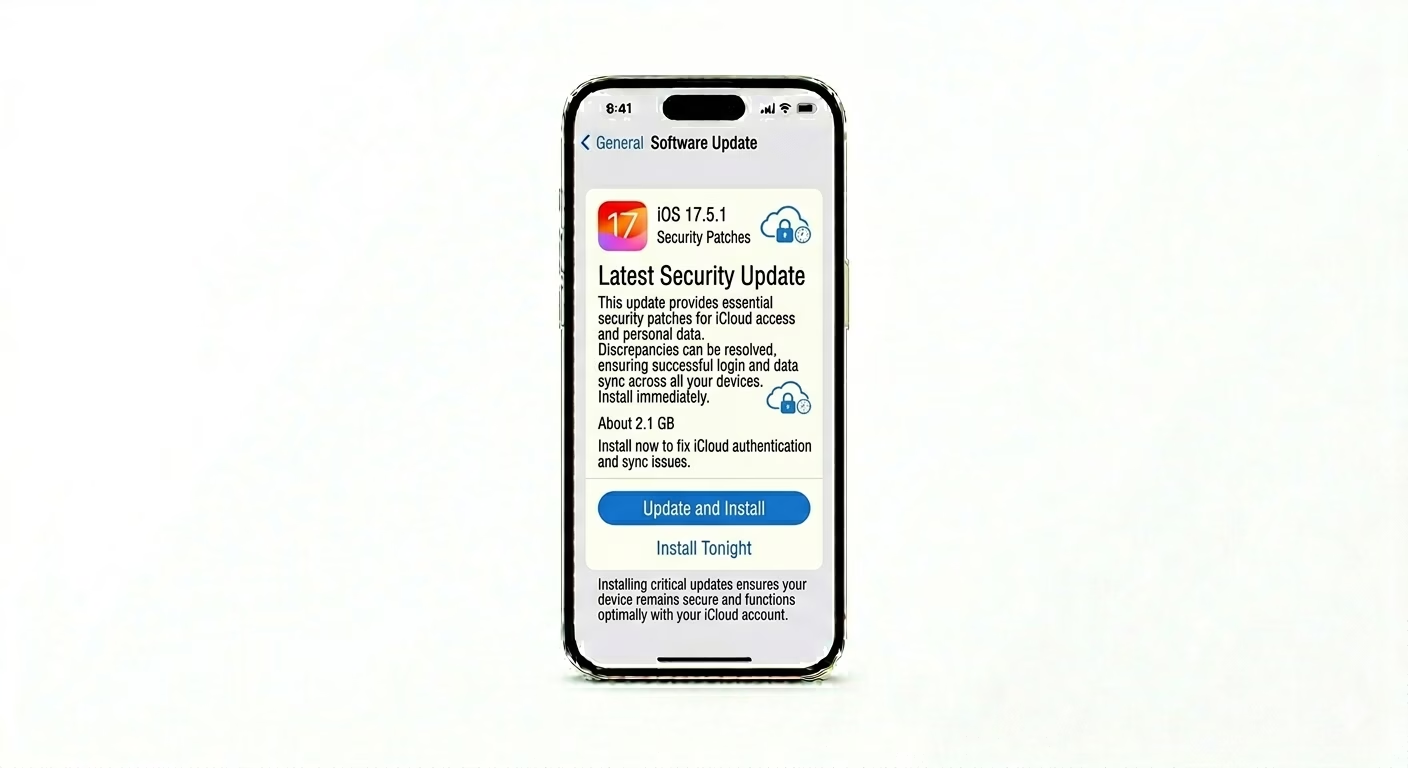
Apple often updates its iCloud security systems. If you’re using an older version of iOS, you might not be able to connect to the newest sign-in servers. Go to Settings > General > Software Update and install any available updates. Many sign-in errors are fixed just by getting the latest security patches.
3 Reset Wireless Network Stack
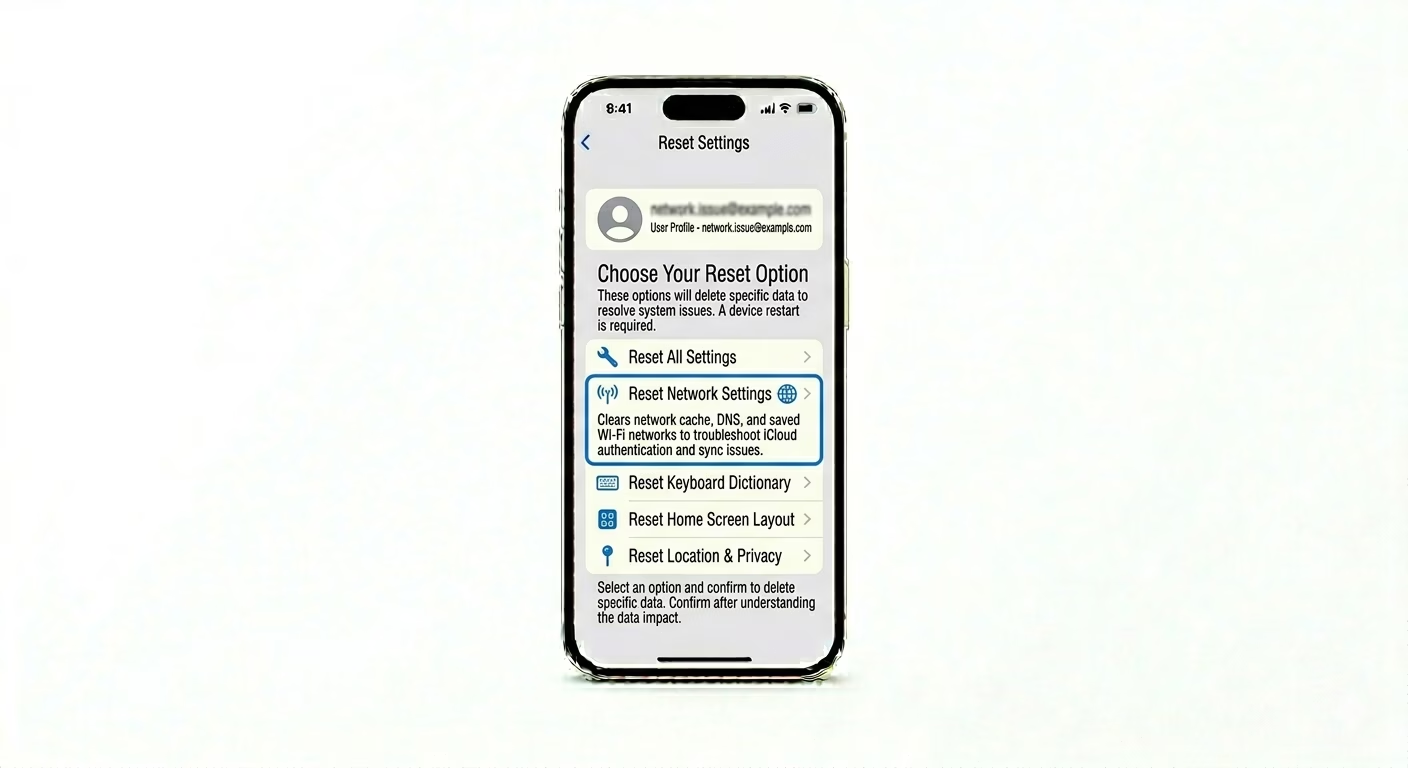
Sometimes your iPhone’s network cache for iCloud verification gets corrupted. Go to Settings > General > Transfer or Reset iPhone > Reset > Reset Network Settings. This will clear out DNS caches and Wi-Fi info, giving your credentials a clean path to Apple’s authentication servers.
Why This Happens?
- Incorrect Date & Time settings causing a security mismatch
- Apple's iCloud servers are temporarily down for maintenance
- An outdated iOS version using old security certificates
- Network firewalls or VPNs blocking Apple's authentication ports
Pro Tips:
- Disable VPN: Many VPNs interfere with Apple’s secure login process. Disable all VPNs before trying to sign in.
- Check Two-Factor: If you aren't receiving a 6-digit code, ensure your "Trusted Phone Number" is up to date on appleid.apple.com.
- Web Login: Try signing in at iCloud.com via a browser. If it works there, the problem is definitely with your iPhone settings and not your password.
Frequently Asked Questions
What does 'Verification Failed' mean?
This usually happens when your phone can’t connect to Apple’s server, or if you recently changed your Apple ID password and your phone is still using the old information.
Why can't I click the 'Sign In' button?
If the button is greyed out, go to Settings > Screen Time > Content & Privacy Restrictions and make sure “Account Changes” is set to “Allow.”