Quick Sync Checklist:
- Ensure Bluetooth and Wi-Fi are ON for both devices
- Check if Airplane Mode is accidentally active on either device
- Keep both devices within 30 feet of each other
- Verify both devices are running the latest iOS and watchOS
Steps to Restore Apple Watch Data Syncing
1 Refresh the Bluetooth Handshake
If notifications aren’t coming through, the Bluetooth connection may be stuck. Open Settings > Bluetooth on your iPhone and turn it OFF for 10 seconds, then back ON. On your Apple Watch, swipe up to open Control Center and check the iPhone icon. If it’s green, you’re connected; if it’s red, restart both devices to establish a fresh connection.
2 Force a Manual Sync Reset
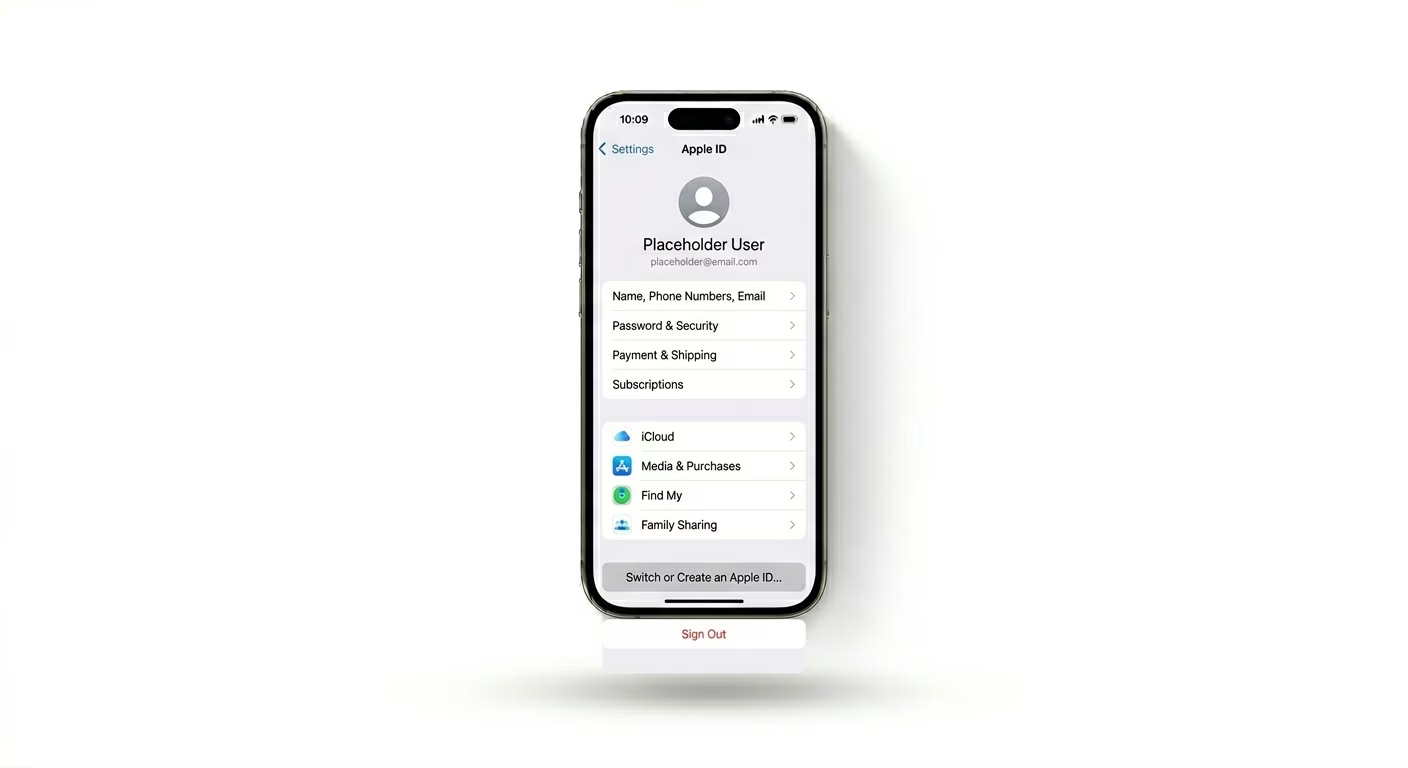
If your Contacts or Calendar events are missing, try using the built-in reset tool. Open the Watch app on your iPhone, go to My Watch > General > Reset, and tap Reset Sync Data. You won’t see a confirmation, but in the background, iOS will clear and re-sync all shared data to your Apple Watch. This is one of the most effective fixes for stalled Activity rings.
3 Verify Apple ID Alignment
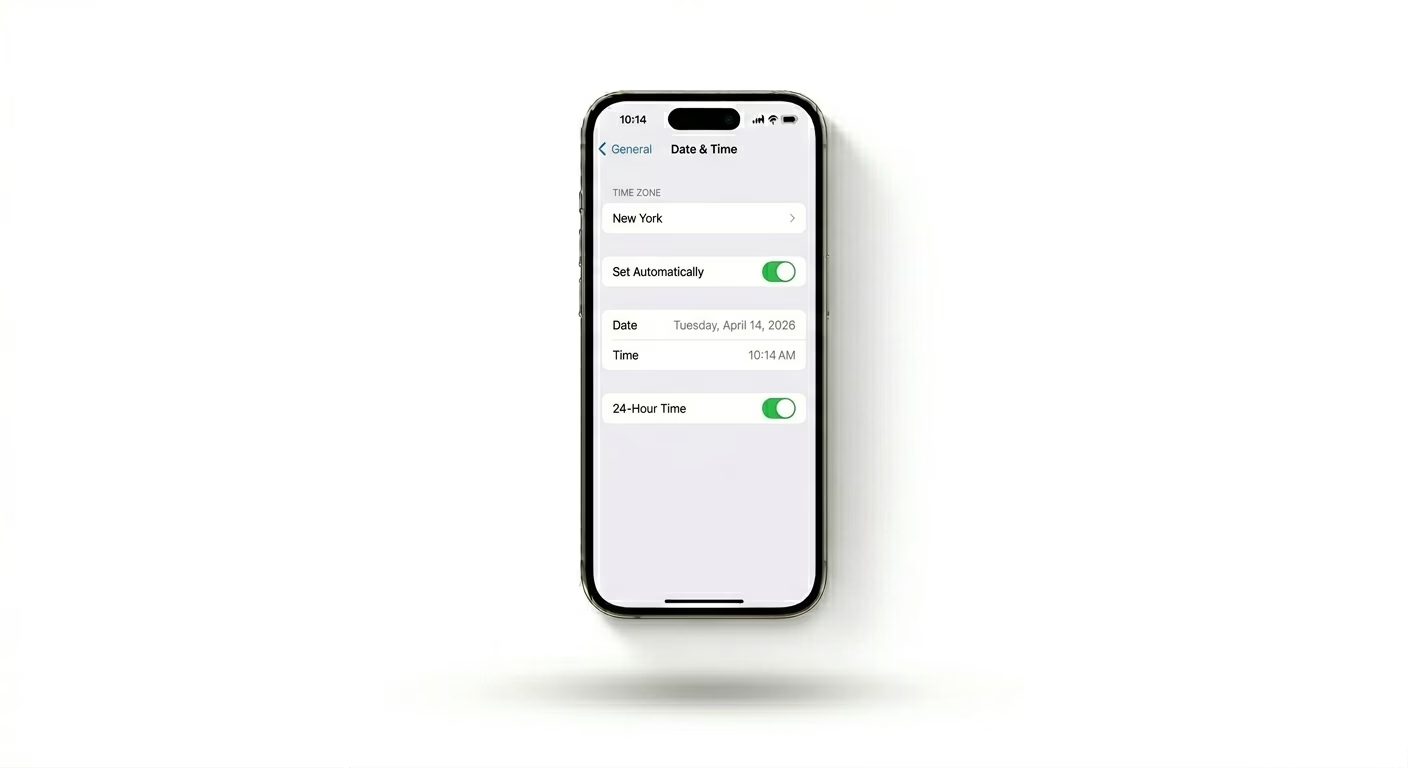
Syncing depends on both devices using the same Apple ID and being signed in to iCloud. Go to Settings > [Your Name] on your iPhone and make sure iCloud is active. If your Health data isn’t syncing, check Settings > Health > Data Access & Devices and confirm your Apple Watch is listed as an active data source.
Why Won't My Watch Sync?
- Software Mismatch: If your iPhone is on a Beta version and your Watch is not, sync services may crash.
- Low Power Mode: Both devices pause intensive background syncing to preserve battery life.
- Storage Full: If your Apple Watch has 0MB remaining, it cannot download new data from your iPhone.
- Background App Refresh: If disabled for the "Watch" or "Health" apps, data won't update in real-time.
Pro Tips:
- The Toggle Fix: If Activity rings are stuck, toggle Health sync OFF and ON in your iPhone's iCloud settings.
- Check System Status: Occasionally, Apple’s iCloud Sync servers experience downtime; check the official status page.
- Unpair and Repair: As a last resort, use the Watch app to Unpair Apple Watch. This creates a backup, and re-pairing usually fixes deep software corruption.
Frequently Asked Questions
Will I lose my health data if I unpair?
No. Your iPhone automatically creates a fresh backup of your Apple Watch during the unpairing process. Your Health and Activity data is safely stored in the Health app on your iPhone.
How long does a manual sync take?
Depending on the amount of data (such as thousands of contacts), a manual sync reset can take anywhere from 2 to 10 minutes to complete in the background.