Quick Battery Checklist:
- Clean the Charging Contacts of AirPods and case properly
- Ensure the Charging Case has at least 20% battery
- Turn Bluetooth OFF and ON on your iPhone
- Keep AirPods near iPhone for automatic firmware sync
Steps to Resolve AirPods Battery Problems
1 Clean the Internal Charging Pins
Dirt, dust, or earwax inside the charging case is one of the biggest reasons for AirPods not charging properly. Clean it gently using a soft dry cotton swab. Even a small blockage can cause uneven charging and fast battery drain.
If you are also facing charging issues on your phone, check this guide: iPhone not charging fix
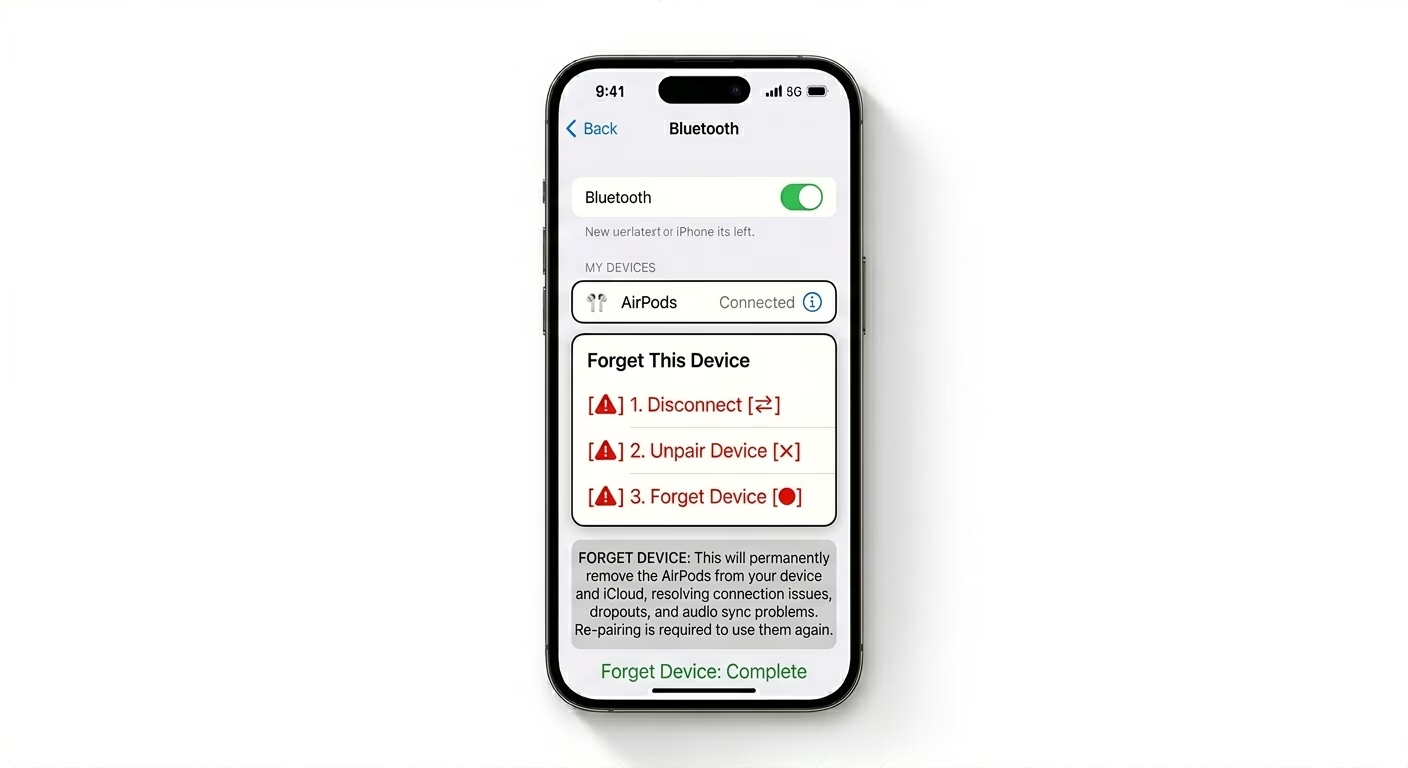
2 Reset AirPods Connection
Software glitches can cause AirPods to behave incorrectly. Resetting them often fixes battery and charging issues. Press and hold the setup button until the light flashes amber and then white, then reconnect.
Related issue users also face: AirPods not connecting to iPhone
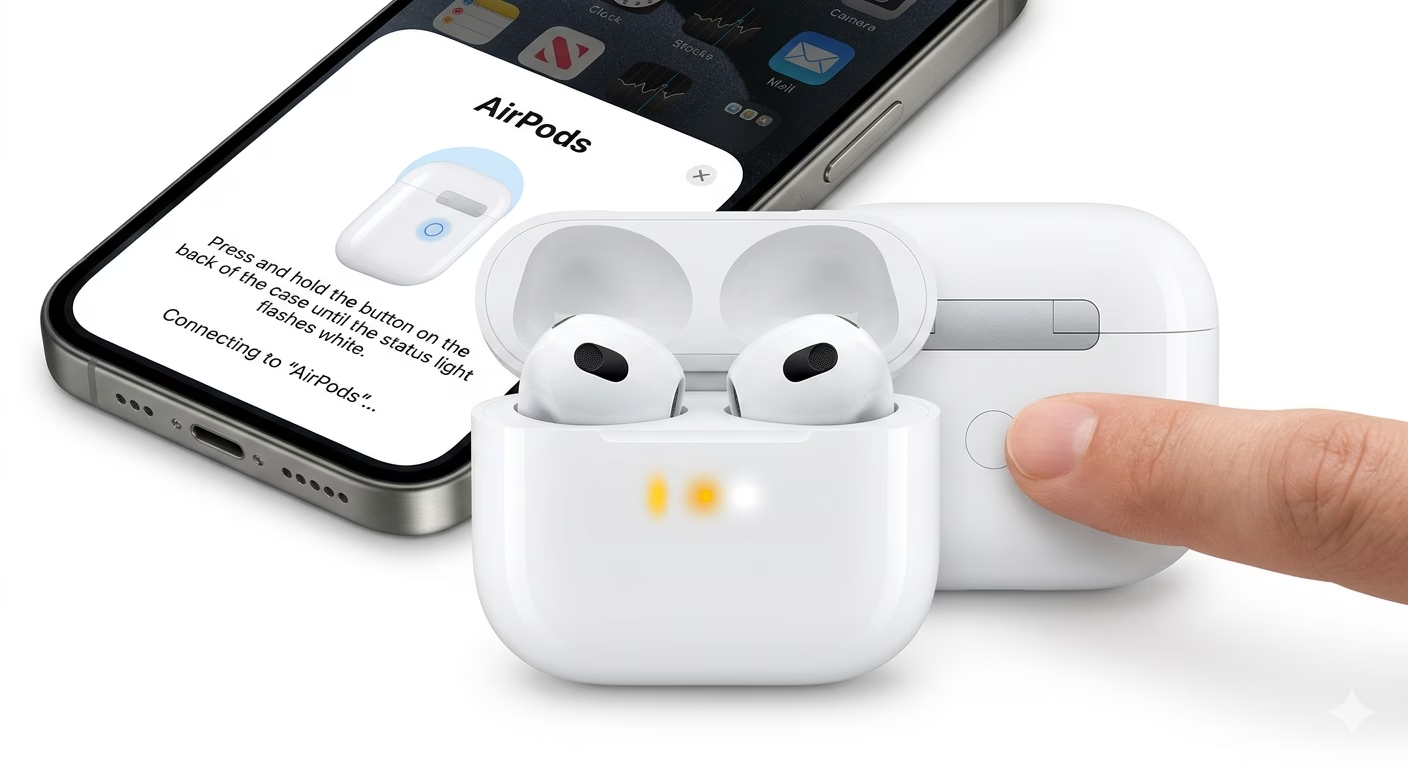
3 Adjust Battery-Draining Settings
Features like Automatic Ear Detection and Siri can increase battery usage. Disable unnecessary settings to improve battery life.
You may also like: iPhone battery drain fix
Why AirPods Battery Drains Fast
- Long-Term Use: Battery weakens after 2–3 years.
- Heat Exposure: High temperature reduces battery life.
- Firmware Bugs: Background system glitches drain power.
- Uneven Usage: One AirPod is used more during calls.
Pro Tips
- Use One AirPod: Increases total battery usage time.
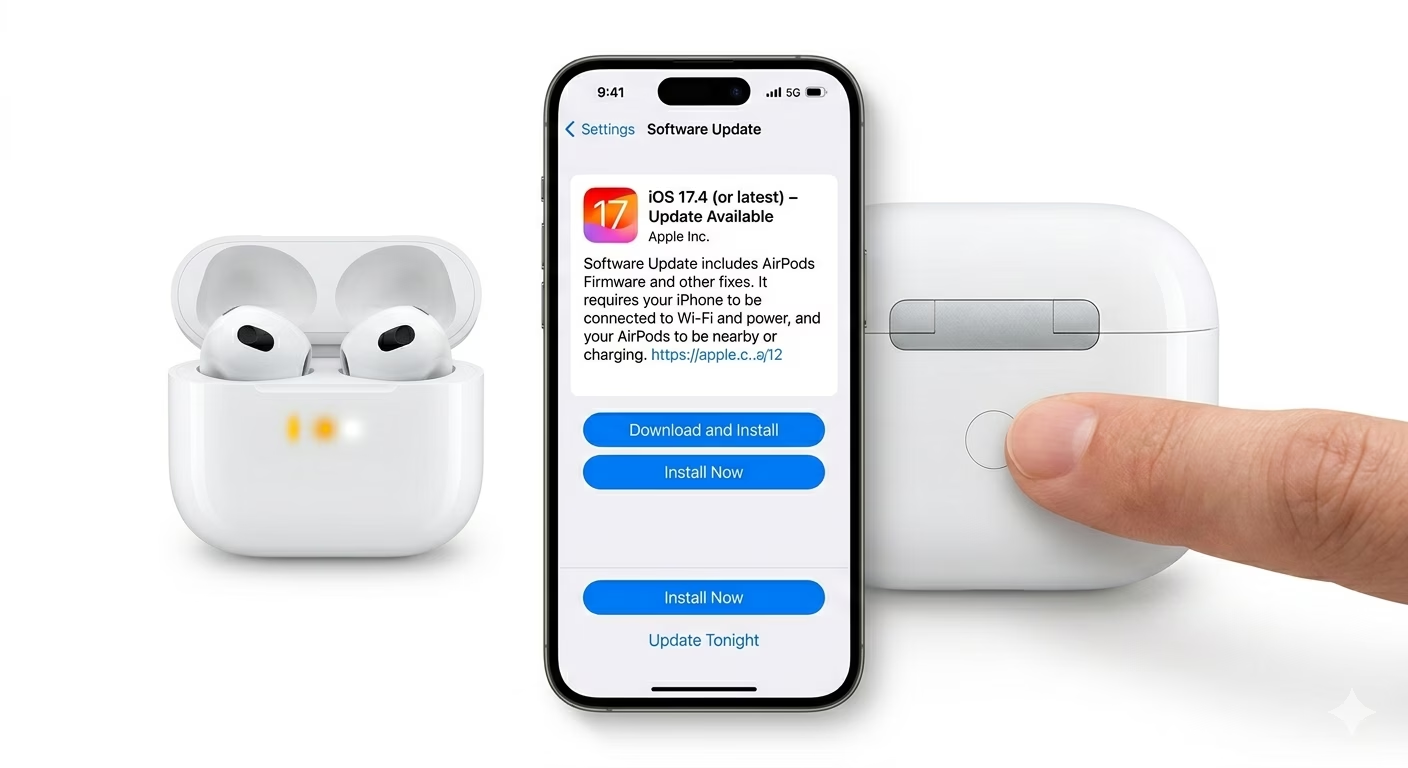
- Keep Updated: Charge near iPhone for updates.
- Avoid Deep Discharge: Don’t leave AirPods empty too long.
- Monitor Battery: Use iPhone battery widget.
Frequently Asked Questions
Why does one AirPod drain faster?
One AirPod is often used more for microphone activity during calls or Siri, which causes uneven battery drain.
Can AirPods battery be replaced?
No, AirPods batteries are not replaceable. Apple only offers full replacement services.